TABLESIDE ORDERING
Handheld POS for restaurants and QR ordering at the table, in Spanish or English
Servers send orders from the table to the kitchen and take the payment and tip on the same handheld. Guests can also order by QR code. Truvana Tech ends the walk to the register in DC, Maryland and Northern Virginia.
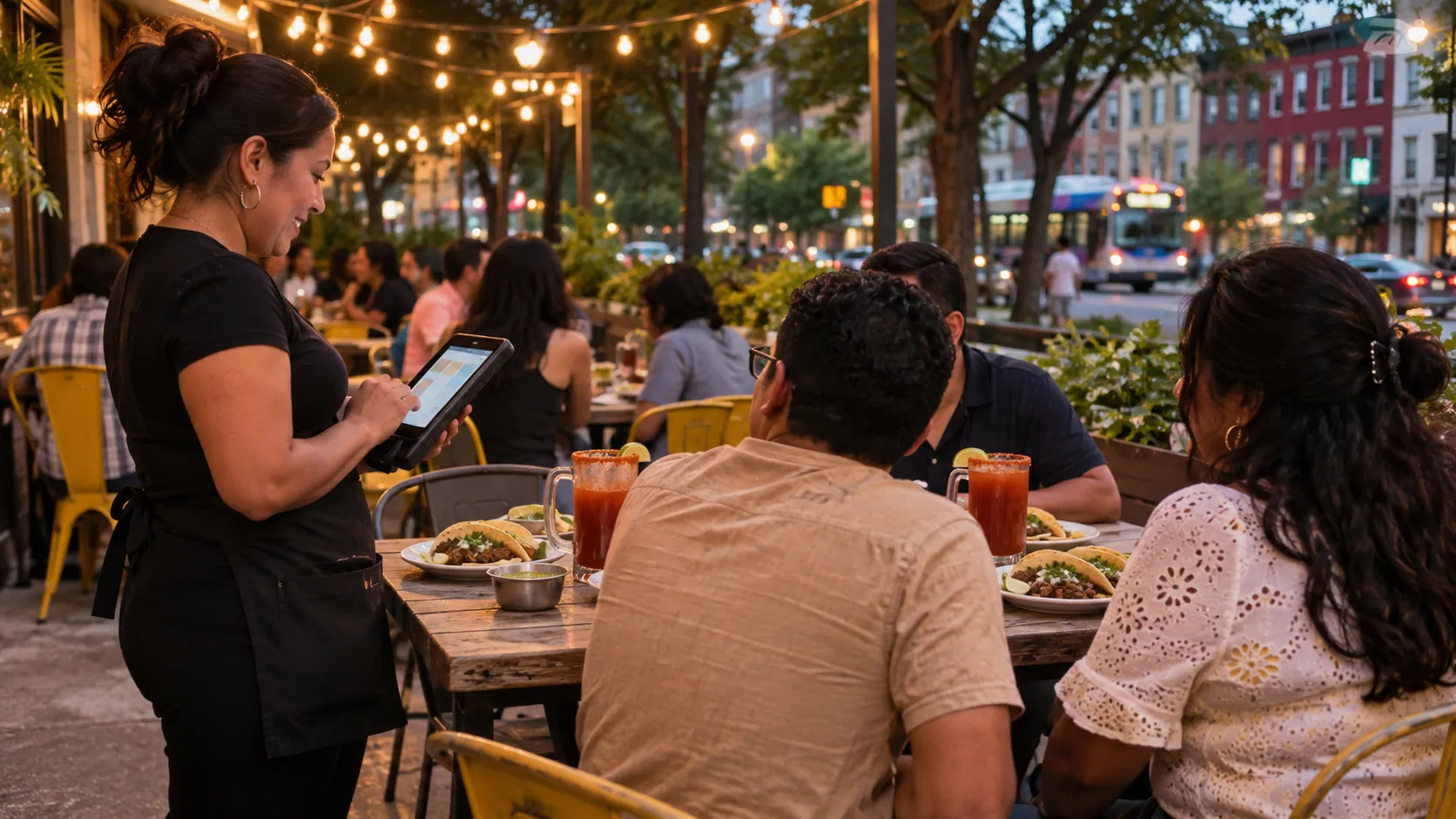
- Handheld screens in Spanish or English
- Pay and tip at the table
- Set up and taught on site








Tableside ordering features for Latino restaurants
Servers take the order in their language, the kitchen reads it in its own words, and the card never leaves the table.
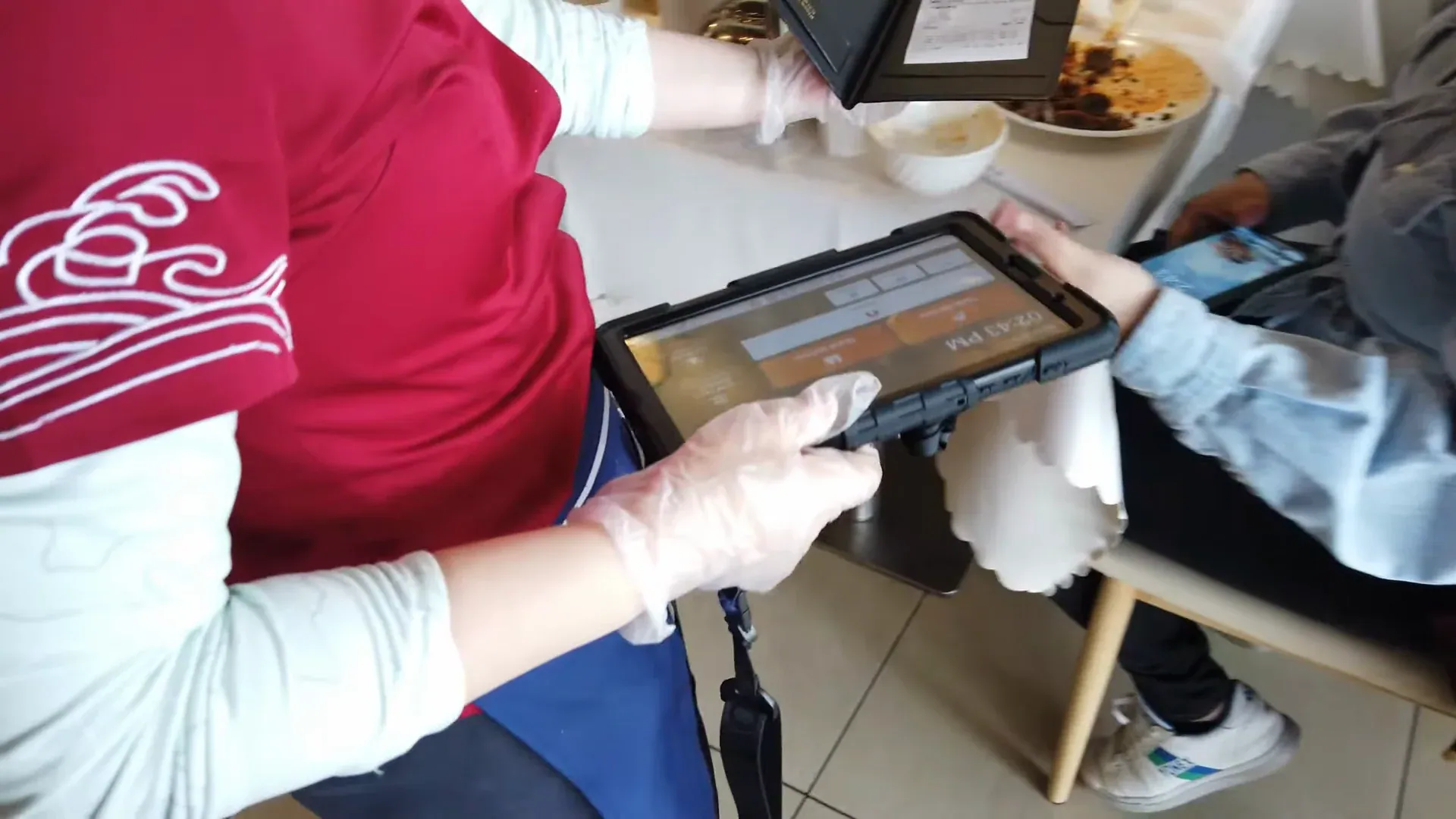
Handheld in Spanish or English
Servers take orders from a menu with photos, in the language they work in.
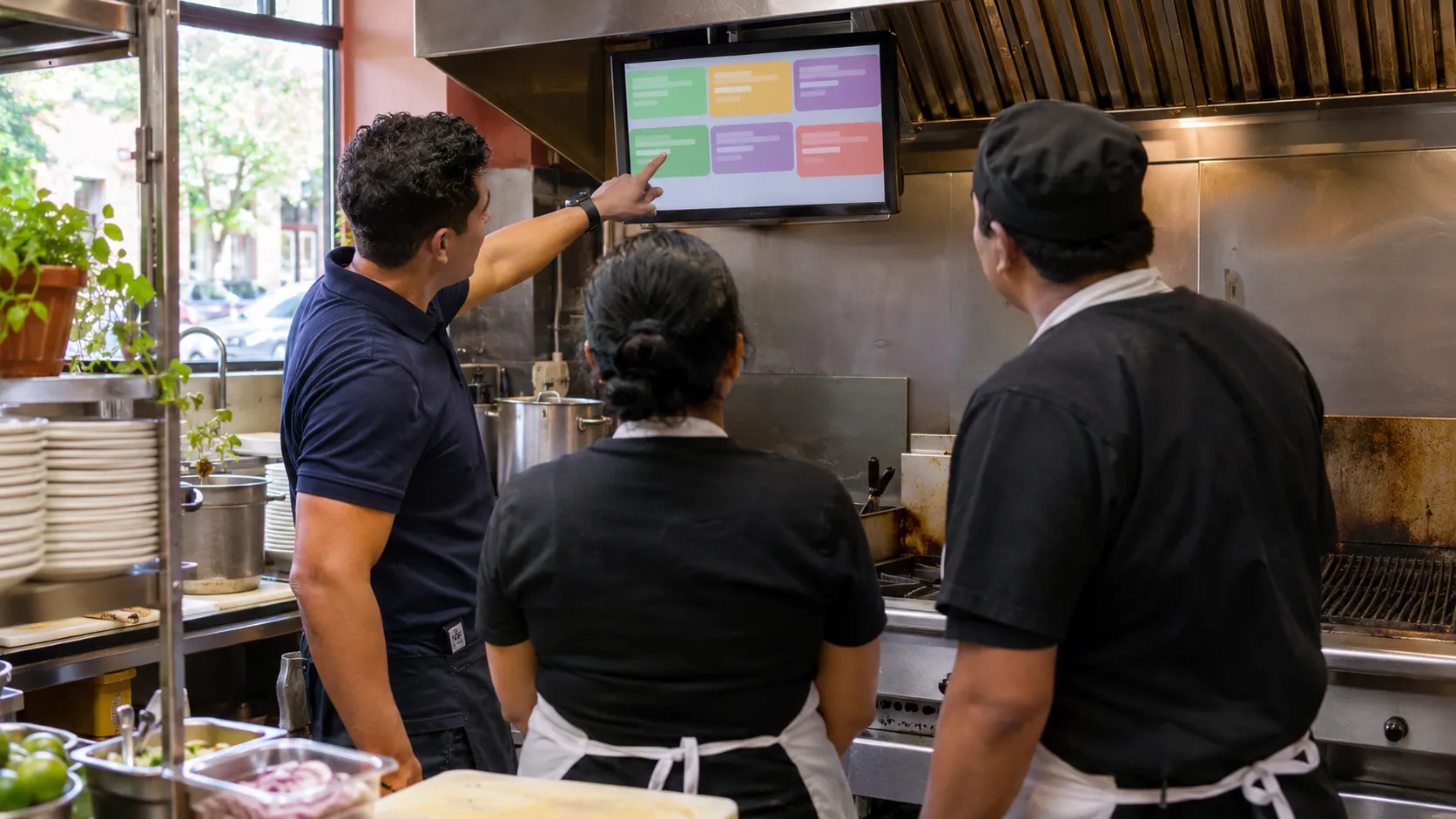
Modifiers the kitchen can read
"Sin cebolla", "salsa aparte" or "bien dorada" goes in at the table and shows under the dish in the kitchen.
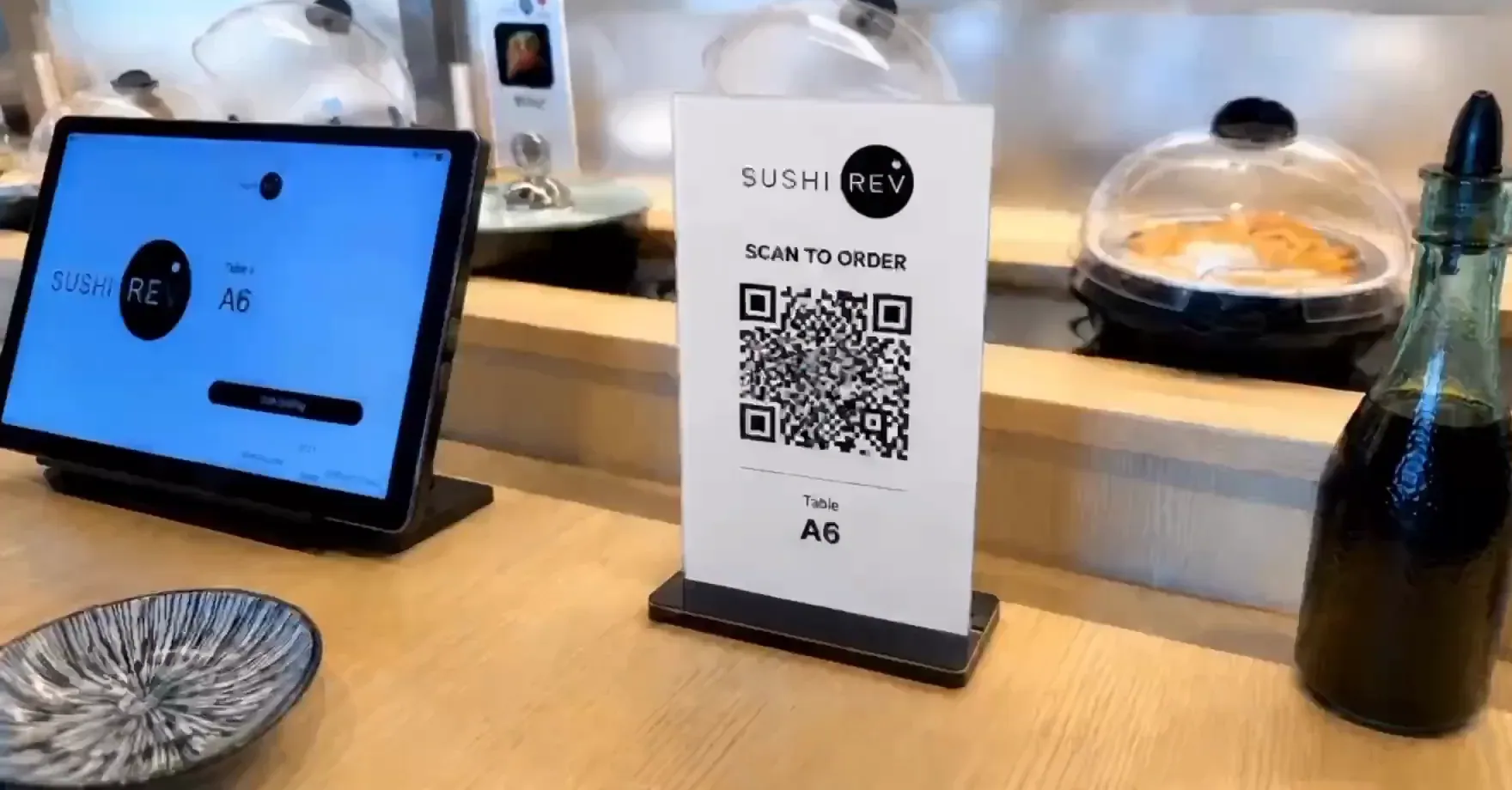
QR code ordering
Guests scan the code on their table and order from their own phone while servers keep moving.
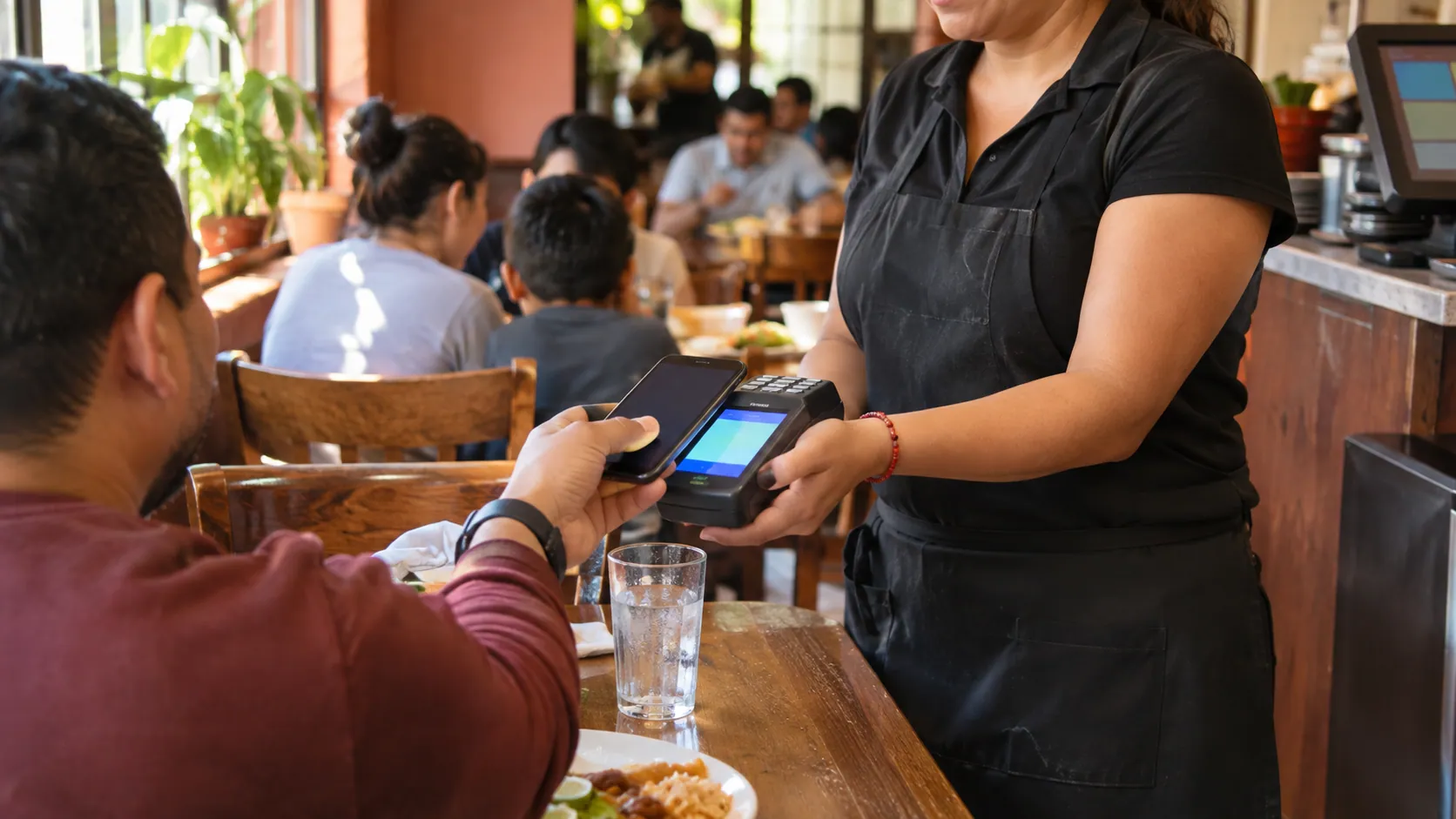
Pay and tip at the table
Guests tap to pay and add a tip on the handheld, and the card never leaves the table.
Tableside ordering system: handheld, tablet and kitchen
Handhelds, QR codes and table tablets send every order to the same kitchen as your register.
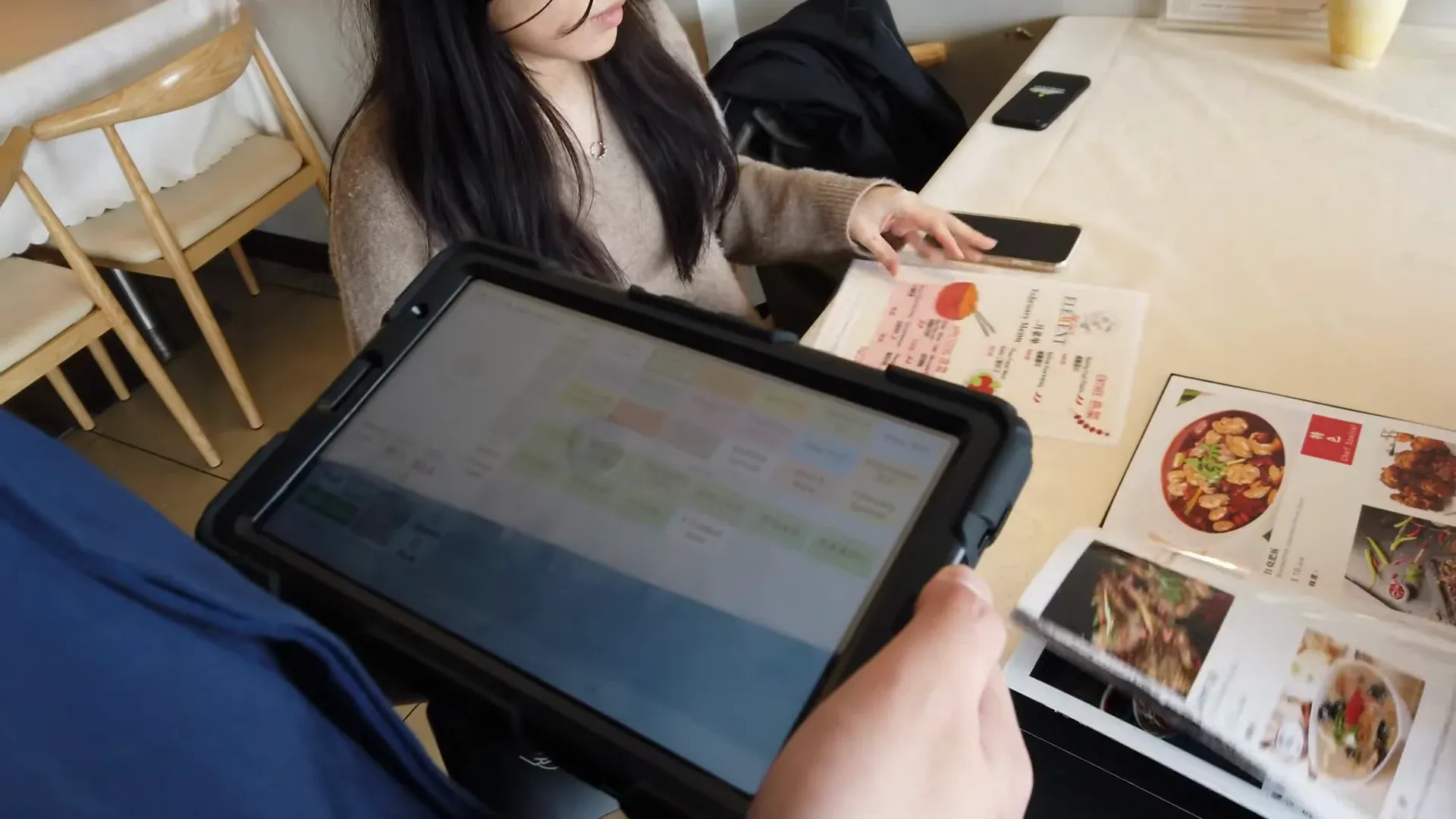
Handheld POS
- ■Order, pay and tip at the table
- ■Menu with photos, in Spanish or English
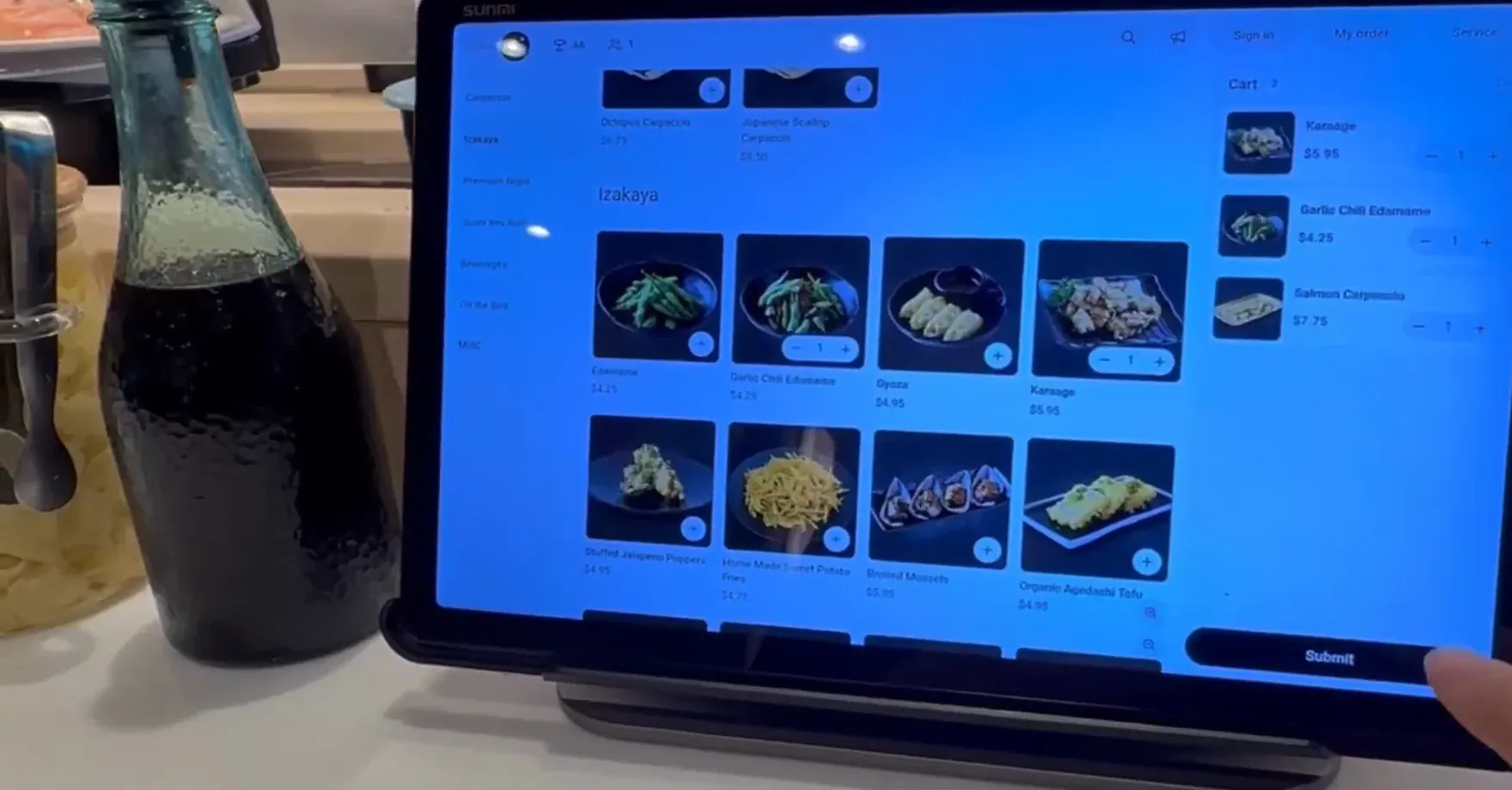
Tableside tablet
- ■The menu with photos on the table
- ■Guests see each dish before they order
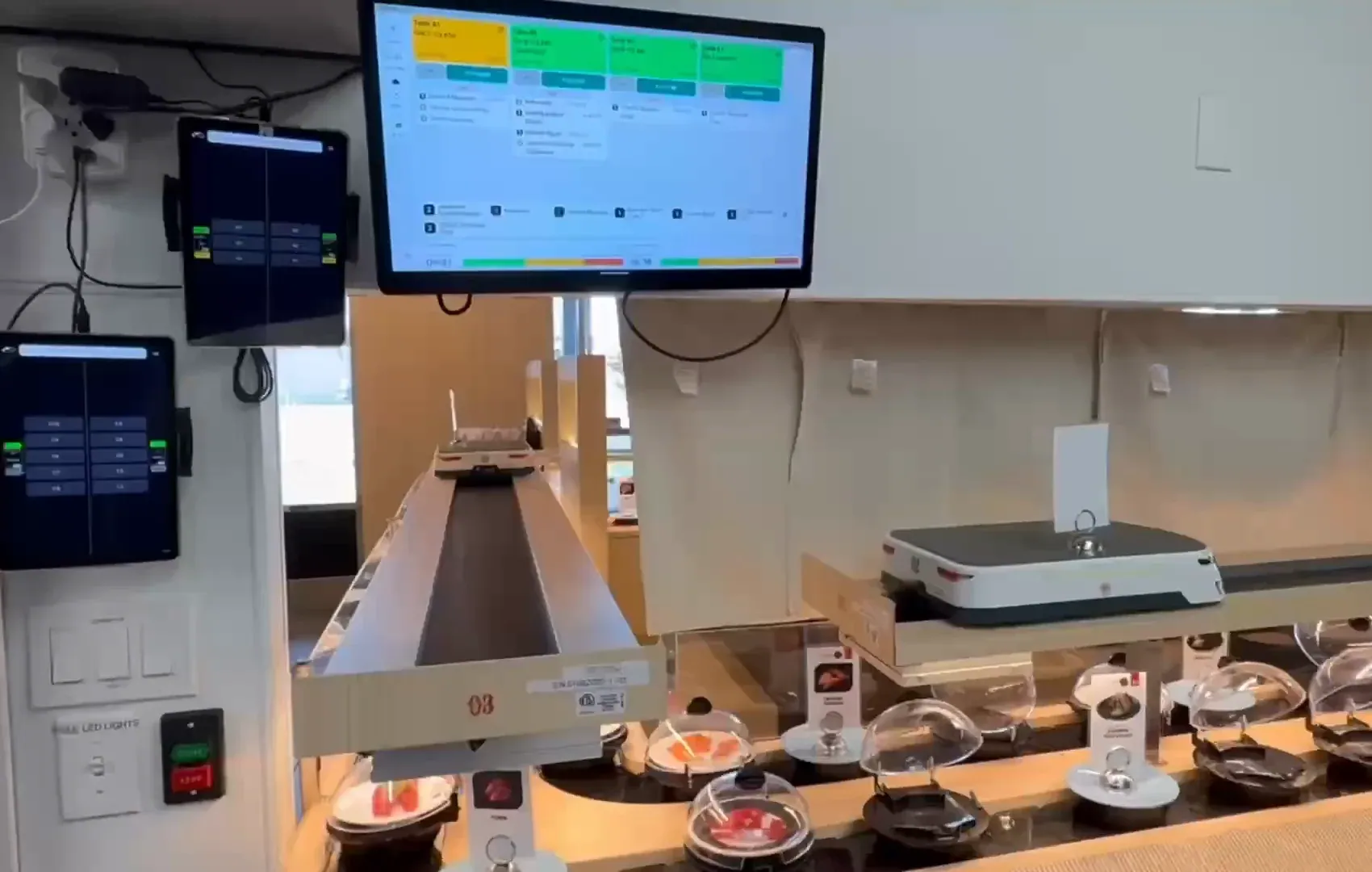
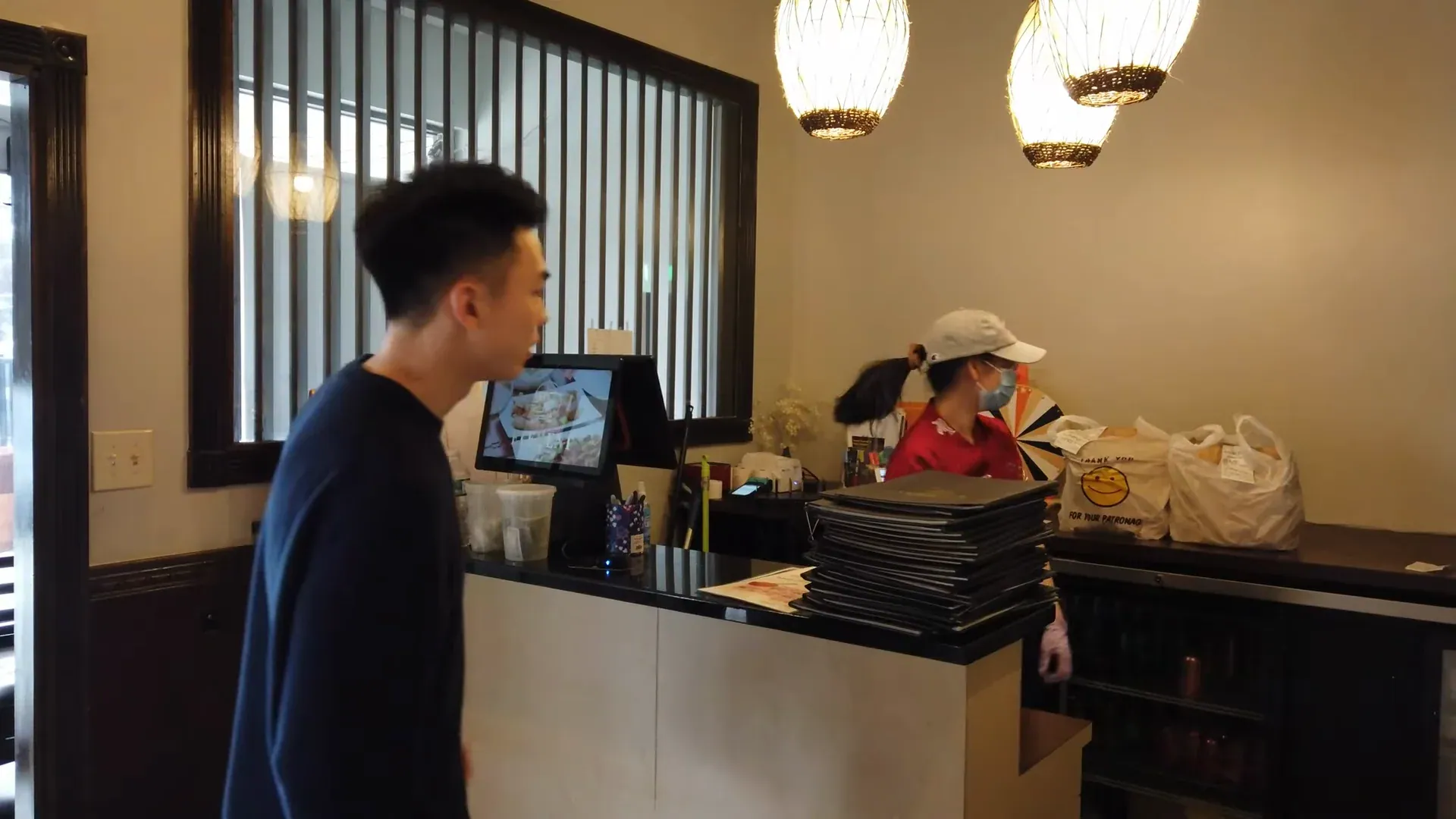
Handheld POS problems Truvana Tech fixes
Most handhelds take orders and cards. What changes your Friday night is the language, the setup and who you call.
Truvana Tech
Tableside ordering set up for Spanish-speaking teams
Every walk back to the register slows a table. Truvana Tech sets up handheld POS and tableside ordering for restaurants in DC, Maryland and Northern Virginia, in English or Spanish.
In Spanish
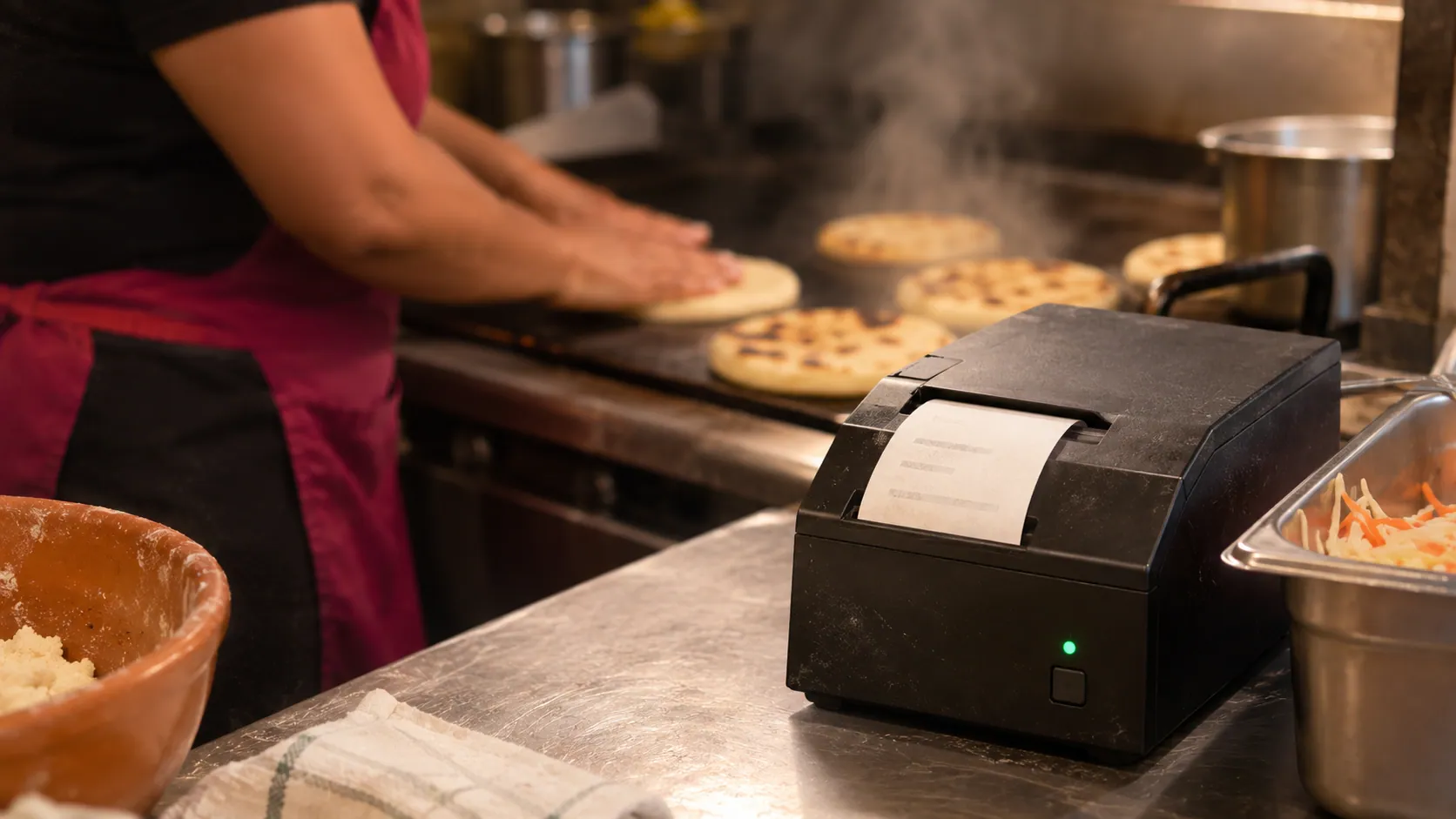
Servers and cooks read the same words
A server takes "dos revueltas, extra curtido" on the handheld, and the kitchen ticket prints the same Spanish names. Nobody translates between the table and the line, and bilingual guests order in either language.
- Handheld screens in Spanish or English
- Kitchen tickets with Spanish item names
Quote and setup
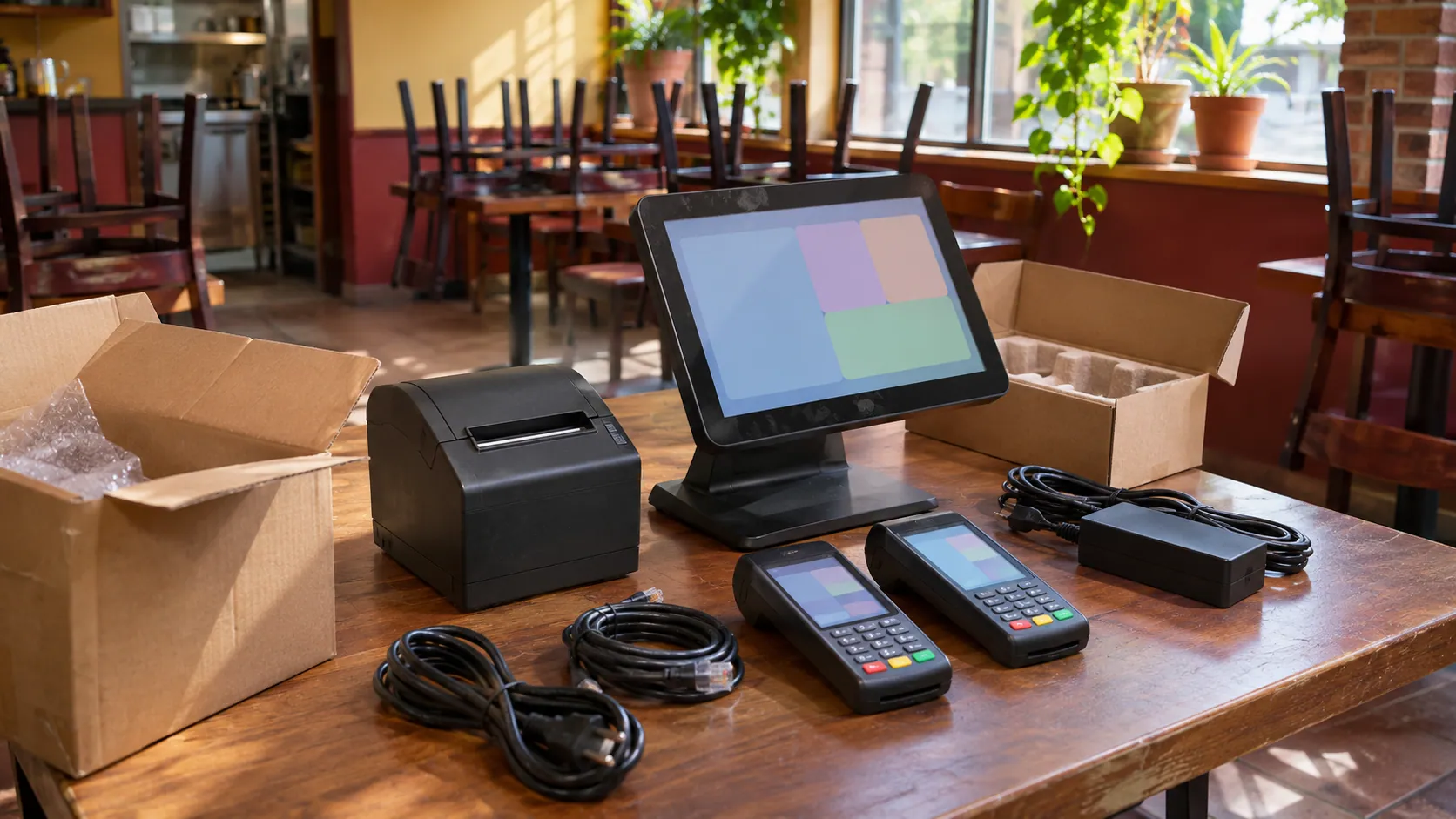
Explained first, installed on your floor
Before you sign, we go through the quote with you in English or Spanish. Then our local team sets up the handhelds, tablets and QR codes, loads your menu and sends a test order to the kitchen.
- Free hardware when you process with us
- No equipment lease
Training
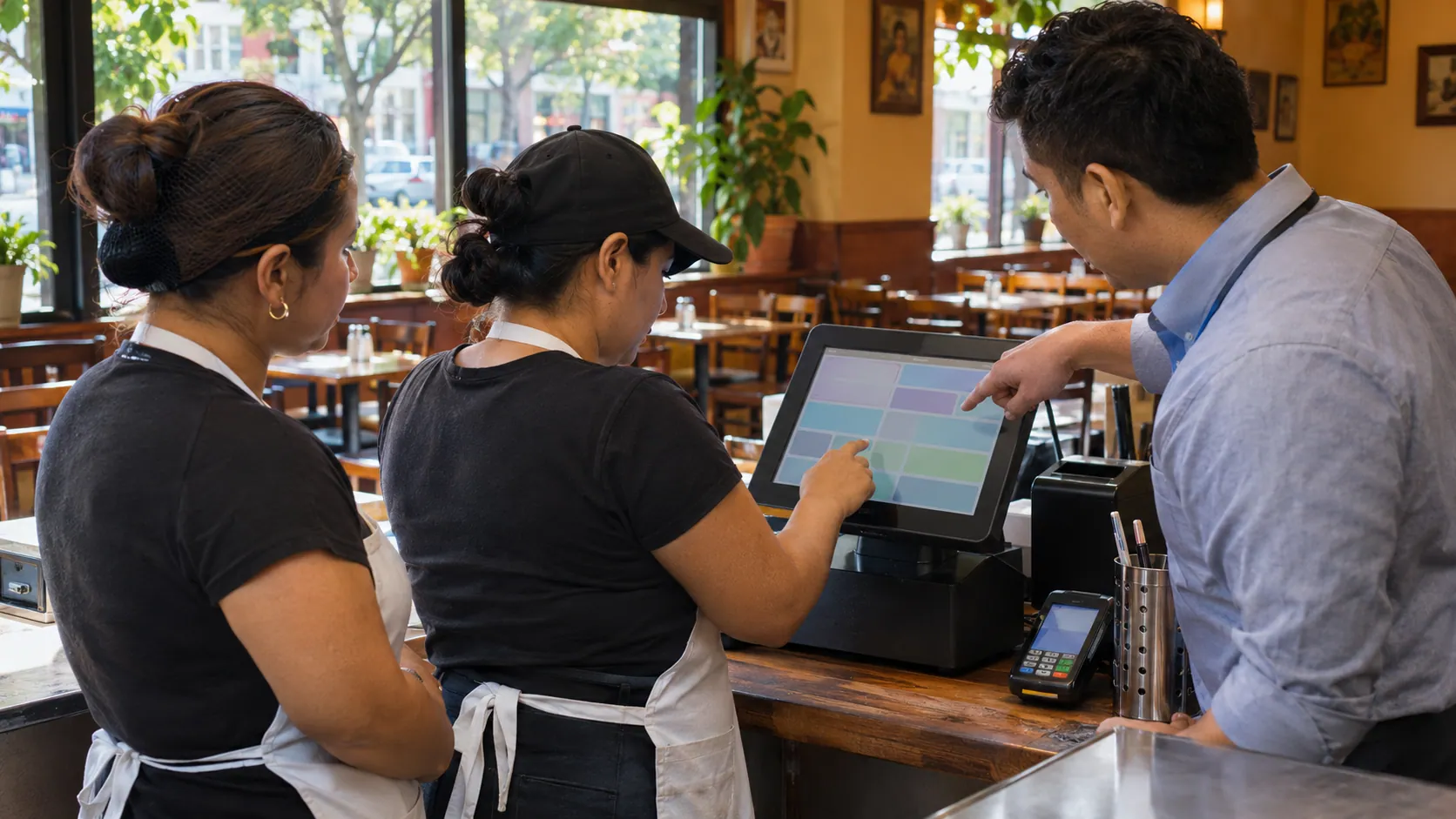
Servers learn it before the shift
We train your servers on site, on your own menu: sending orders, adding modifiers and taking payments and tips at the table. The POS has a training mode, so new servers can practice first.
- Training on site
- A local contact after the install
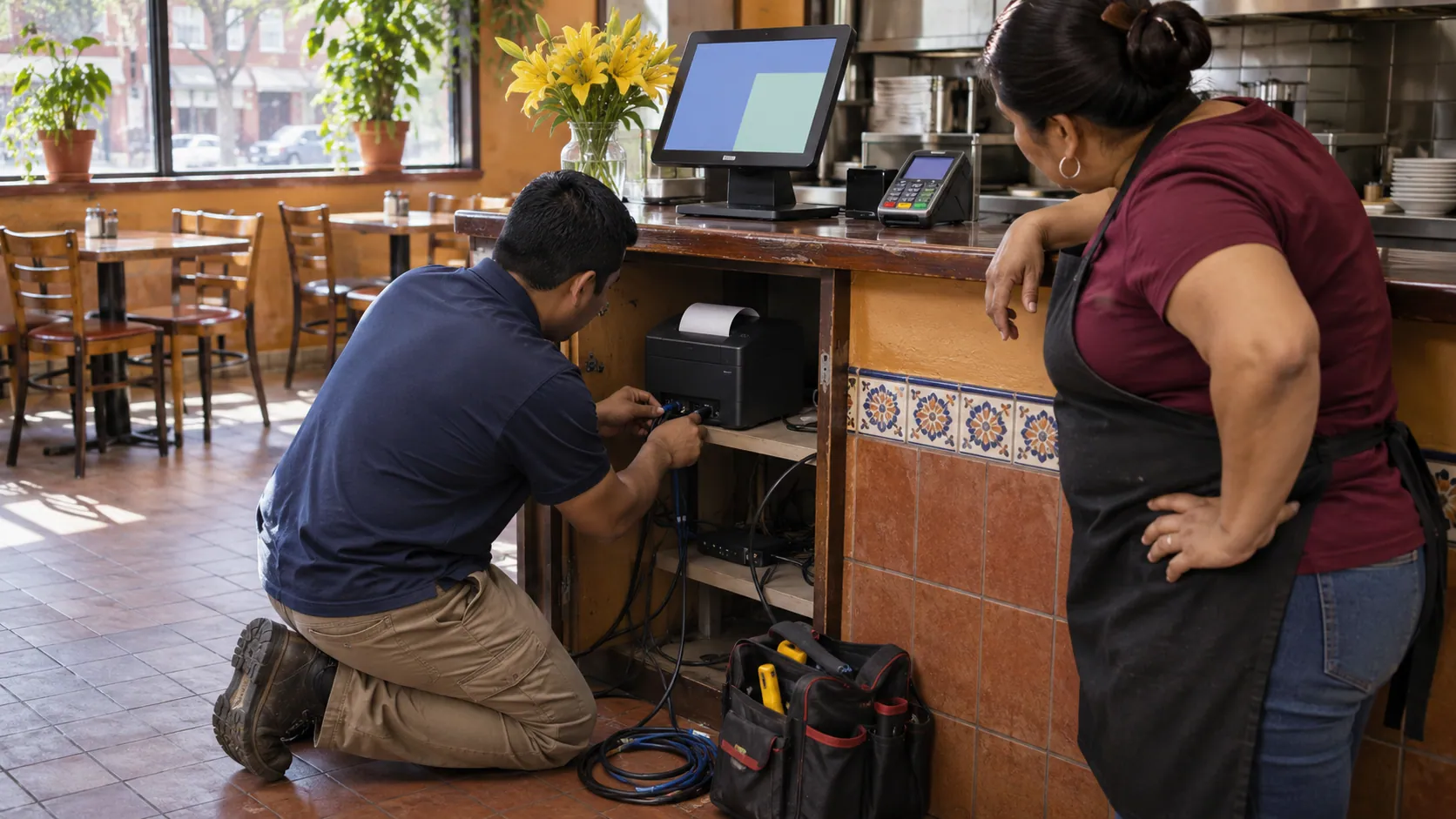
How tableside ordering setup works
We set everything up before a real shift, so your servers' first busy night is on a handheld they already know.
- 01
Tell us how you serve
Your tables, servers and patio, plus one recent card statement.
- 03
Install and test
We set up the handhelds and QR codes, load your menu and test an order to the kitchen.
- 04
Train your servers
Servers practice orders, modifiers, payments and tips on site, in Spanish or English.
What is a handheld POS for restaurants?
A handheld POS is a small wireless device that servers carry to take orders, payments and tips at the table, without walking back to the register.
How does QR code ordering work?
Each table gets a printed code that opens your menu on the guest's phone.
- Scan. The guest points the phone's camera at the code.
- Order. They pick dishes and send the order.
- Cook. It reaches your kitchen like any other.
How much does a handheld POS cost?
Popular handheld devices cost $299.00 to $749.00 each to buy.
| Option | Price (checked November 10, 2026) |
|---|---|
| Square Terminal | $299.00; Wi-Fi only; Square processing only |
| Clover Flex | $749.00, or $699.00 without a printer |
| Clover full-service Standard | $239 per month for 36 months, with a Flex and tableside ordering |
| Truvana Tech | Free when you process your card sales with us; no lease |
Sources: Square, Merchant Maverick, Clover. Only need payments at the table? See our wireless card machine.
How to choose a tableside ordering system
Pick one your servers can use in Spanish. Then ask:
- Handhelds, QR codes, table tablets or a mix?
- Does your Wi-Fi reach every table and the patio?
- Can guests pay and tip at the table?
- Who installs it and trains your servers?
Tableside and QR code ordering questions
Can restaurants use QR codes for ordering?
Yes. A QR code on each table opens your menu on the guest's phone, and the order goes to your kitchen like one from a server. It works alongside servers with handhelds, for guests who'd rather order on their own.
Can I make a QR code for my menu?
Yes. A free QR generator can make a code that opens a PDF menu, but a PDF can't take an order. For ordering, the code has to open an ordering page connected to your POS, and we set up those codes for your tables.
Handheld POS or QR code ordering: which is better?
You can use both. Handhelds keep a server at the table to answer questions about a dish; QR codes let guests order the next round on their own. Both send orders to the same kitchen as your self-order kiosk, online ordering and AI phone answering.
Can guests pay and tip at the table?
Yes. The server brings the handheld, the guest taps a card or phone and adds a tip on the screen, and the card never leaves the table. Tips are tracked in the POS with shifts and clock-in.
Does the handheld work in Spanish?
Yes. Servers can use the handheld in Spanish or English, and kitchen tickets print dish names in Spanish. We train your servers on site in DC, Maryland and Northern Virginia.
Get a quote for tableside ordering
Tell us how many tables and servers you have. A person replies in English or Spanish.
Tell us about your business
Your name and email are enough to start. Write in English or Spanish.