SELF-ORDER KIOSK
A self ordering kiosk your customers can use in Spanish or English
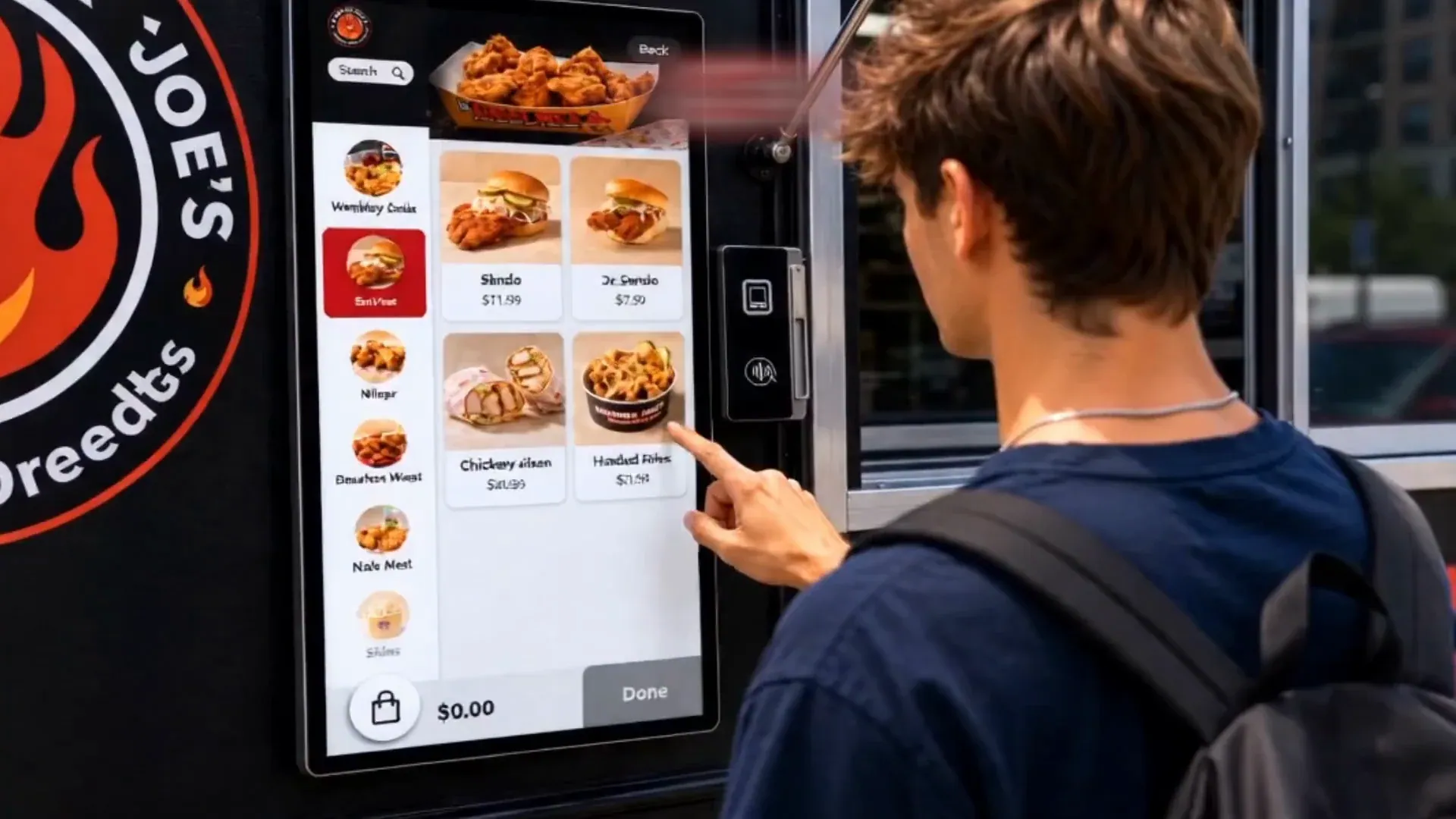
Customers tap photos of the pupusas, tacos or pollo a la brasa they want, pick modifiers, pay and tip, and the order goes straight to the kitchen. Truvana Tech solves the long counter line in DC, Maryland and Northern Virginia.
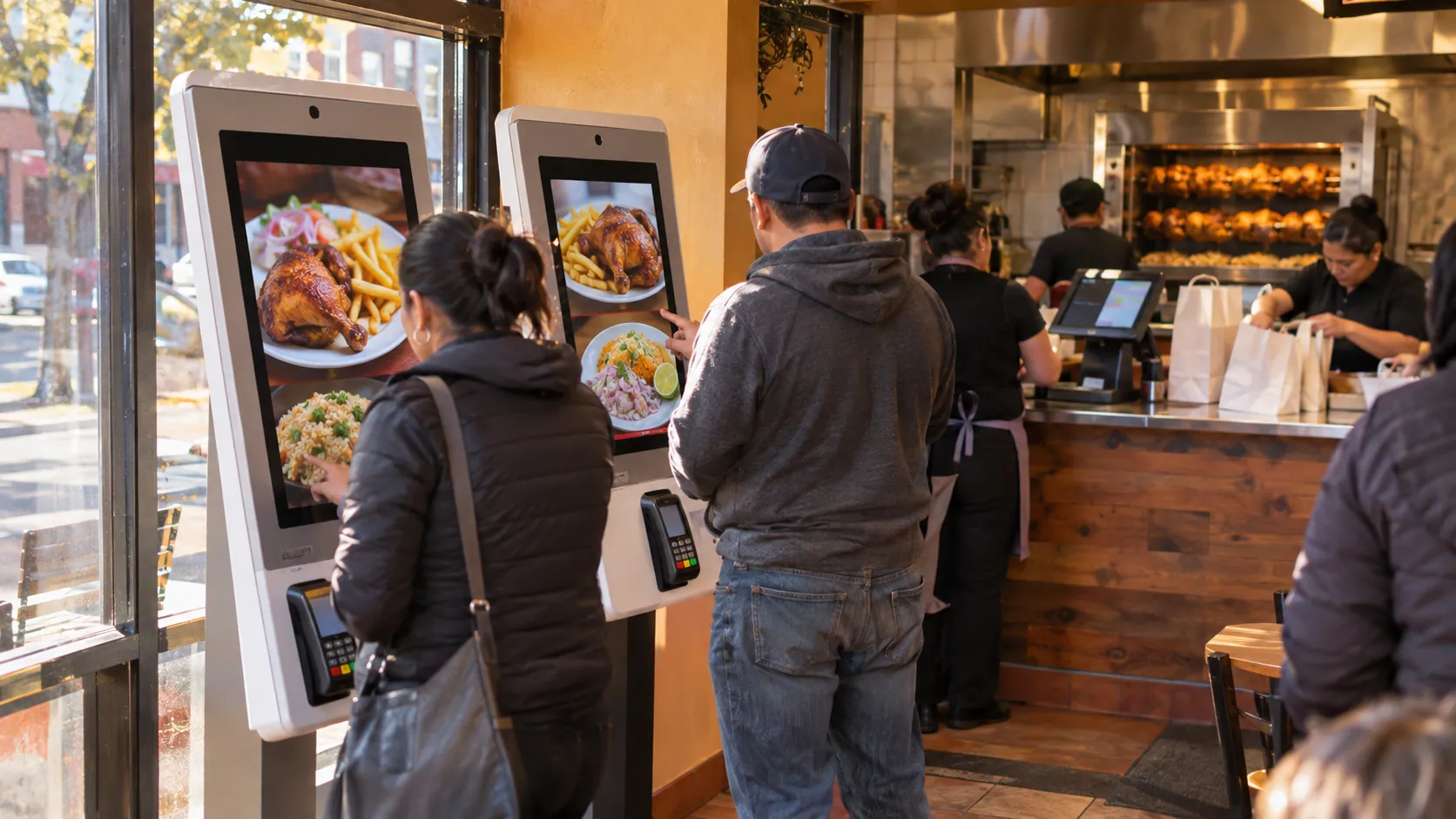
- Photo menu in Spanish and English
- Pay and tip on the kiosk
- Set up and taught on site




Self-order kiosk features for Latino restaurants
A kiosk works when every customer understands it. This one speaks their language and shows the food.
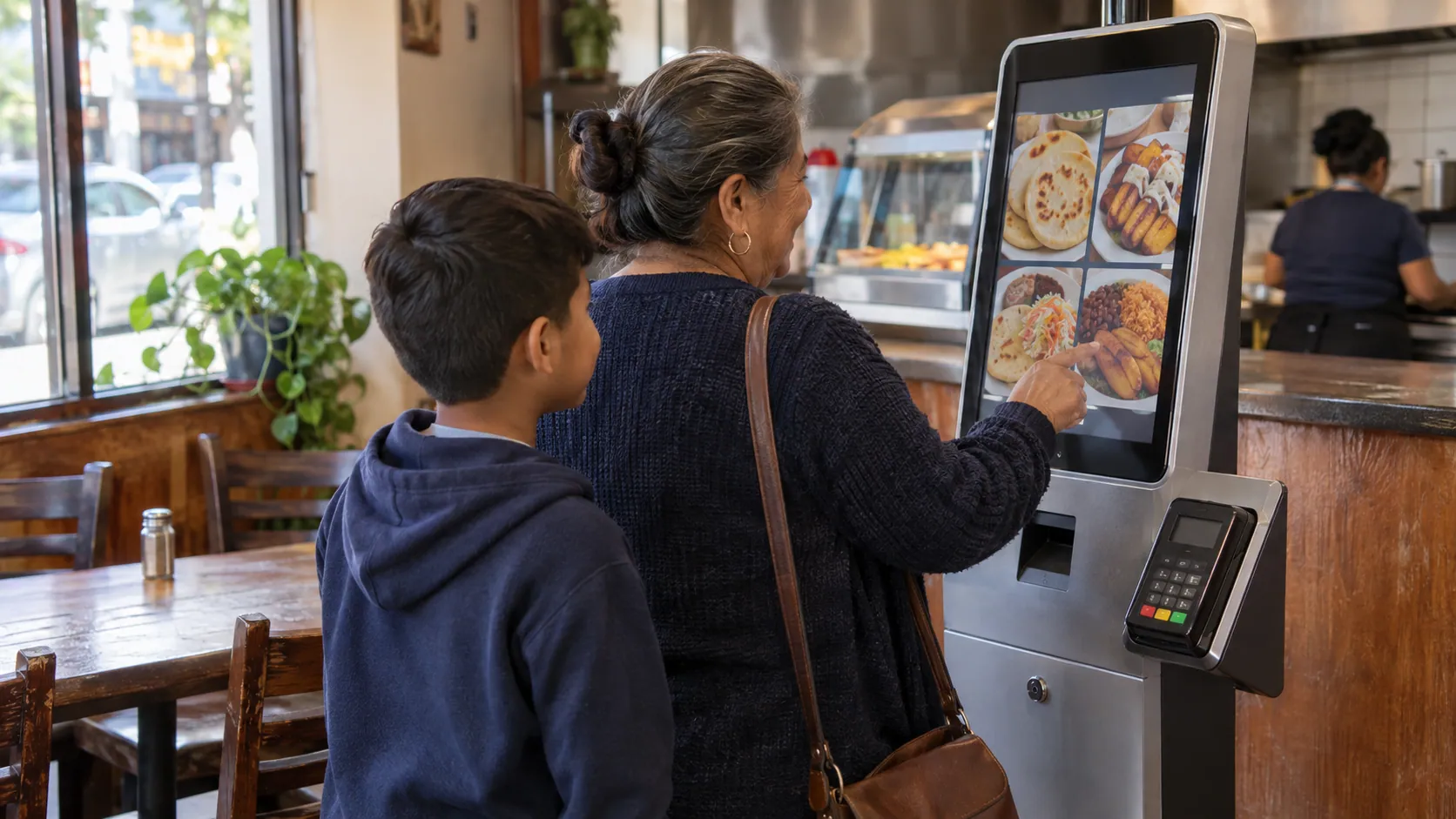
Spanish or English
Every customer orders in Spanish or English, the language they think in.
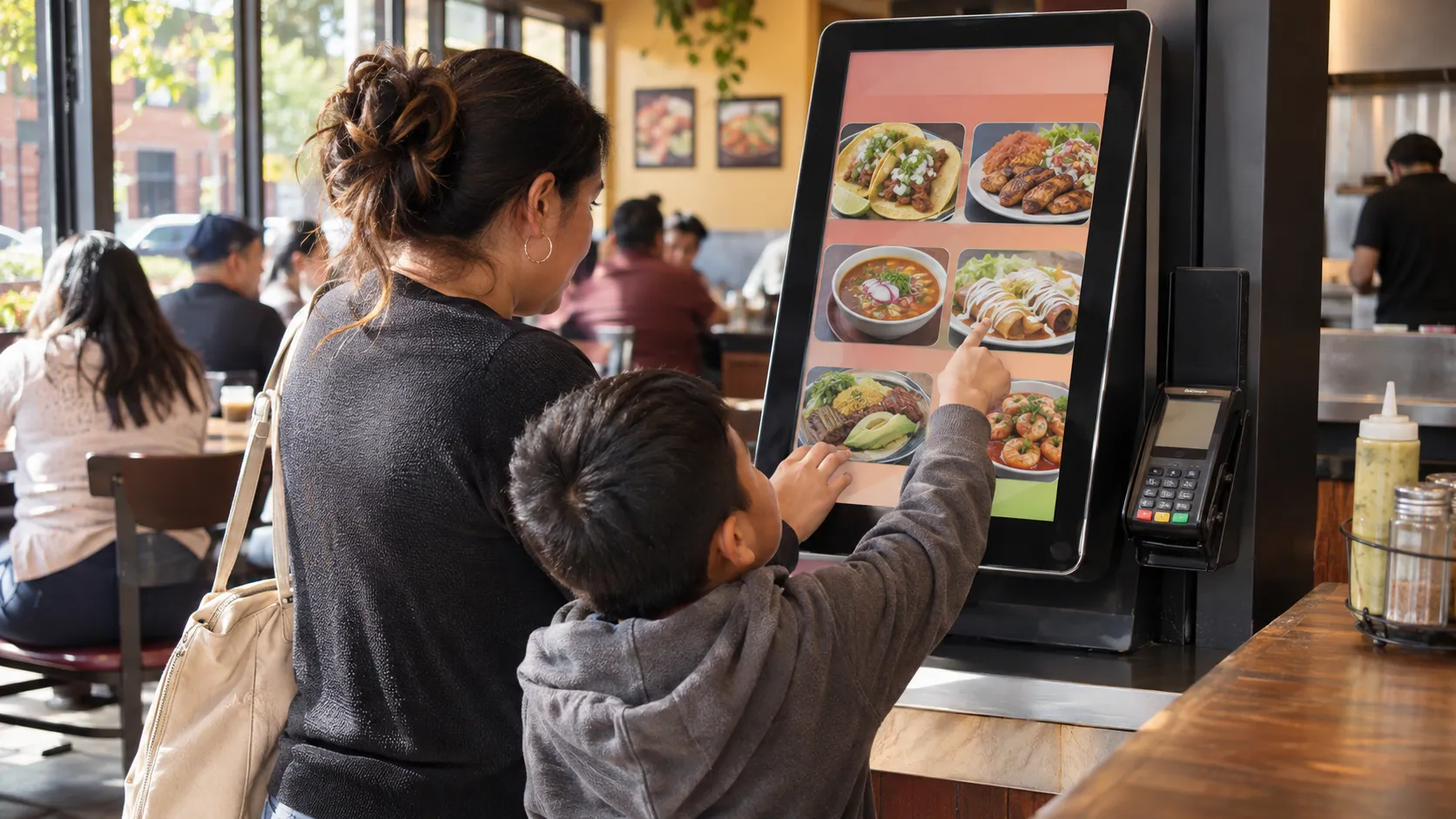
A menu of photos
Big photos of each dish and combo, so nobody has to explain what a salteña is.
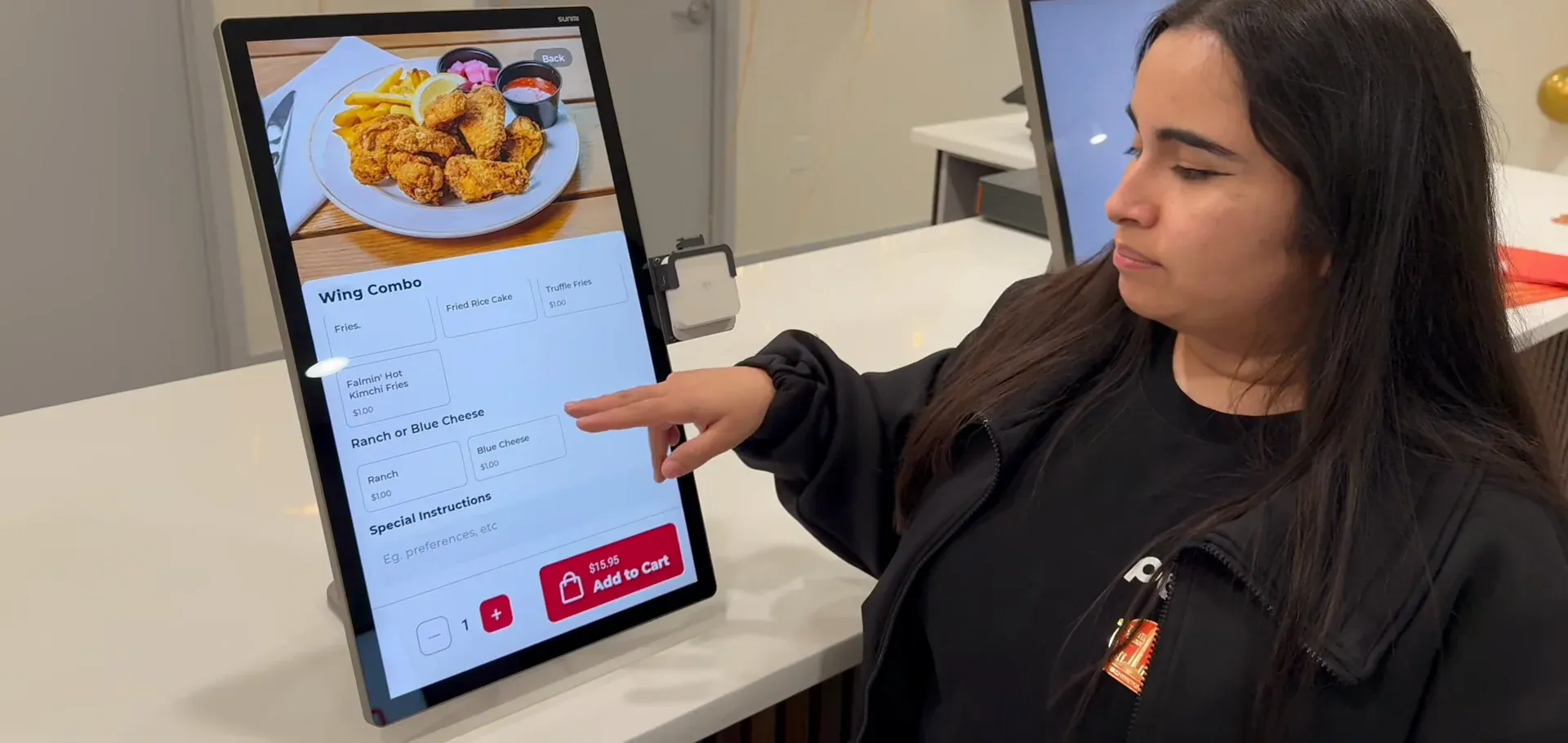
Modifiers, combos and add-ons
Customers pick "sin cebolla", masa de arroz or a cuarto de pollo with yuca, and the kiosk suggests a drink.
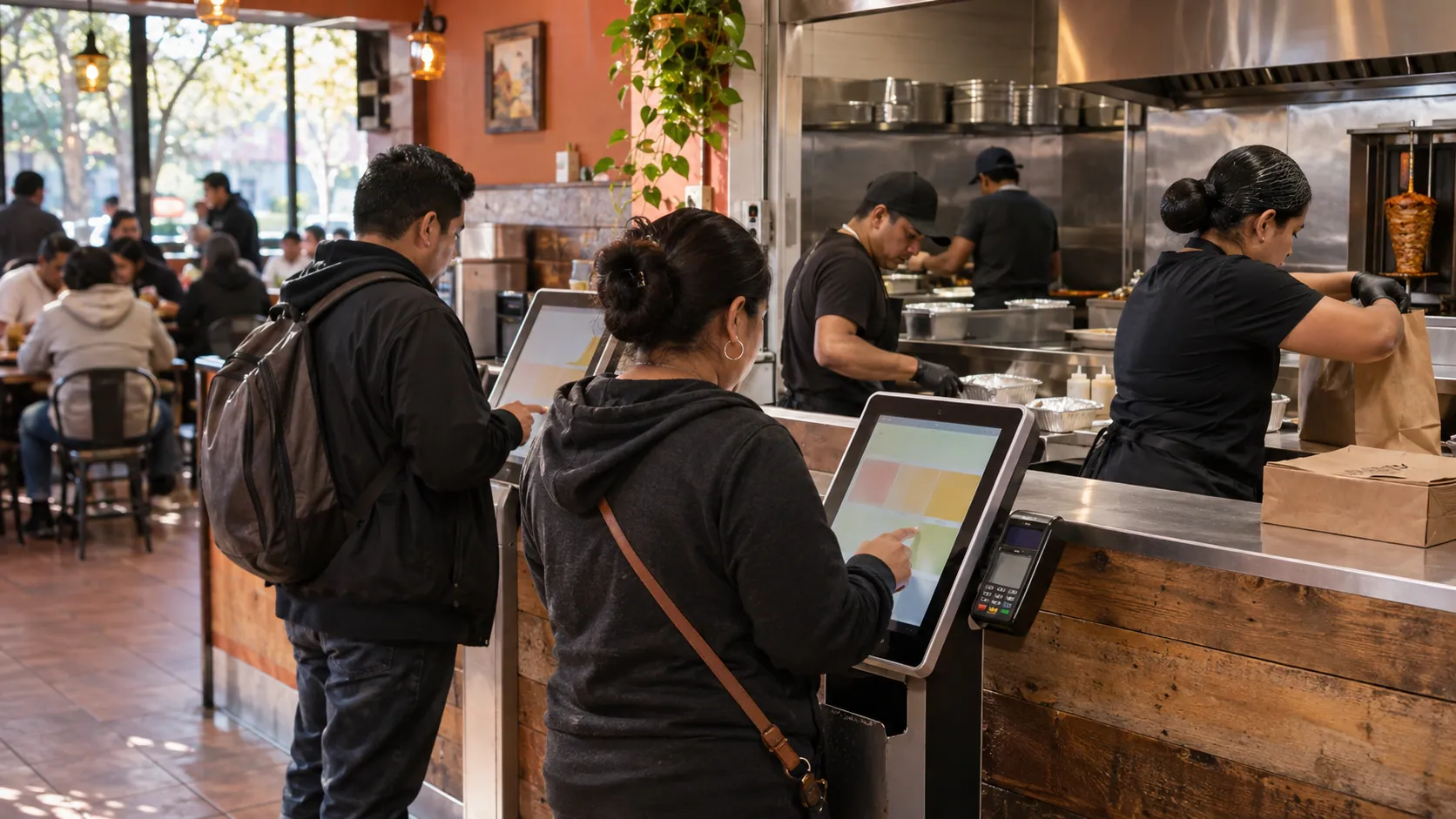
Several customers at once
Several customers can order at the same time, so the line moves while your staff packs orders.
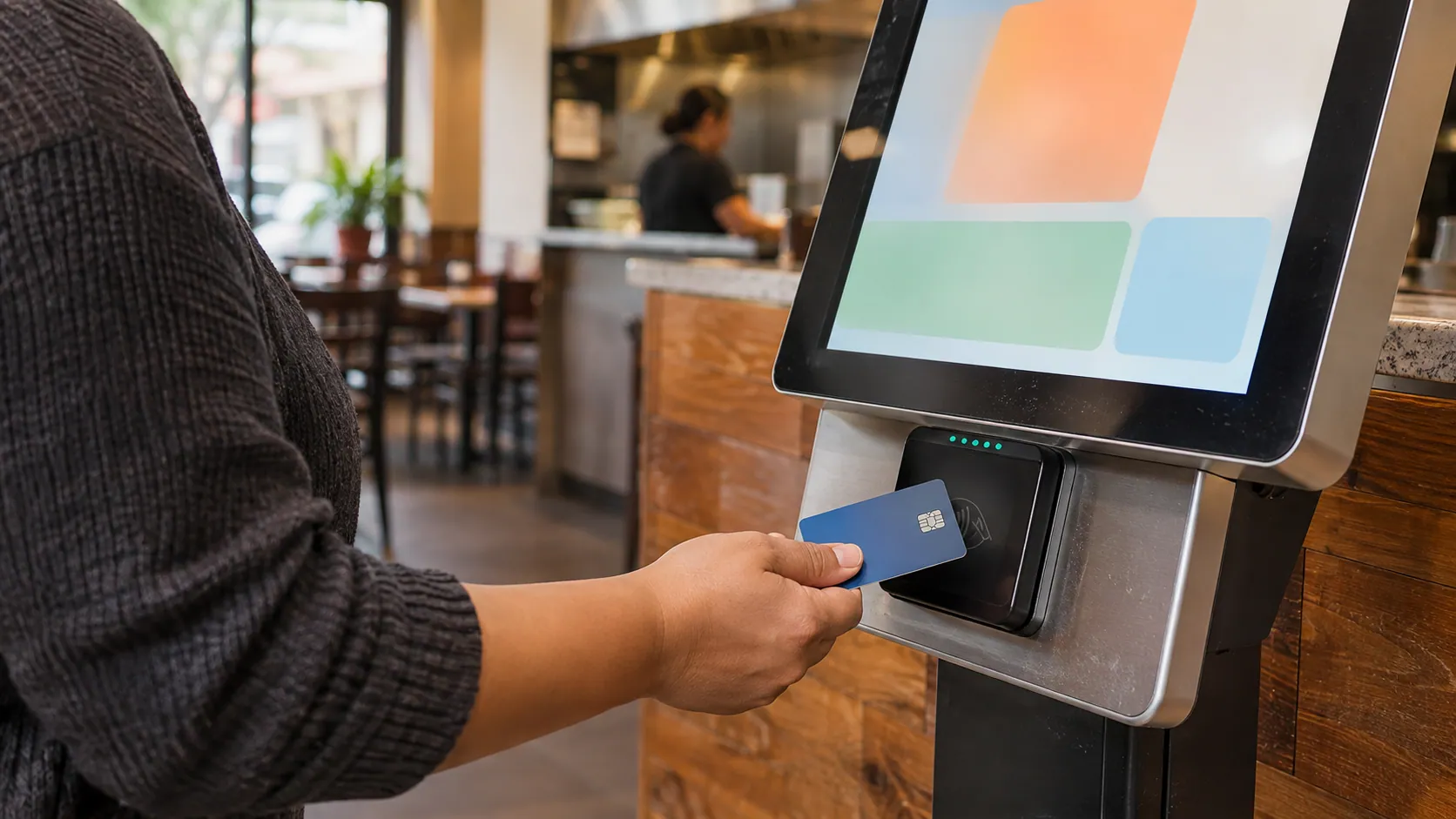
Pay and tip on the kiosk
Customers pay by card and add a tip on the screen, so your cashier is free to help in person.
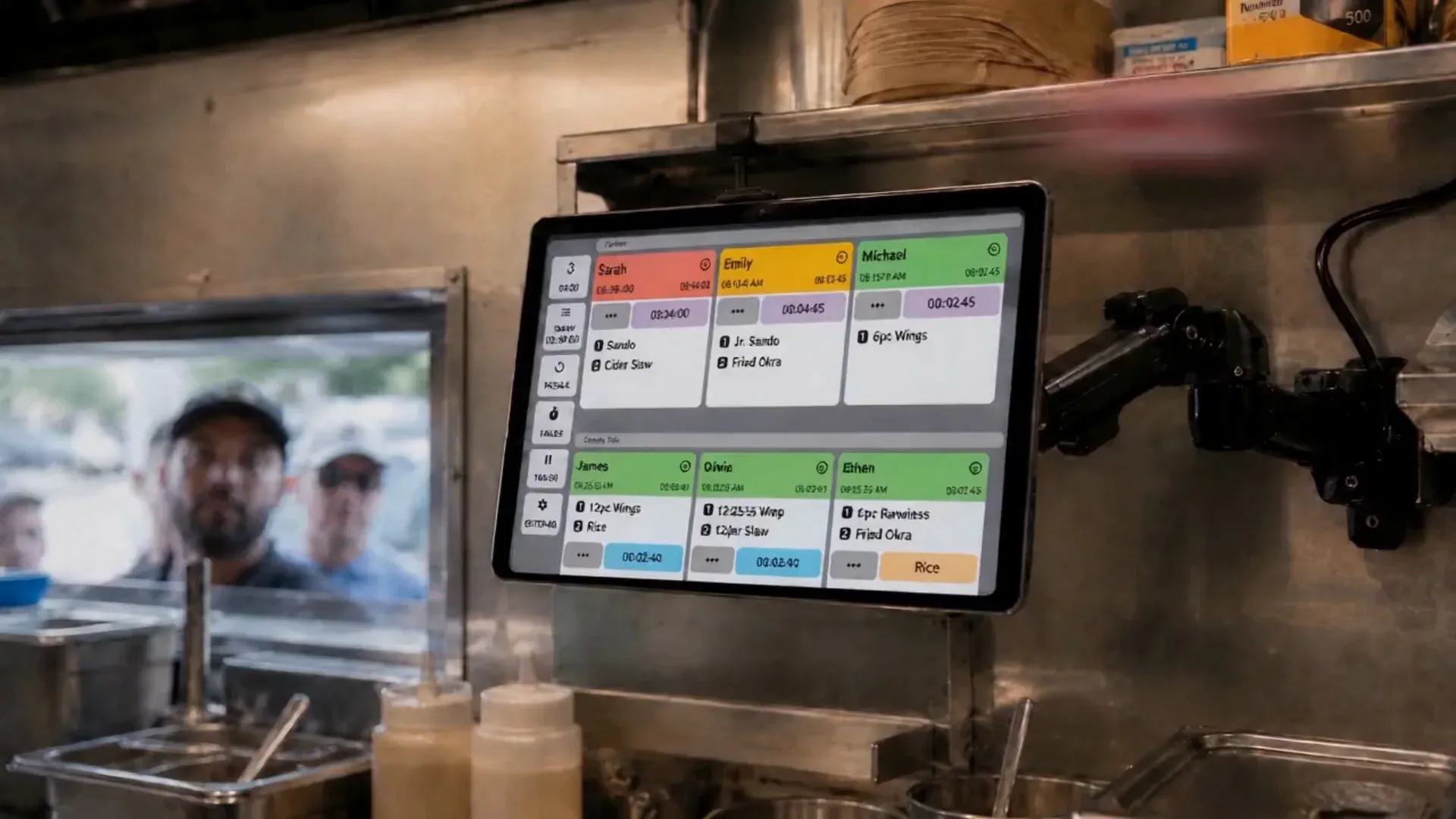
Straight to the kitchen
Every kiosk order reaches the kitchen screen or printer with each modifier.
A kiosk ordering system connected to your restaurant
The kiosk runs on the restaurant POS, so the kiosk, the register and your online orders share one menu and one kitchen.
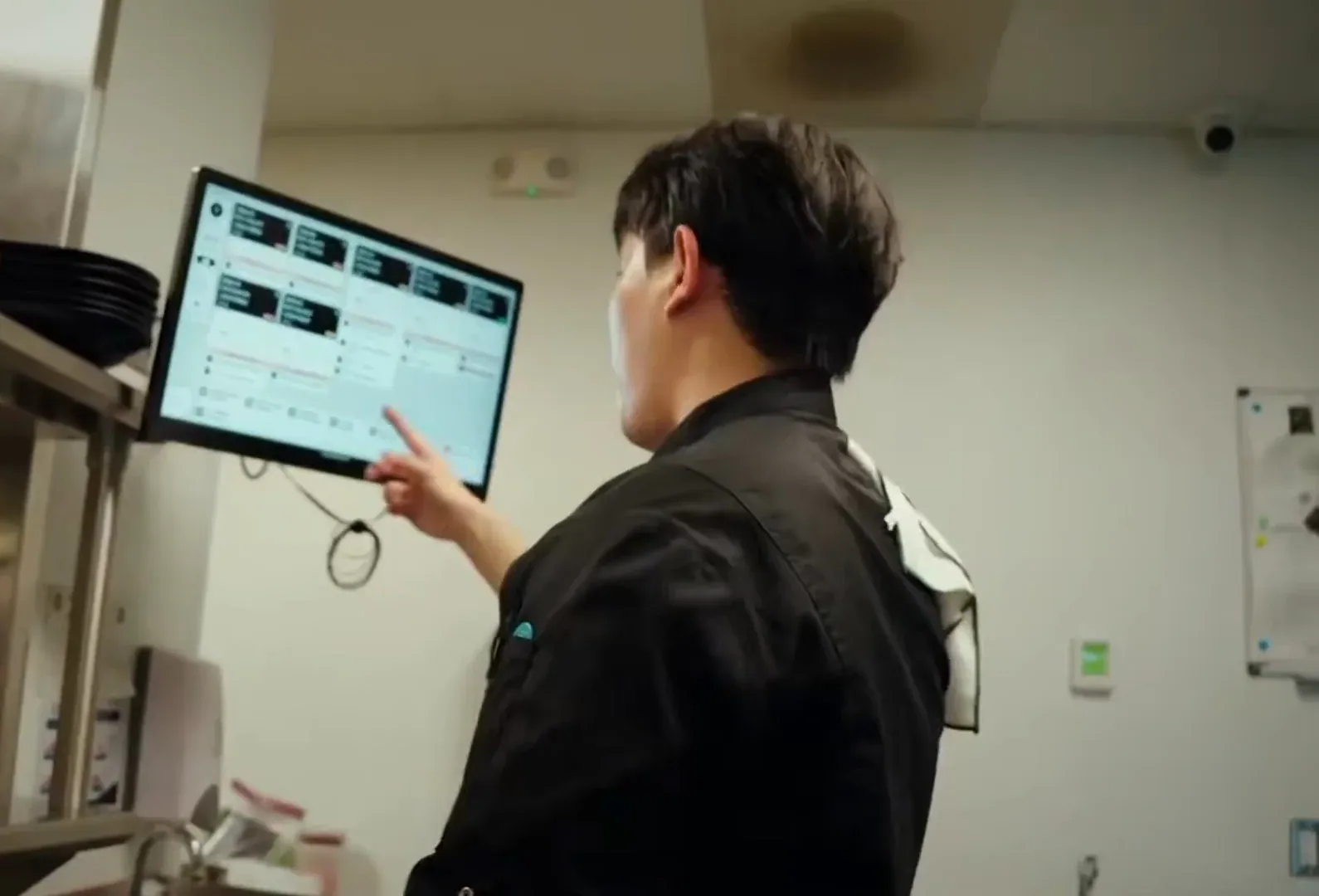
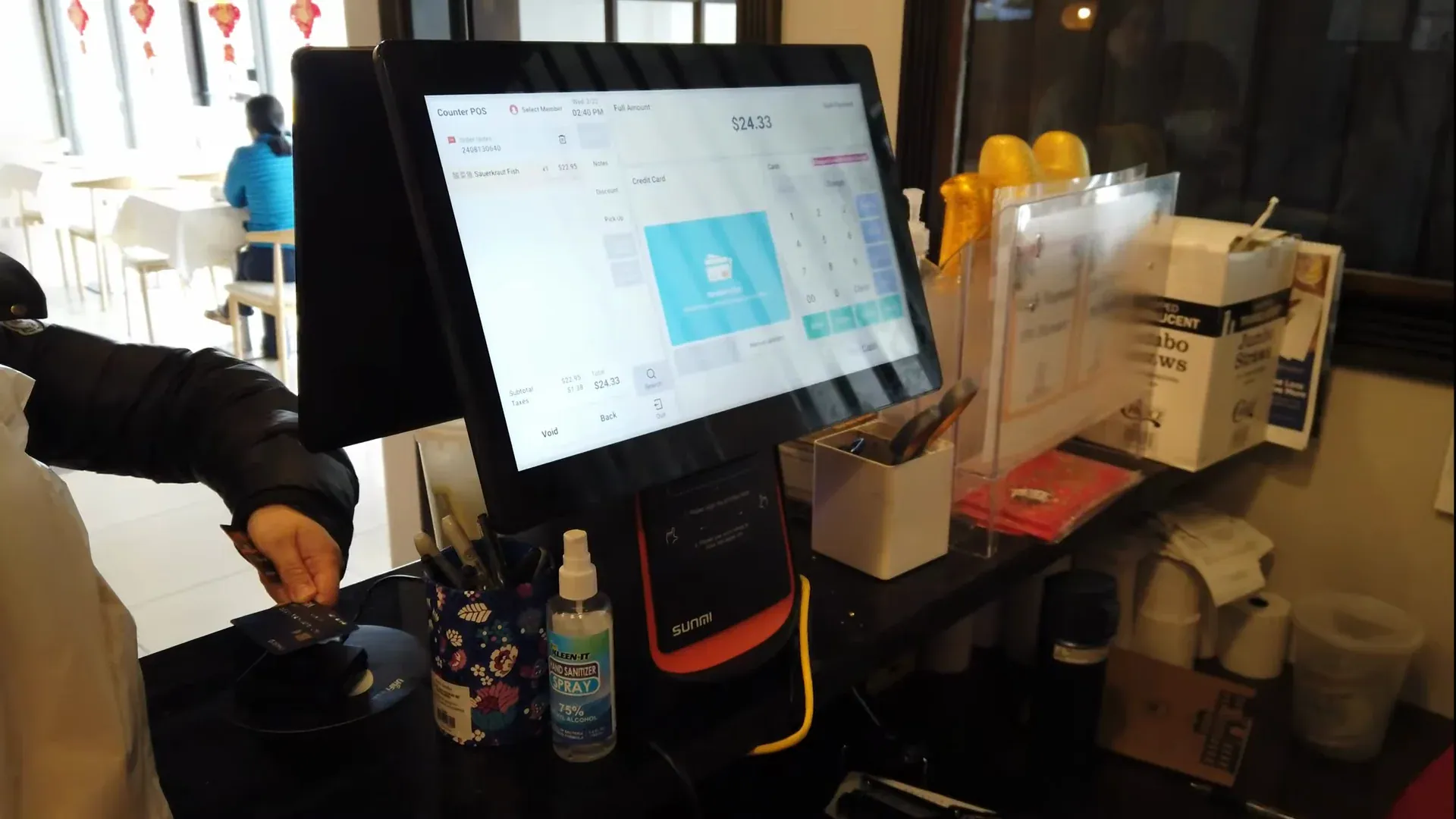
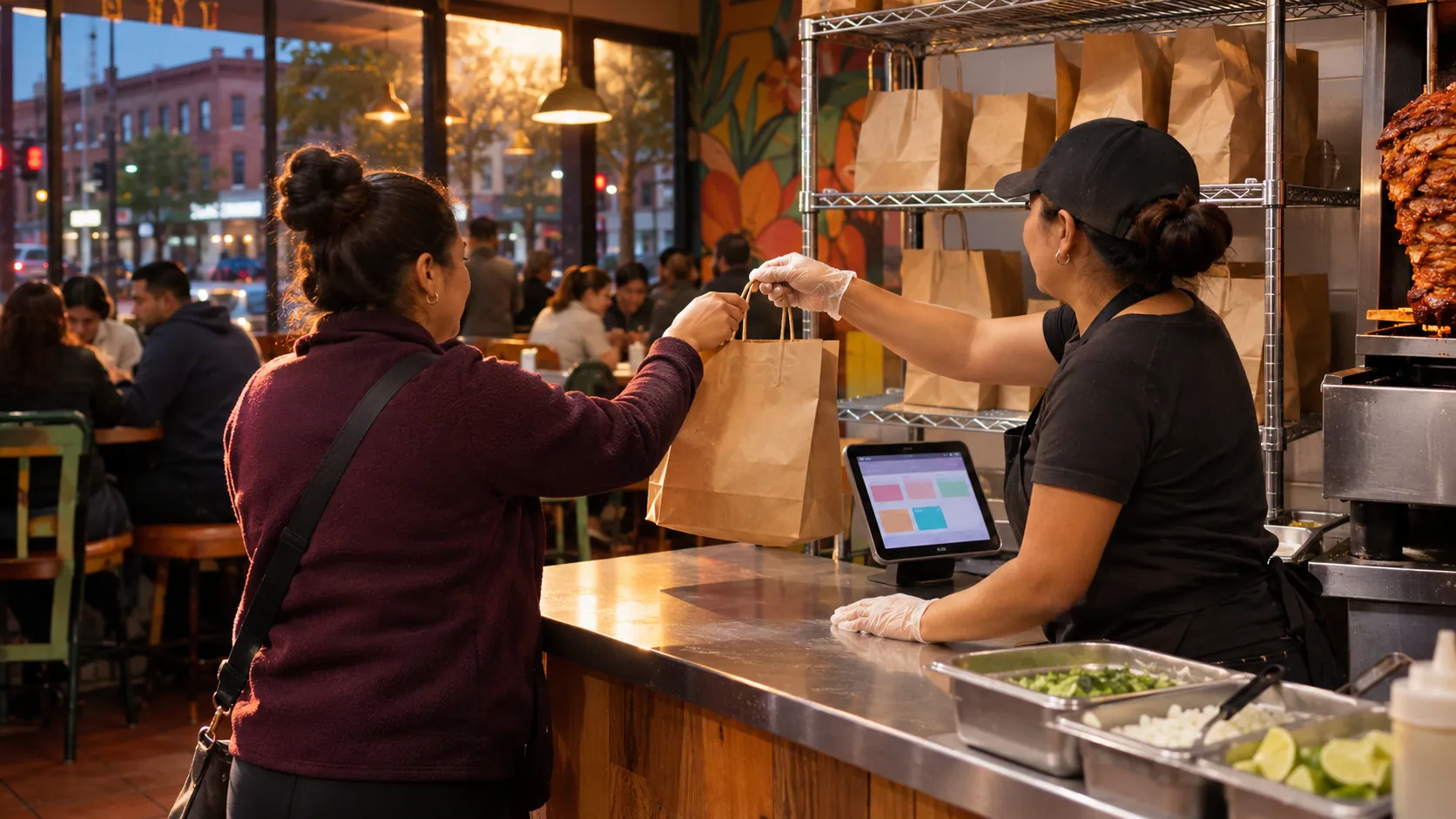
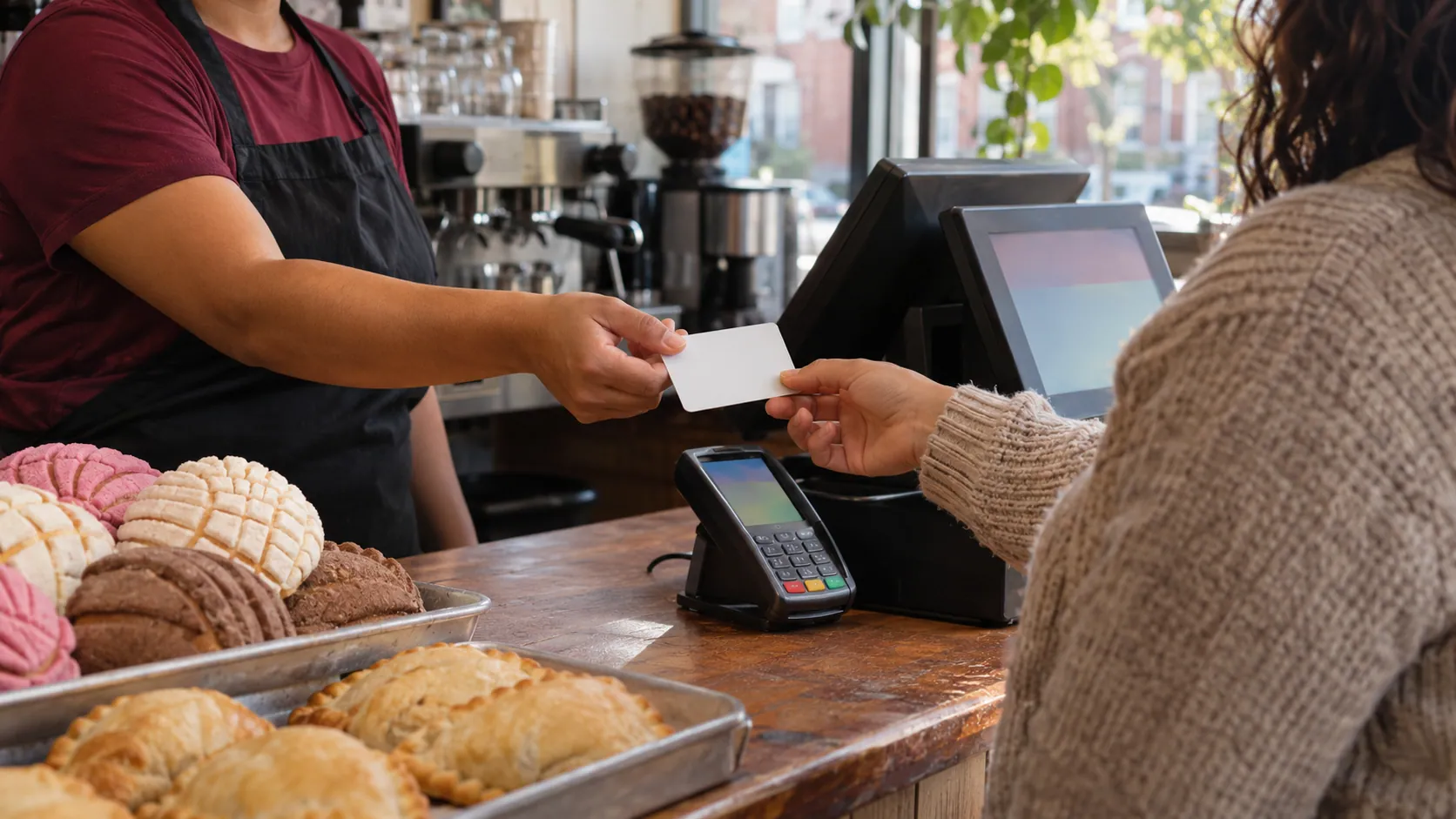
Self-order kiosk problems Truvana Tech fixes
A kiosk is only as good as the menu on it and the people who set it up.
Truvana Tech
Self ordering kiosks for restaurants, set up in Spanish
A long line at the counter sends customers away. Truvana Tech sets up self-order kiosks for restaurants in DC, Maryland and Northern Virginia, in English or Spanish.
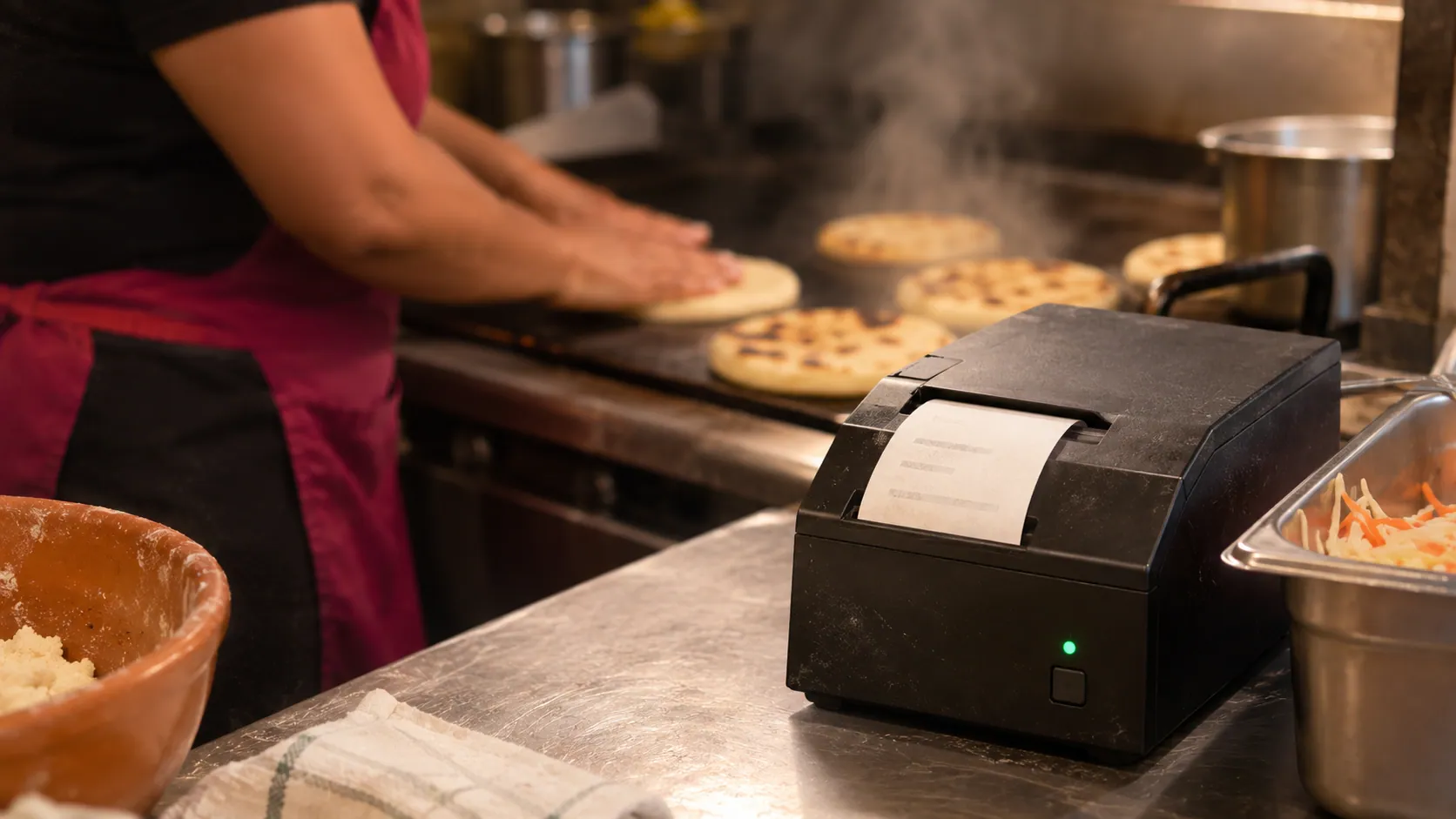
Your menu
Your dishes, in both languages
We load your dishes, photos, combos and modifiers in Spanish and English, with the names your customers use: pupusa revuelta, salteña picante, pollo a la brasa. The kitchen ticket prints the same Spanish names.
- Photos, combos and add-ons set up for you
- Kitchen tickets in Spanish
Quote and setup
Explained first, installed at your restaurant
Before you sign, we go through the quote with you, line by line, in English or Spanish. Then our local team installs the kiosk, connects it to your kitchen and runs a test order.
- Free hardware when you process with us
- No equipment lease
Training
Your staff learns it in Spanish or English
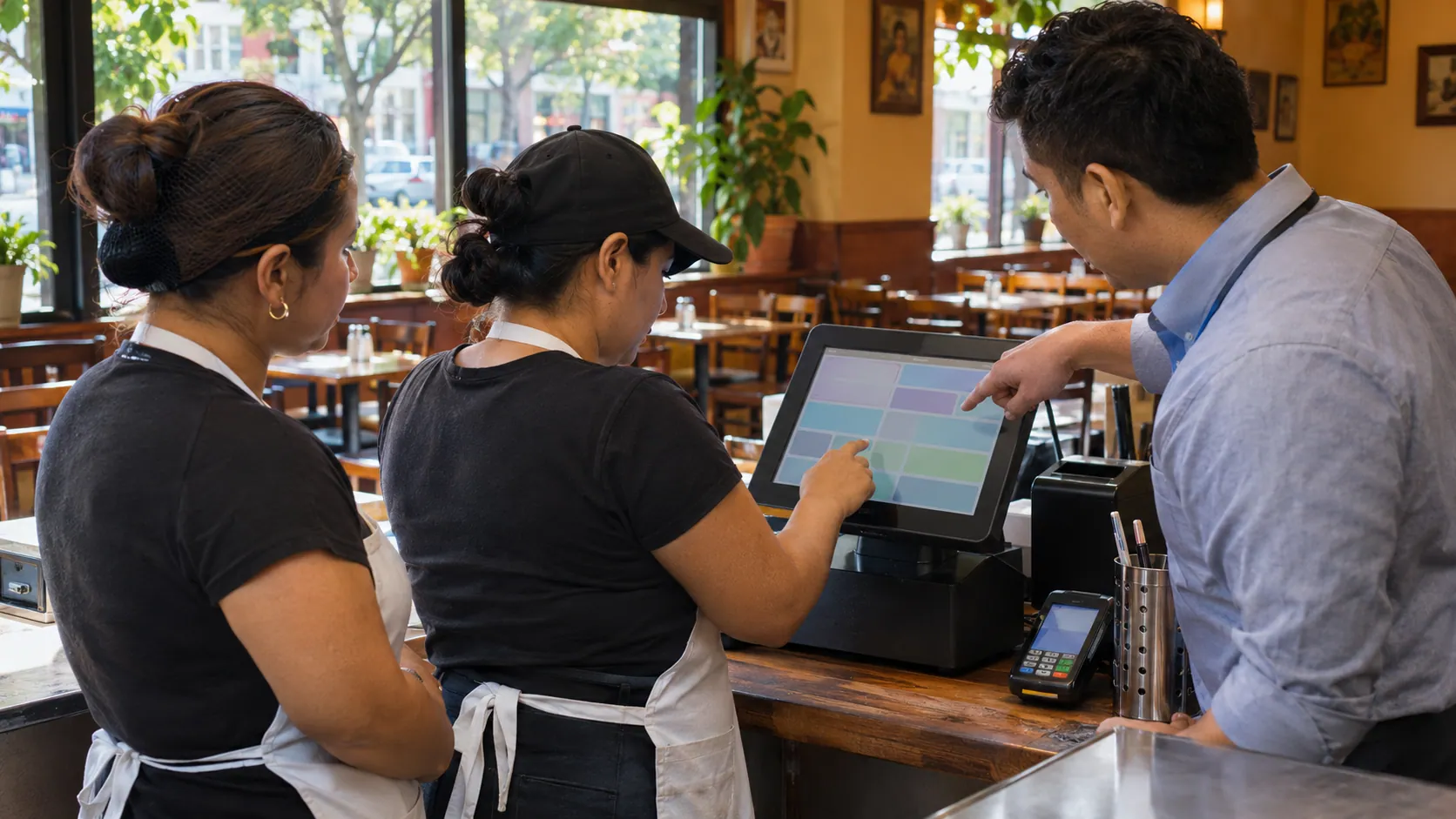
We train your cashiers and cooks on site, on your own menu: how kiosk orders reach the kitchen and how to help a customer at the screen. The POS has a training mode for practice.
- Training on site
- A local contact after the install
How a self-order kiosk setup works
Most of the work happens before the kiosk goes on, so customers find a menu that already makes sense.
- 01
Tell us about your counter
How customers order today, your busiest hours and one recent card statement.
- 02
Get a written quote
Kiosks, card rate and any monthly fee, explained in your language. No contract.
- 03
Load your menu
Dishes, photos, combos and modifiers in Spanish and English, checked with you.
- 04
Install, test and train
We set up the kiosk, send a test order to the kitchen and train your team on site.
What is a self-ordering kiosk?
A self-ordering kiosk is a touchscreen where customers order and pay on their own instead of waiting for a cashier. Fast-food chains made kiosks familiar; now small counter-service restaurants use them too.
How much does a self-order kiosk cost?
A restaurant kiosk has three costs: the kiosk software, the hardware and the POS plan. One Square kiosk on its $49 Plus plan comes to $148 per month before hardware and card fees.
| Cost | Square (checked November 10, 2026) | With Truvana Tech |
|---|---|---|
| Kiosk software | $99 per kiosk per month on Plus or Premium | On your written quote |
| POS plan | $49 or $149 per month | On your written quote |
| Kiosk hardware | Bought separately | Free when you process your card sales with us |
Source: Square, checked November 10, 2026. See how card fees work.
Which restaurants a kiosk fits, and how to choose one
A kiosk pays off where customers line up at a counter: pollerías, taquerías, pupuserías, salteñerías and cafés. Before you choose one, ask:
- Does it work in Spanish and English, with dish photos?
- Do orders reach your kitchen display with every modifier?
- Does it connect to your loyalty program, website and app?
- Is the hardware bought, free or leased?
Self-order kiosk questions owners ask
How much does a restaurant kiosk cost?
Expect the kiosk software, the hardware and the POS plan. Square charges $99 per kiosk per month on top of its $49 or $149 plan (checked November 10, 2026). Hardware is free when you process your card sales with us; your written quote shows the terms.
What is the difference between a kiosk and a POS?
A POS is the system your staff uses to take orders and payments. A self-order kiosk is a touchscreen your customers use themselves. Ours run on one menu, so kiosk and register orders reach the same kitchen. The kiosk is one part of our restaurant POS system, with tableside ordering for the dining room and AI phone answering for calls.
What are the benefits of a self-ordering kiosk?
Customers order at their own pace, in Spanish or English, with photos of every dish, and several can order at once. Your staff packs orders instead of typing them, and the kiosk suggests add-ons.
Can older customers use a self-order kiosk?
Yes, when the screen is in their language and shows photos. Customers tap the photo of the dish they want instead of reading a long menu in English, and your staff can still help at the counter.
Will a kiosk replace my cashier?
No. The kiosk works next to your register, not instead of it. It takes orders and card payments so your cashier can pack to-go orders, answer questions and serve customers who pay cash or want a person.
Where can I get a self-ordering kiosk near me?
Truvana Tech installs self-order kiosks for restaurants in DC, Montgomery and Prince George's counties in Maryland, and Northern Virginia. See where we work or ask for a quote.
Get a quote for your self-order kiosk
Tell us about your counter and how many kiosks you need. A person replies in English or Spanish.
Tell us about your business
Your name and email are enough to start. Write in English or Spanish.