INVOICING AND PAYMENT LINKS
Invoicing software for small business: get paid by text, link or phone
Send invoices and payment links by text or email, and take cards by phone or on the job. Truvana Tech helps contractors, cleaners, movers and caterers in DC, Maryland and Northern Virginia stop chasing payments, in English or Spanish.
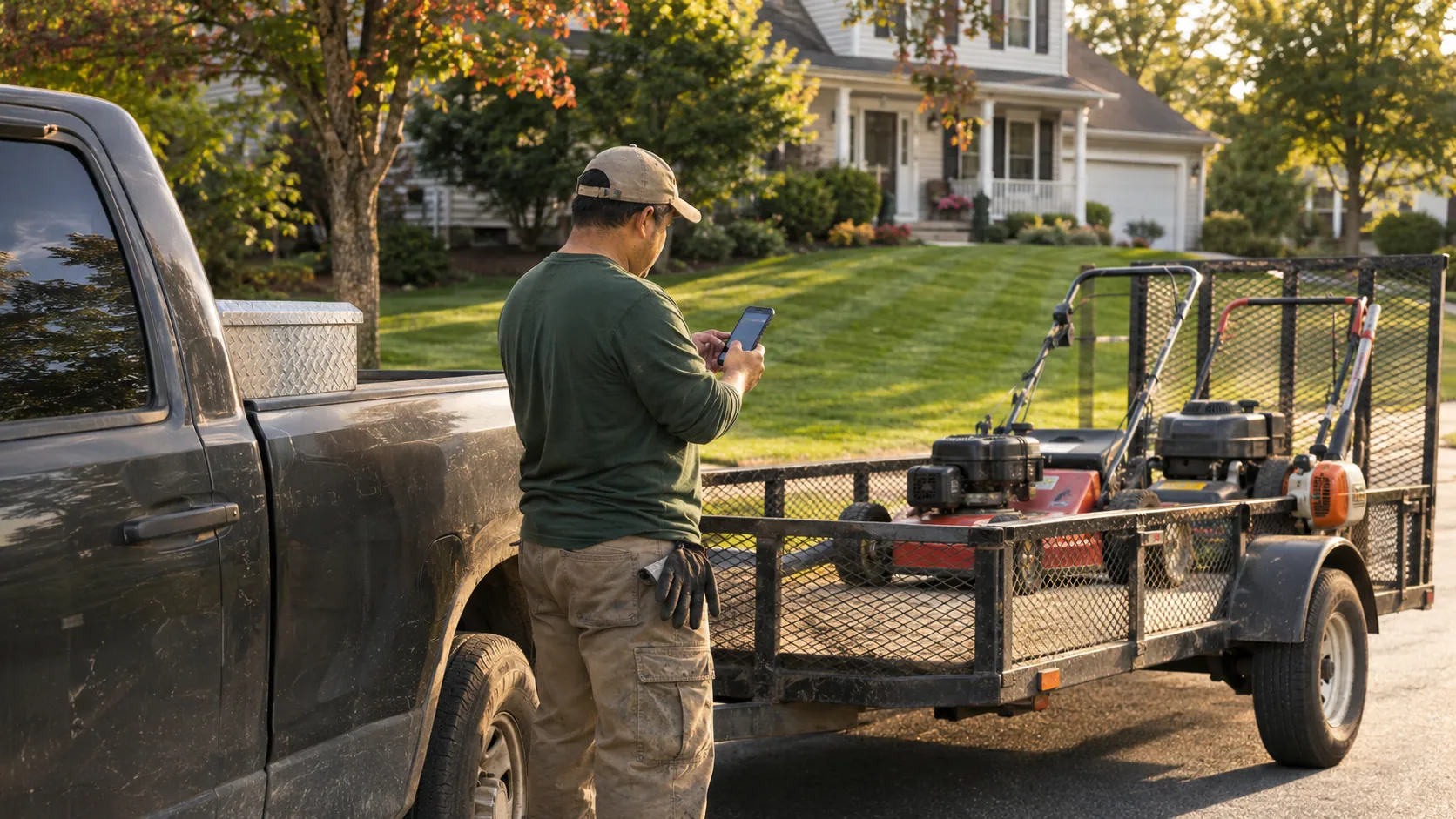
- Invoices and payment links by text
- Card payments over the phone
- Setup in English or Spanish
Invoicing software features for small service businesses
From the estimate to the paid invoice in one place, so nobody types the same job three times.
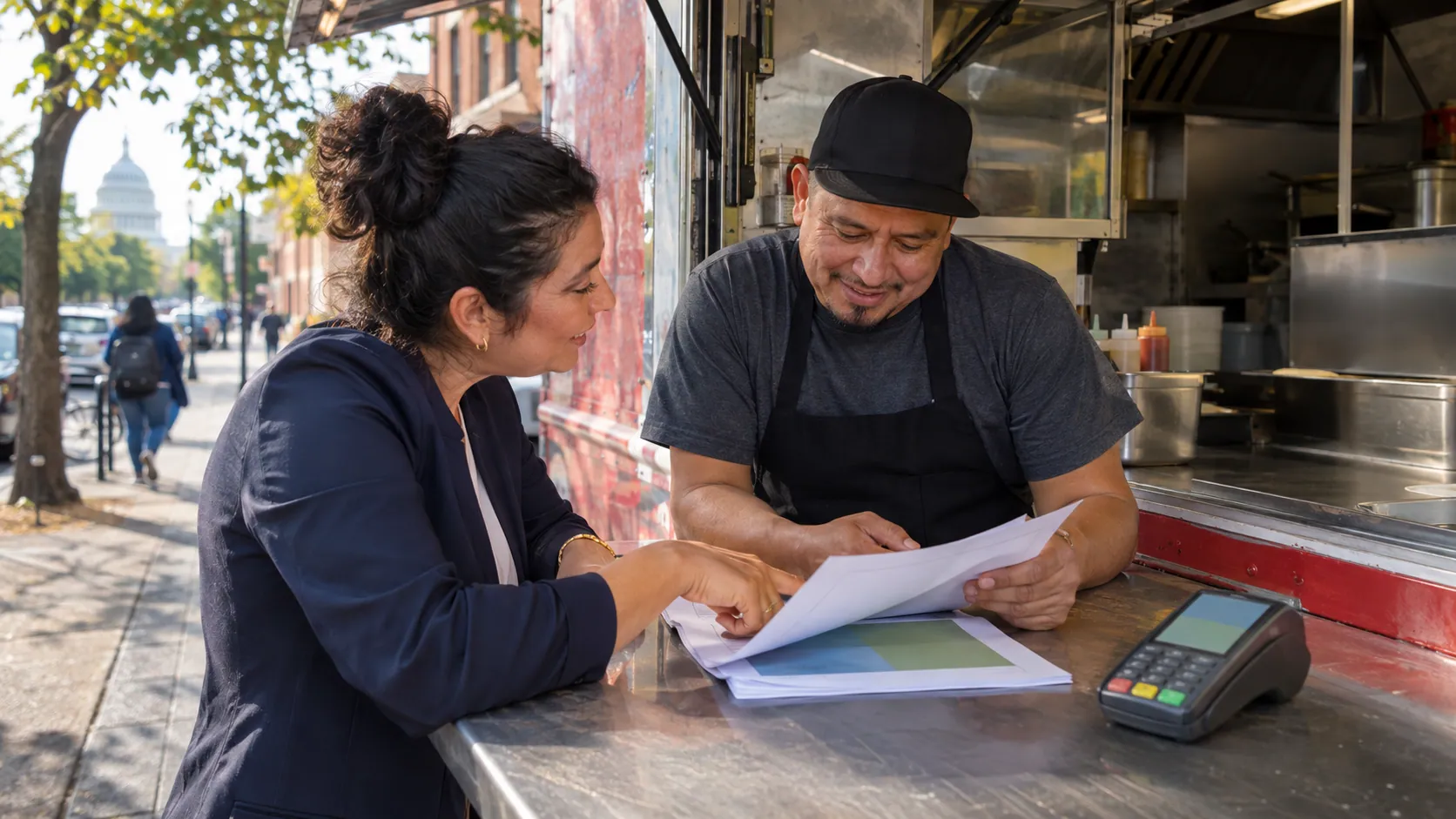
Explained in English or Spanish
Truvana Tech sets it up with you, trains your office and goes through every fee on your written quote in your language before you sign.

Estimates that become invoices
Write the estimate, book the job and assign the crew, then turn the same estimate into the invoice when the work is done.
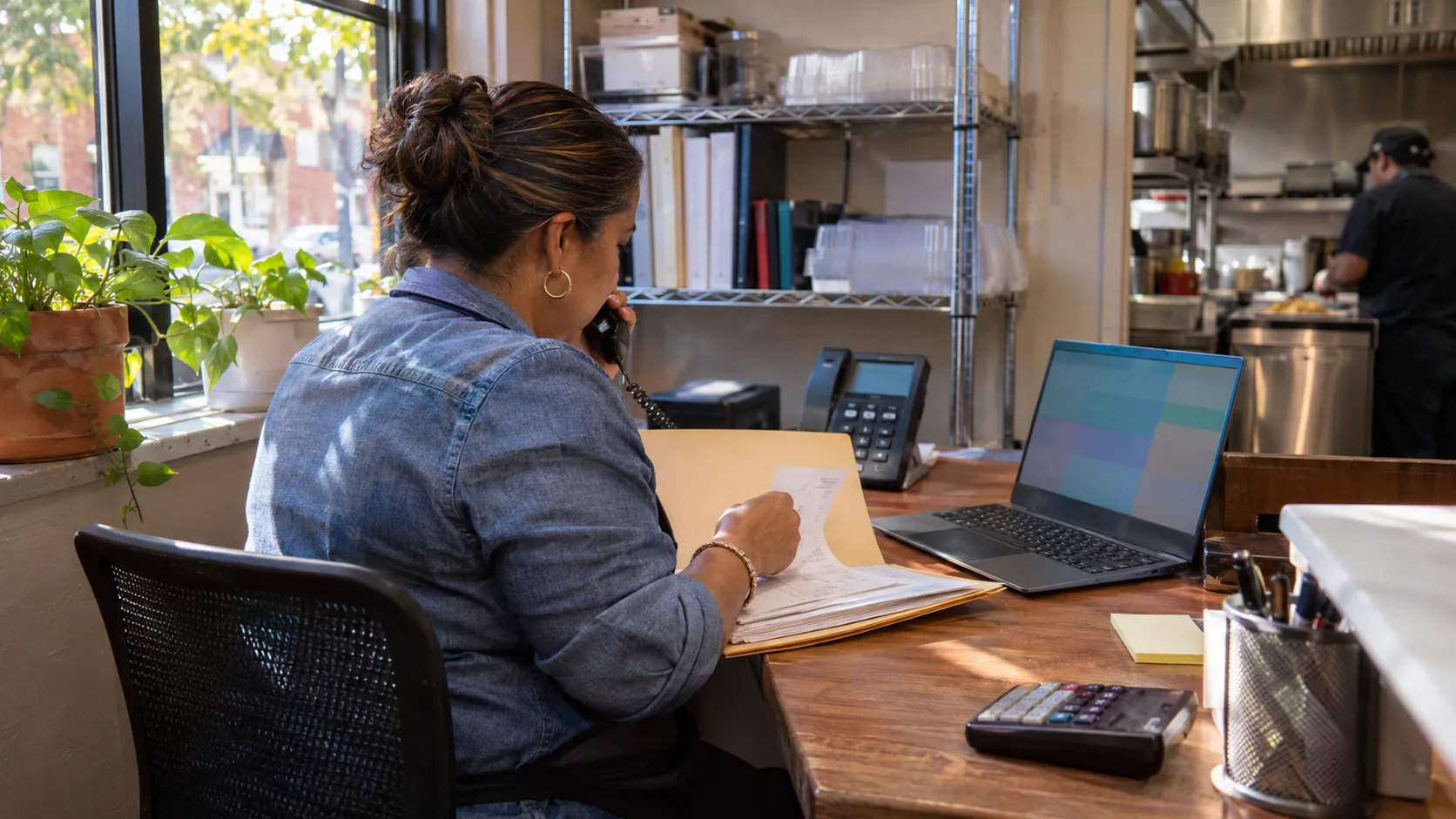
Reminders that chase payments
Automatic reminders follow up on unpaid invoices, and repeat customers such as property managers can pay through a customer portal.
Invoices, payment links, a virtual terminal and card machines
Four ways to get paid besides cash and checks. Most service businesses use more than one.
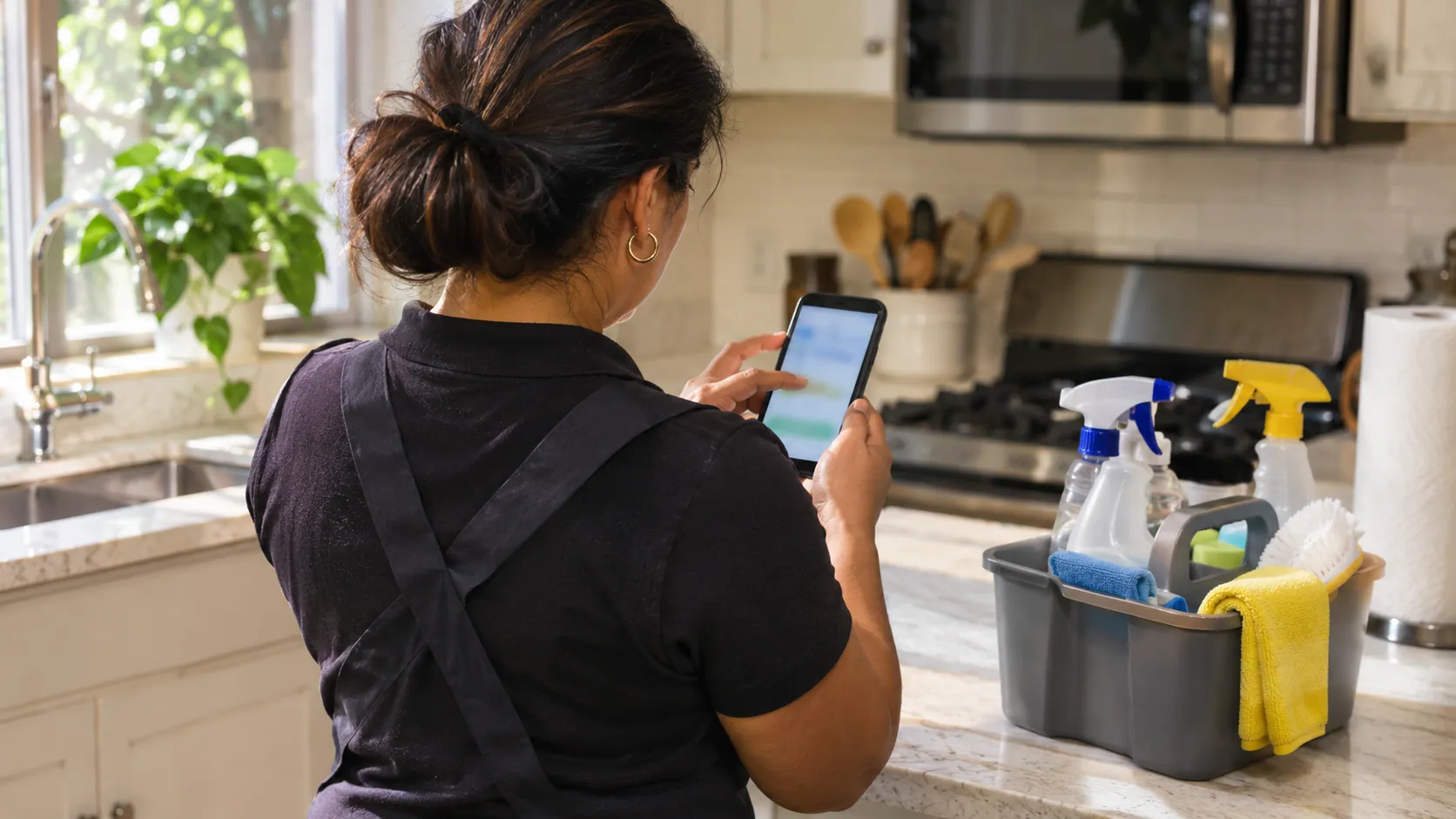
Invoices by text or email
- ■Itemized, with a link to pay by card
- ■Made from the estimate or the job
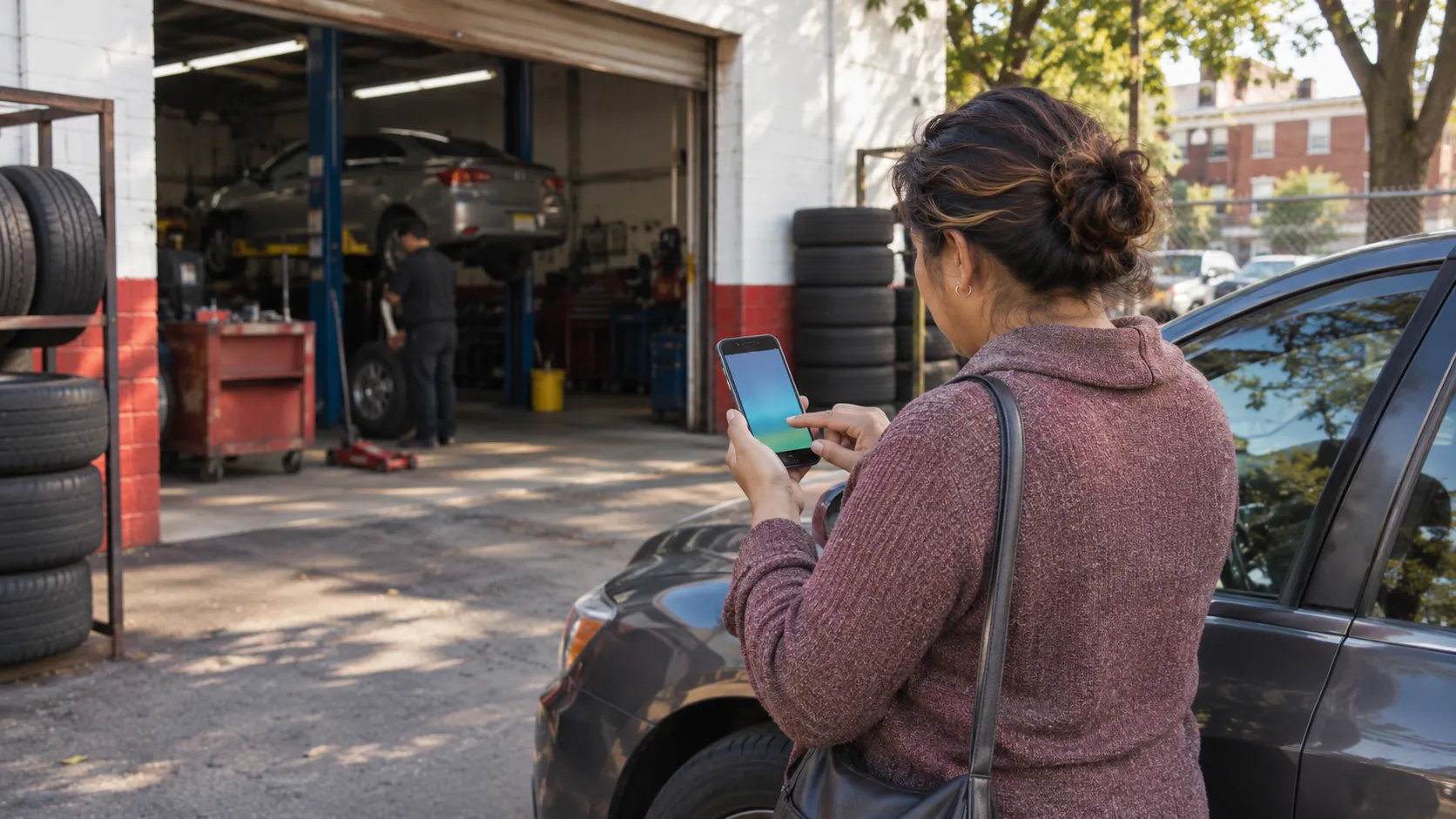
Payment links
- ■One amount, sent by text, email or WhatsApp
- ■For deposits, small jobs and balances

Virtual terminal
- ■Type in a card a customer reads to you
- ■No card machine needed
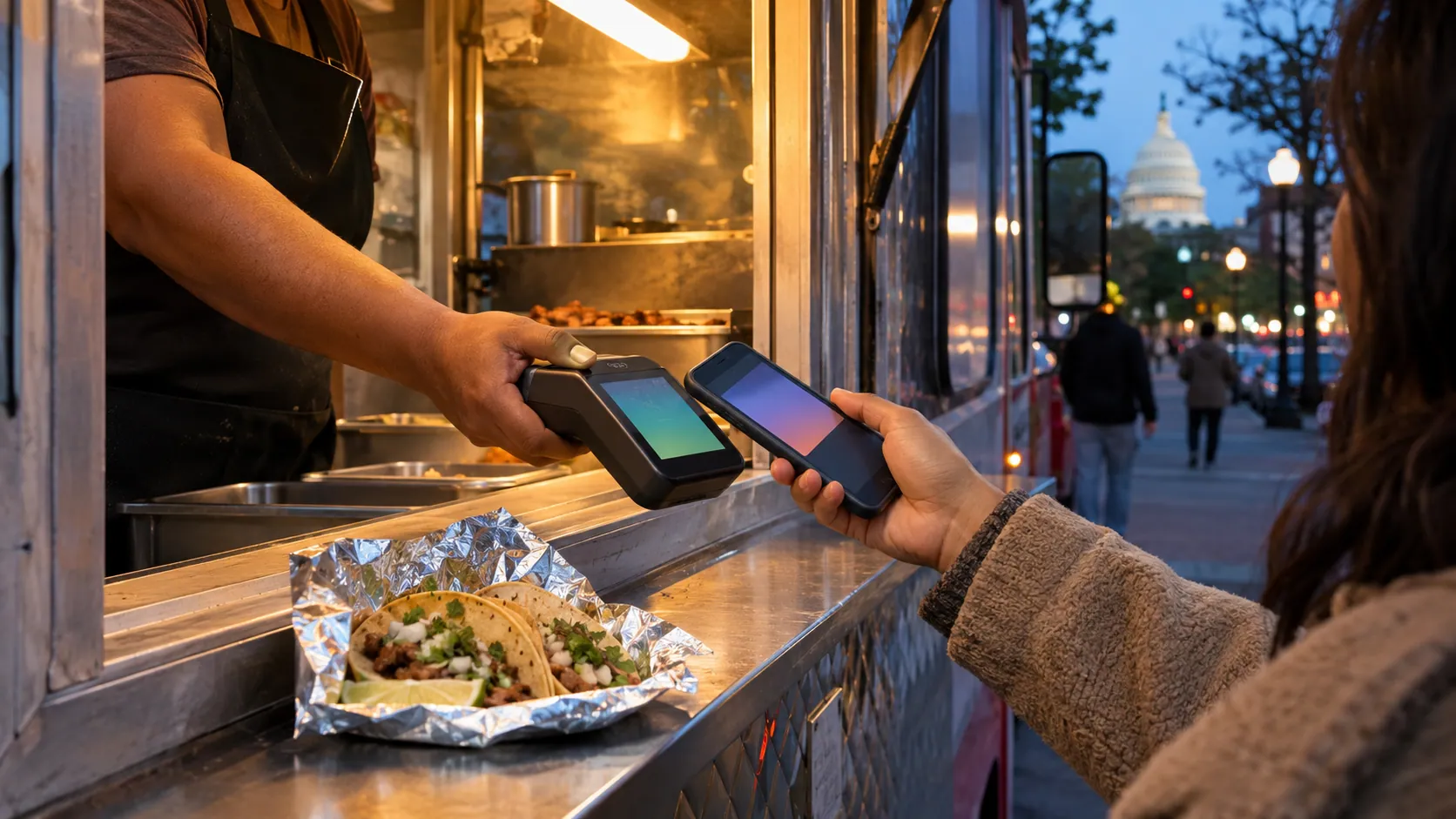
Invoicing app problems Truvana Tech fixes
Sending an invoice is the easy part. What changes your month is the fee on every payment and who helps when something goes wrong.
Truvana Tech
Invoicing for contractors, caterers, movers and other crews
Chasing unpaid invoices takes time from the job. Truvana Tech sets up invoices, payment links and card payments for service businesses in DC, Maryland and Northern Virginia, in English or Spanish.
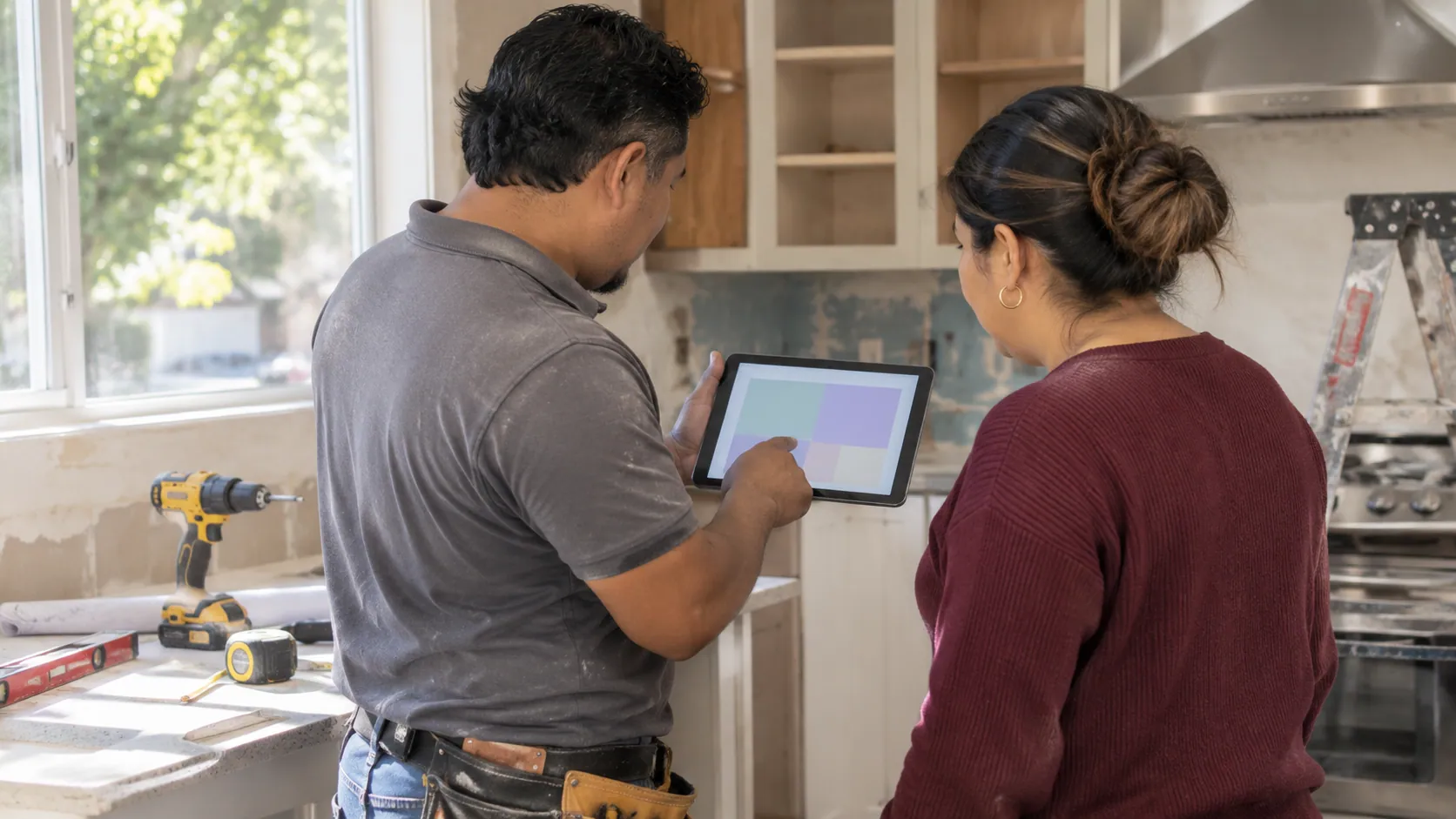
For contractors
A deposit before you buy materials
A contractor goes over the estimate on a tablet in the customer's kitchen and texts a deposit link before buying materials. When the job is done, the same estimate becomes the invoice for the balance.
- Estimates that become invoices
- Deposit links by text
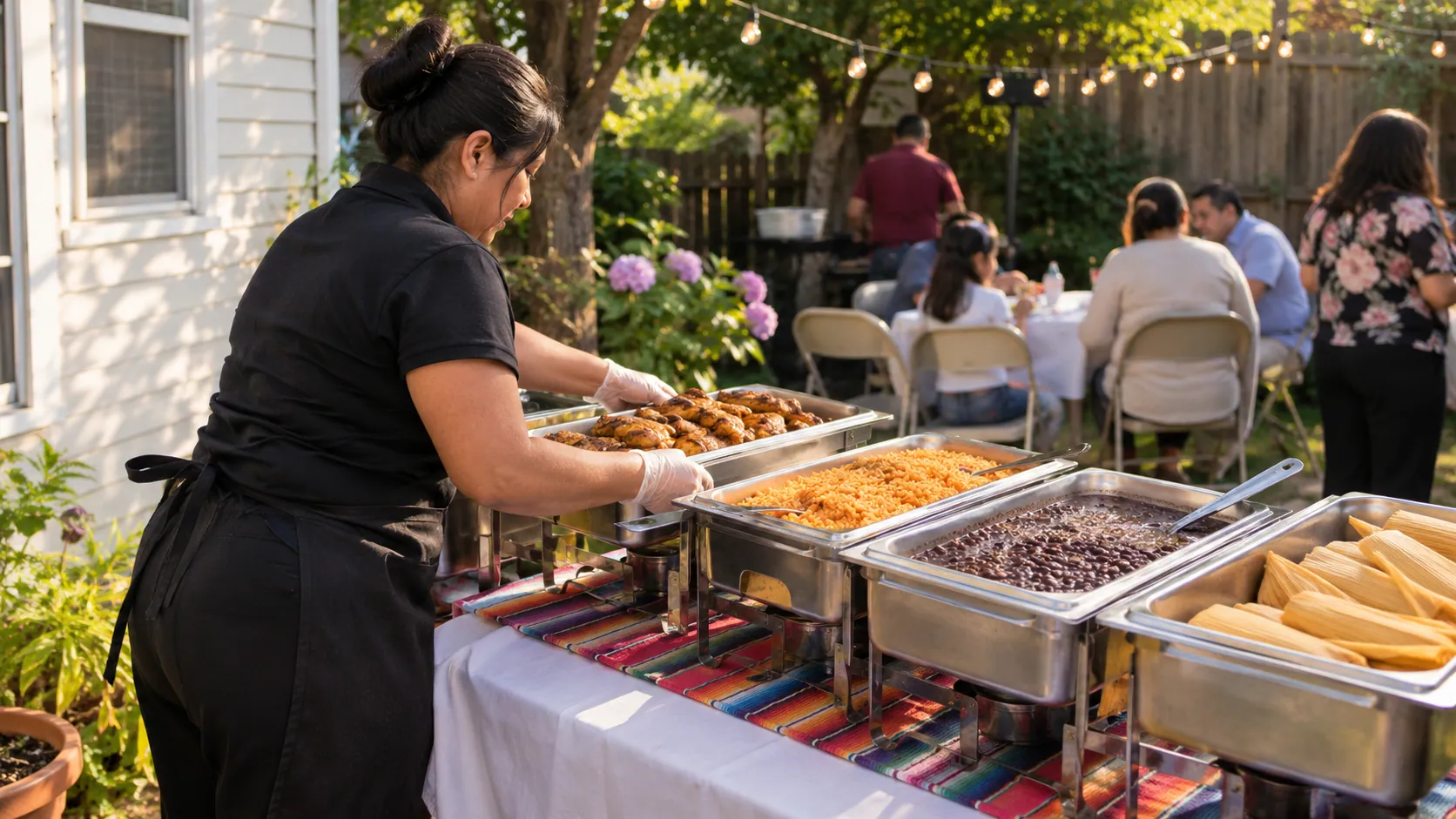
For caterers
Hold the date, then take the balance
A caterer texts a deposit link when a family books a quinceañera or a birthday party, and takes the balance on the card machine when the trays go out. Office lunches are paid by phone.
- Links by text, email or WhatsApp
- Phone payments on the virtual terminal
For movers
The last payment before you unload
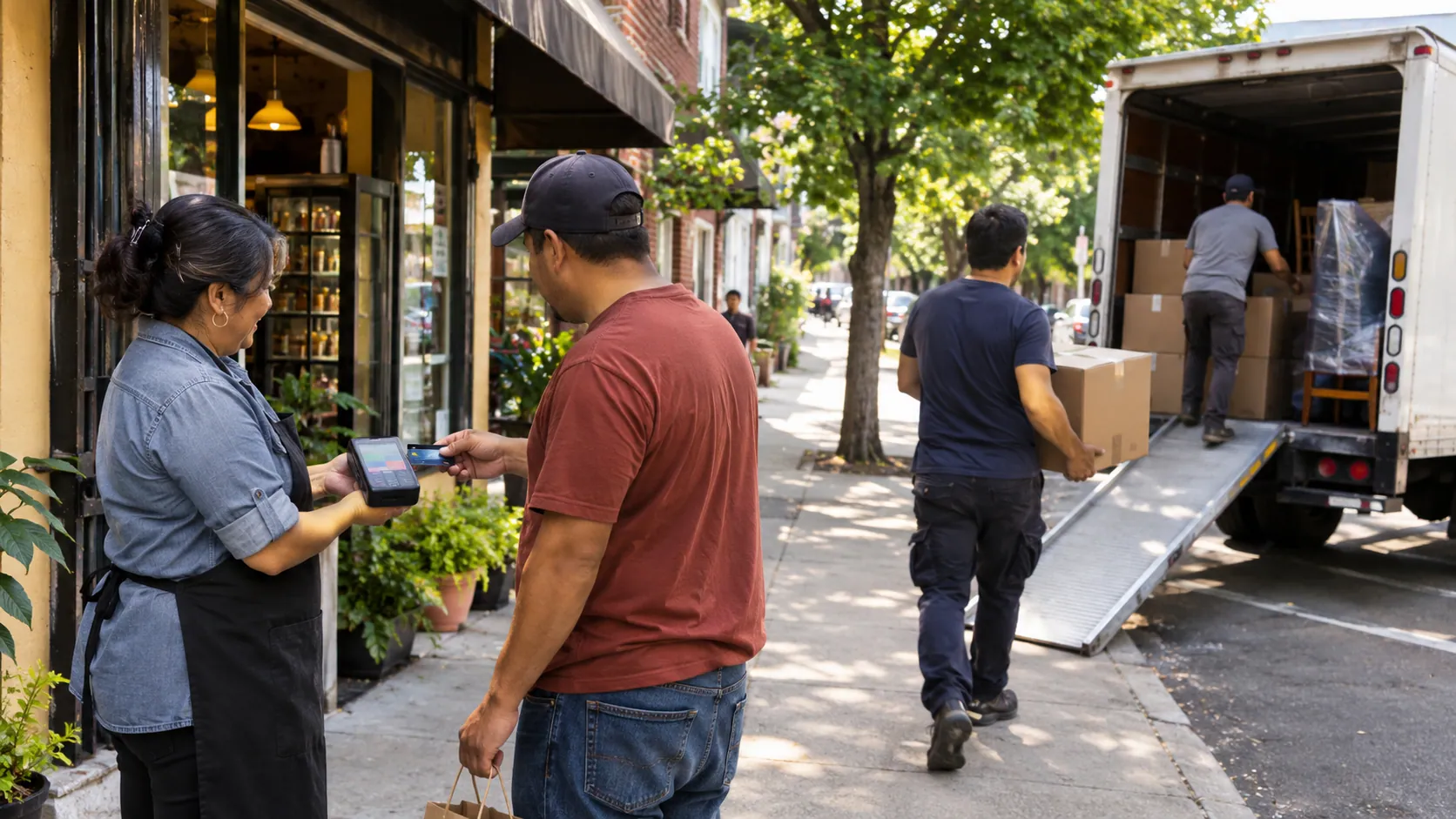
A moving crew takes the balance on a wireless card machine before the truck is unloaded. A customer who isn't there gets a payment link by text and pays from their phone.
- Tap, chip and phone payments
- No equipment lease
How invoicing and payment link setup works
We set it up with you, so the next job you finish can be paid from a text.
- 01
Tell us how you bill today
Your kind of work, how customers pay you and one recent card statement, if you have one.
- 02
Get a written quote
Card rates, any monthly fee and the hardware terms, explained in English or Spanish.
- 03
Set up and run a test sale
We set up invoices, payment links, the virtual terminal and the card machine, and run a test sale with you.
- 04
Send your first invoice
You and your office learn to send invoices, links and reminders from your phone.
What is invoicing software?
Invoicing software creates the bill for a job, sends it to the customer and keeps track of who has paid. For a small service business, the part that matters is getting paid.
What invoicing costs: Square invoices and virtual terminal fees
Sending an invoice is often free; getting paid is not, because every card payment carries a fee.
| Square, free plan | Fee | On a $500.00 invoice |
|---|---|---|
| Invoice paid online by card | 3.3% + 30¢ | $16.80 |
| Invoice paid by bank transfer (ACH) | 1%, $1 minimum | $5.00 |
| Card typed in, or a card on file | 3.5% + 15¢ | $17.65 |
| Card tapped or inserted in person | 2.6% + 15¢ | $13.15 |
Square's free plan has no monthly fee. Source: Square's fees, checked November 10, 2026.
How to choose invoicing software for a small business
The best invoicing software for a small business is the one your customers can pay from without calling you. Check four things:
- Ways to pay: invoices and links by text, phone payments and a card machine.
- Cost per payment: card fees often cost more than the software.
- Contract: the term, any exit fee and any card machine lease.
- Help: who answers when it stops working, and in what language.
See also switching processors, tire shop software and online giving for churches.
Questions about invoicing and payment links
What is the cheapest invoicing software for small business?
Many invoicing tools let you send invoices for free, so the real cost is the fee on each payment. On Square's free plan, an invoice paid online by card costs 3.3% + 30¢ and a bank transfer costs 1% (checked November 10, 2026). Add up a normal month of invoices at those rates, then compare them with the rates on our written quote, or send us a statement.
Is free invoicing software enough?
Free invoicing software works when a few customers a month pay by check or bank transfer. Once they pay by card, every payment carries a fee.
What is the cheapest virtual terminal credit card processing?
Compare the rate on each typed-in payment and any monthly fee. Square's virtual terminal has no monthly fee and charges 3.5% + 15¢ per typed-in card (Square Virtual Terminal, checked November 10, 2026). Typed-in cards usually cost more than tapped cards, so take the card in person when you can.
Can you make invoices on Square?
Yes. Square includes invoices in its free plan, and customers can pay by card or by bank transfer (checked November 10, 2026). Its paid plans lower the online rate to 2.9% + 30¢ and cap bank transfers at $10 (Square's fees). Whichever company you choose, compare the fee on each payment and who helps you when something goes wrong.
Can I charge a fee when customers pay by card?
Visa caps surcharges at 3% and allows none on debit cards (Visa's Q&A). Before you add a card fee, read the card fee rules by state.
What is the difference between an invoice and a payment link?
An invoice lists the work, the amounts and the due date, and keeps a record of what the customer owes. A payment link asks for one amount and is faster to send. Use links for deposits and small jobs, and invoices for finished work.
Can I take a card payment over the phone?
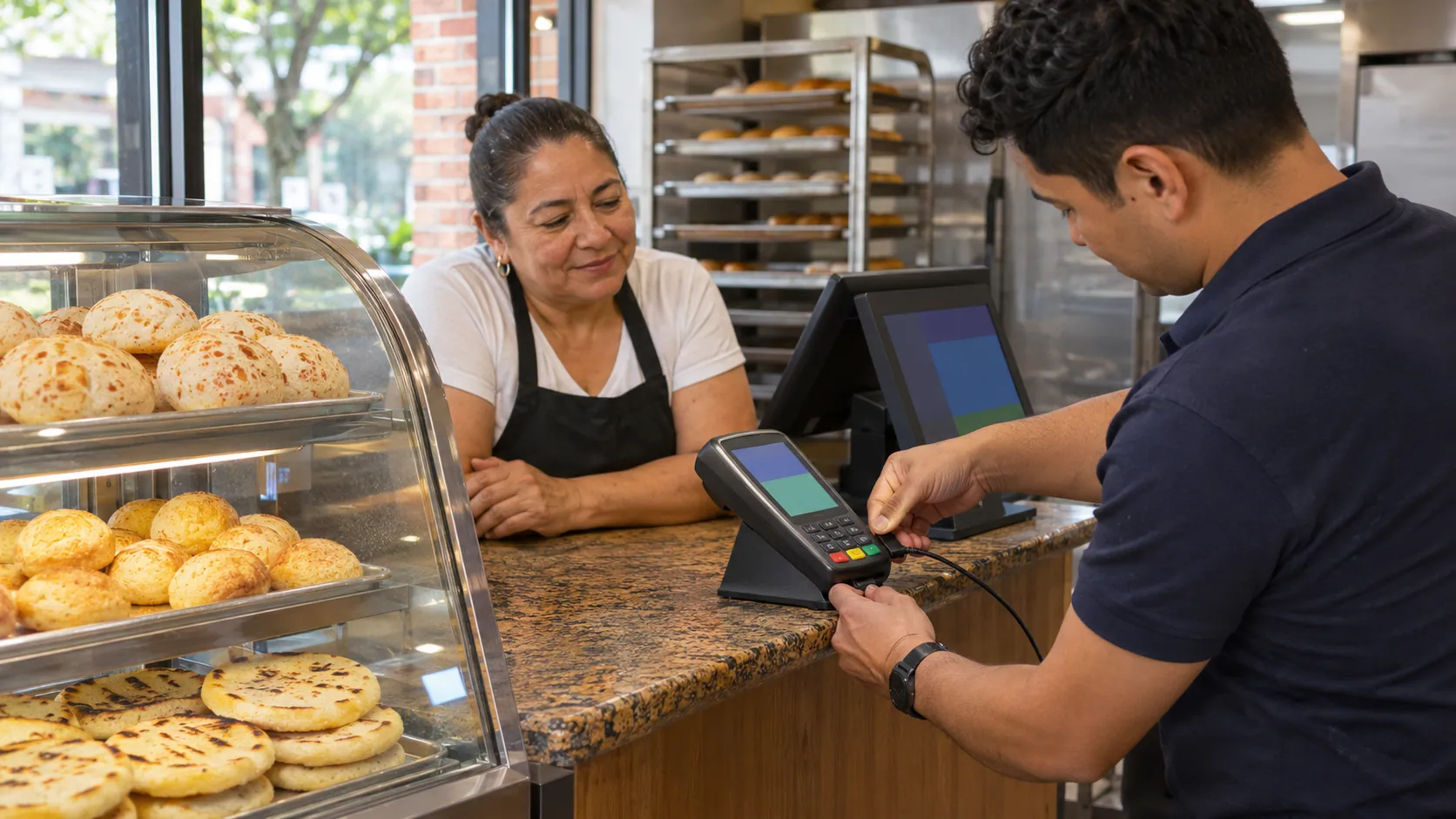
Yes, with the virtual terminal: you type the card into a page in your browser while the customer reads it to you. Type it in while they are on the line, and never keep card numbers on paper or in a text. It costs more than a tapped card, so use it when the customer can't be there.
Get a quote for invoicing and payments
Tell us what work you do, how you bill today and how customers pay. A person replies in English or Spanish.
Tell us about your business
Your name and email are enough to start. Write in English or Spanish.