RESTAURANT POS
The restaurant POS system your whole team can use, in Spanish or English
Take orders at the counter, the table, a kiosk, by phone and online, and send them to one kitchen screen. Truvana Tech fixes the language gap between counter and kitchen for restaurants in DC, Maryland and Northern Virginia.
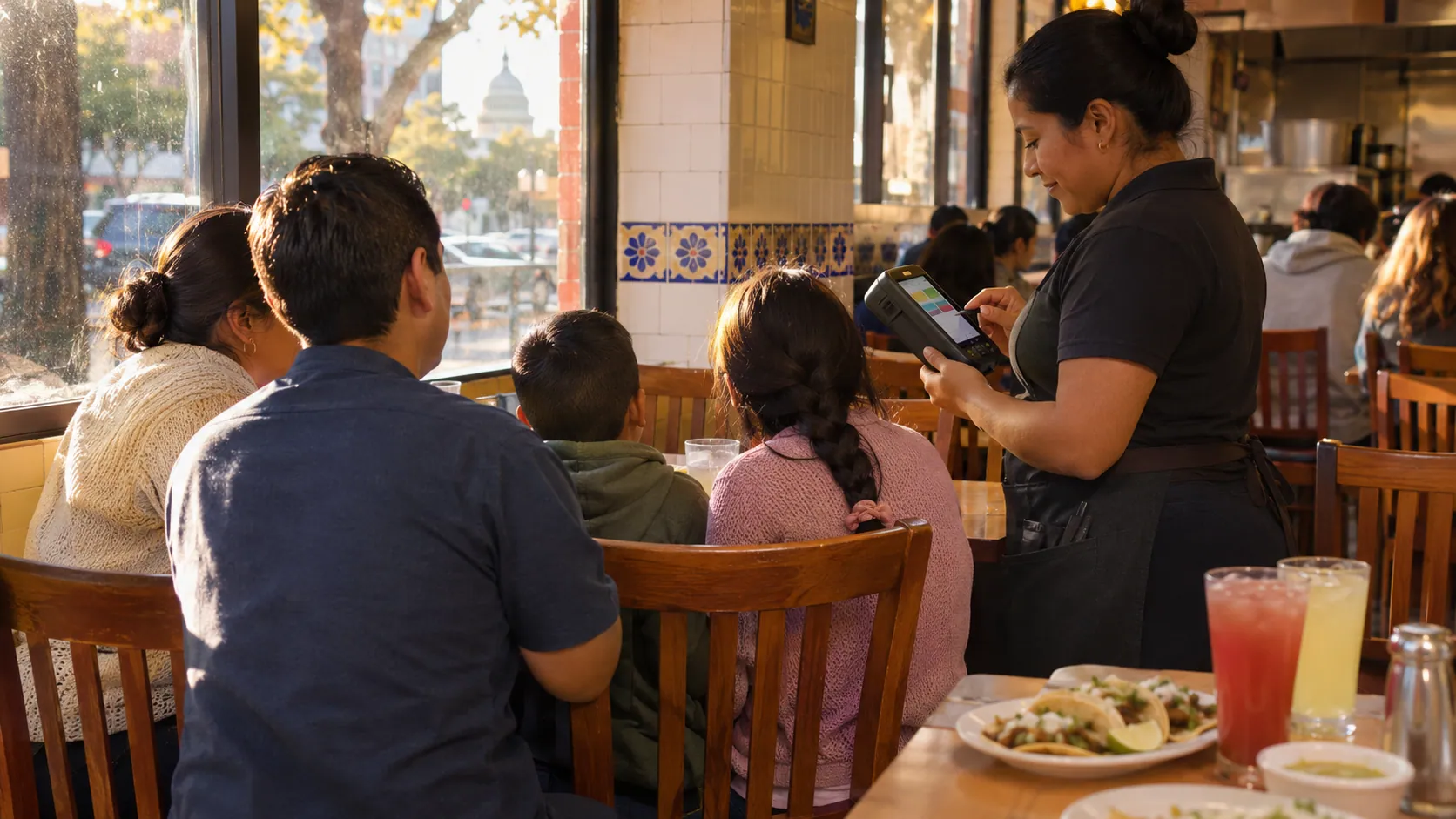
- POS, kiosk and kitchen tickets in Spanish
- Setup and training in English or Spanish
- No commission on online orders





Restaurant POS features built for Latino restaurants
One system for the counter, the tables, the kitchen, the phone and online orders, in the language your team and your customers speak.
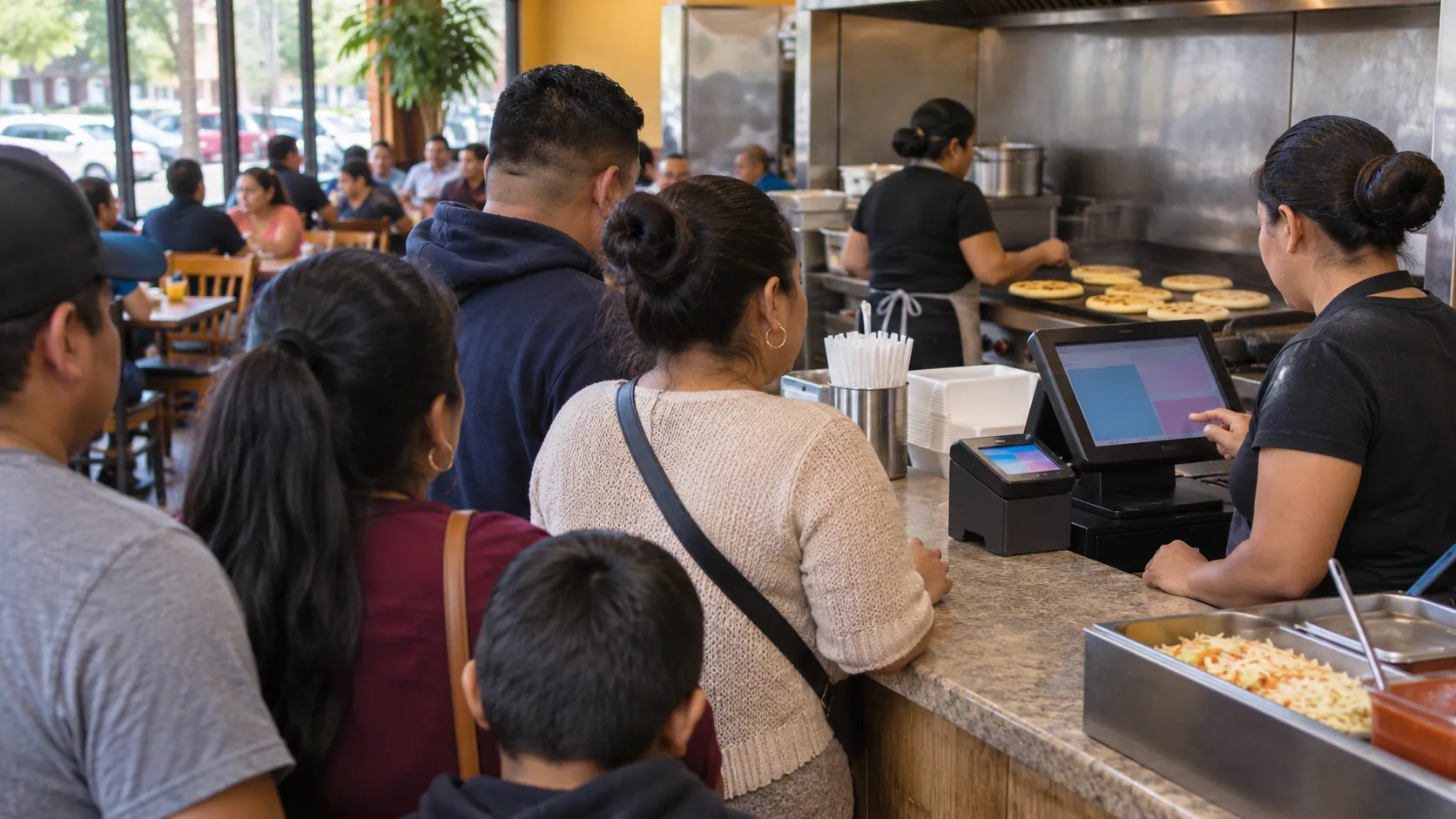
A POS in Spanish or English
The screens work in Spanish or English, and a menu with photos keeps orders right on a busy night.
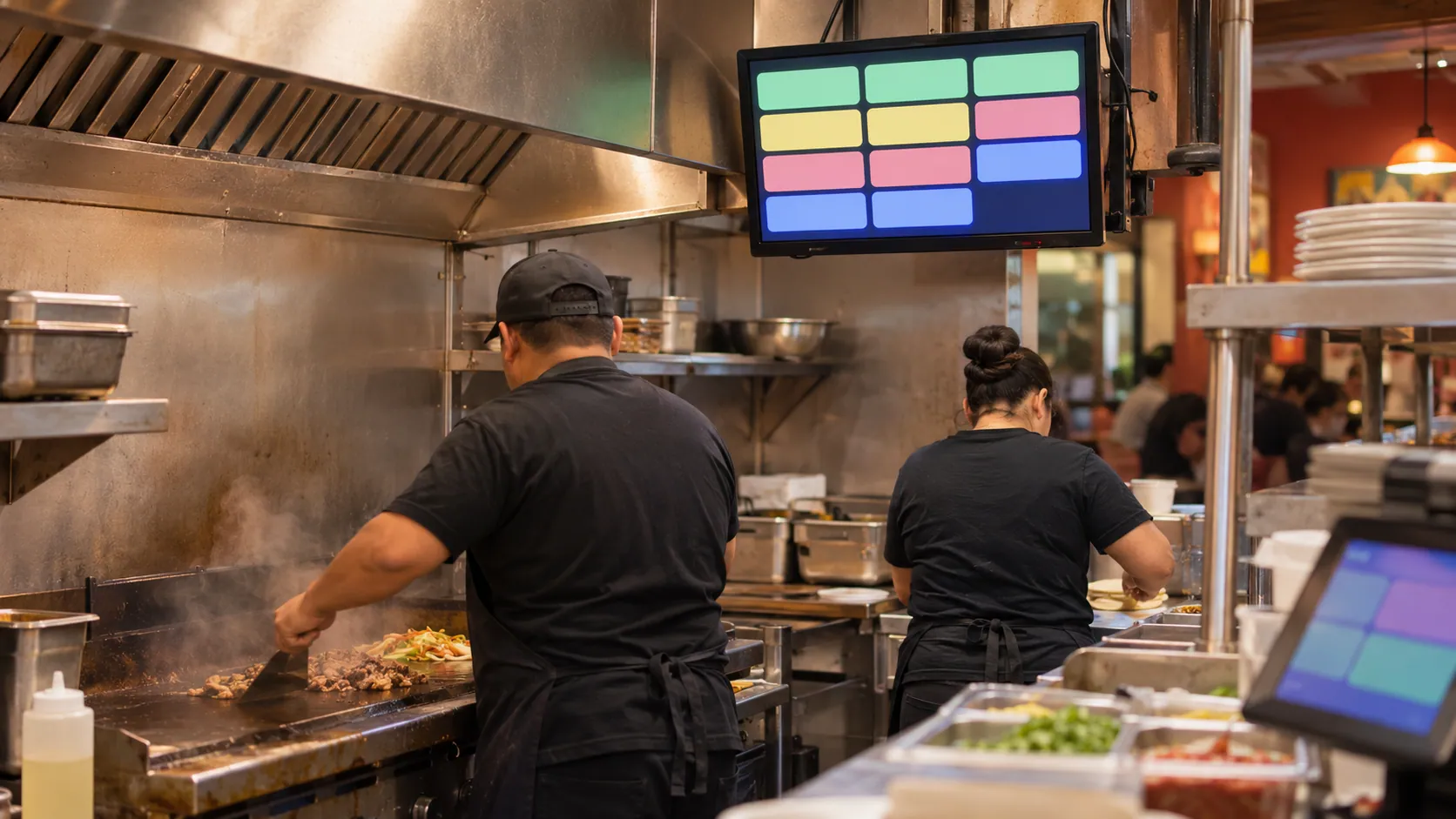
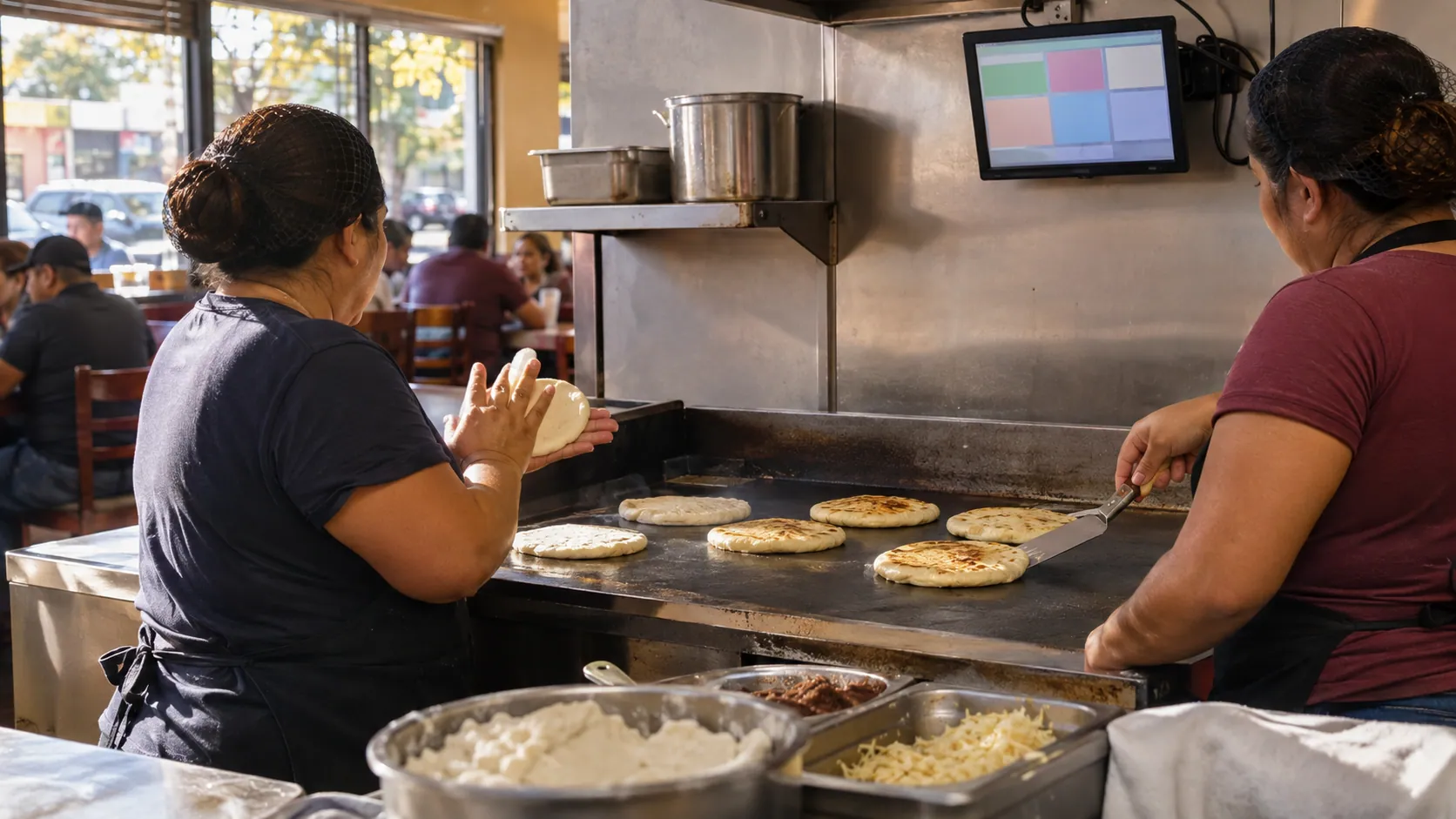
Kitchen display in Spanish
Orders from every channel land on one screen with their modifiers, like "sin cebolla", sorted by time.
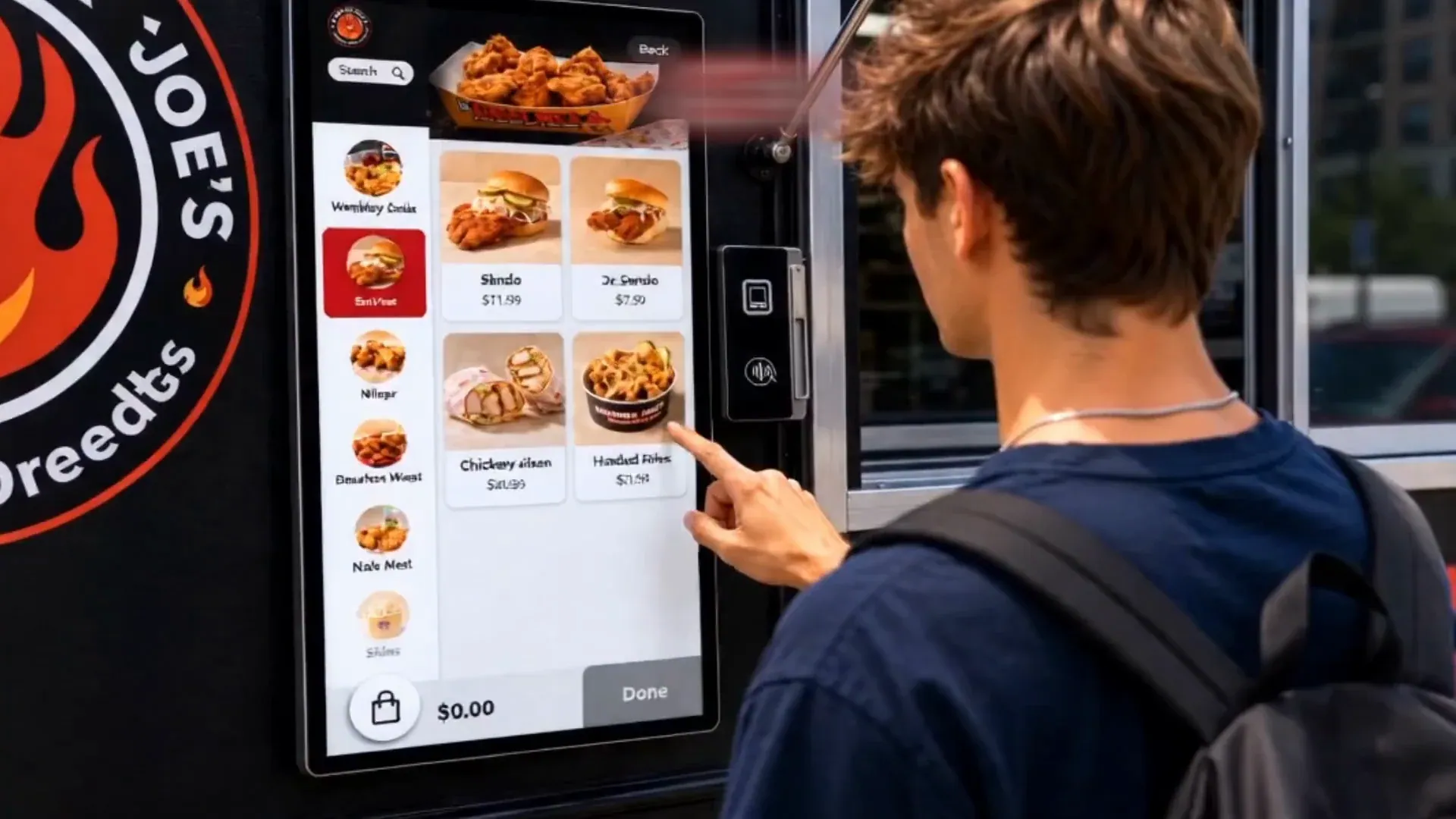
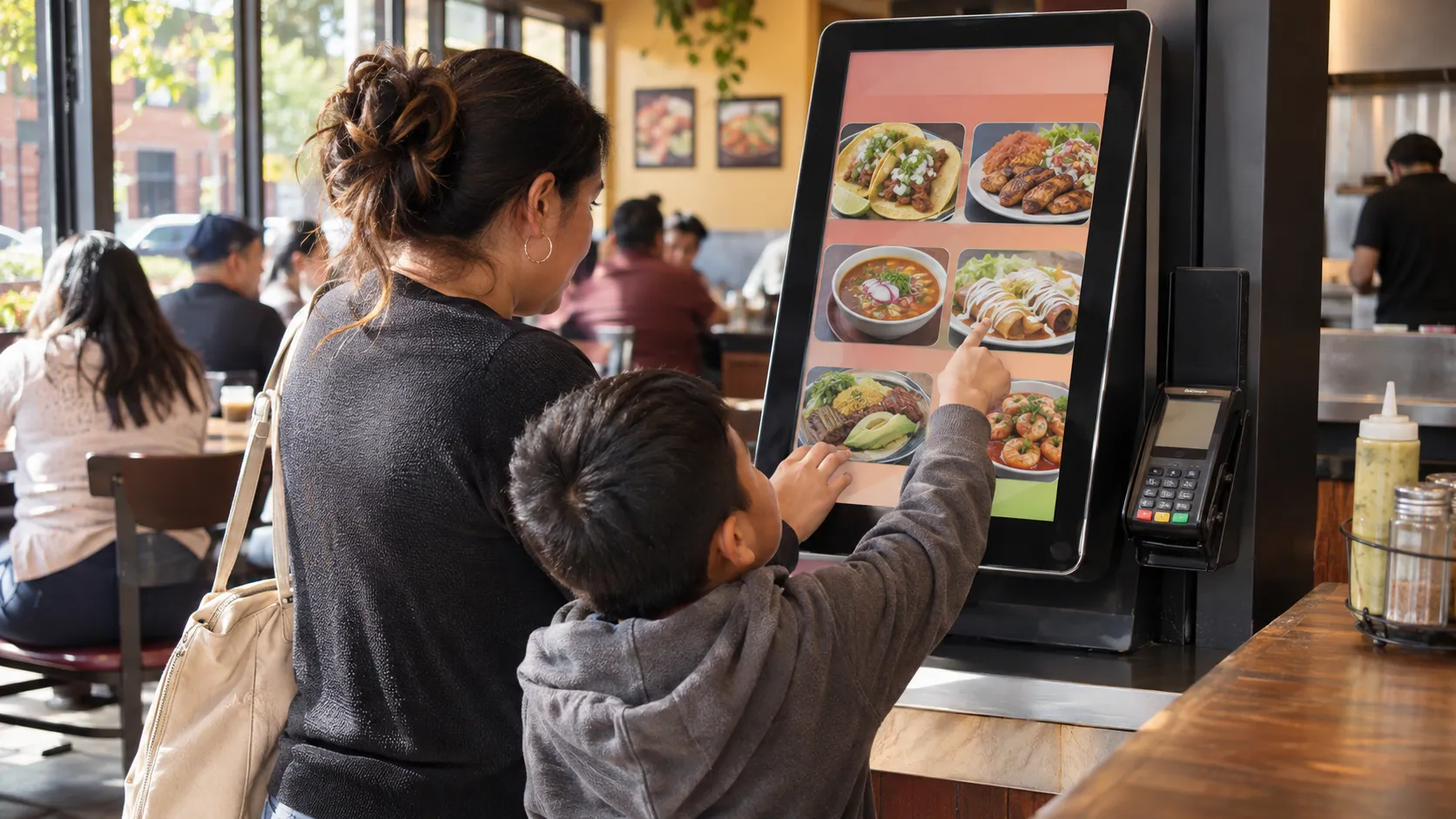
A bilingual self-order kiosk
Customers order with photos in Spanish or English while your cashier packs to-go orders.
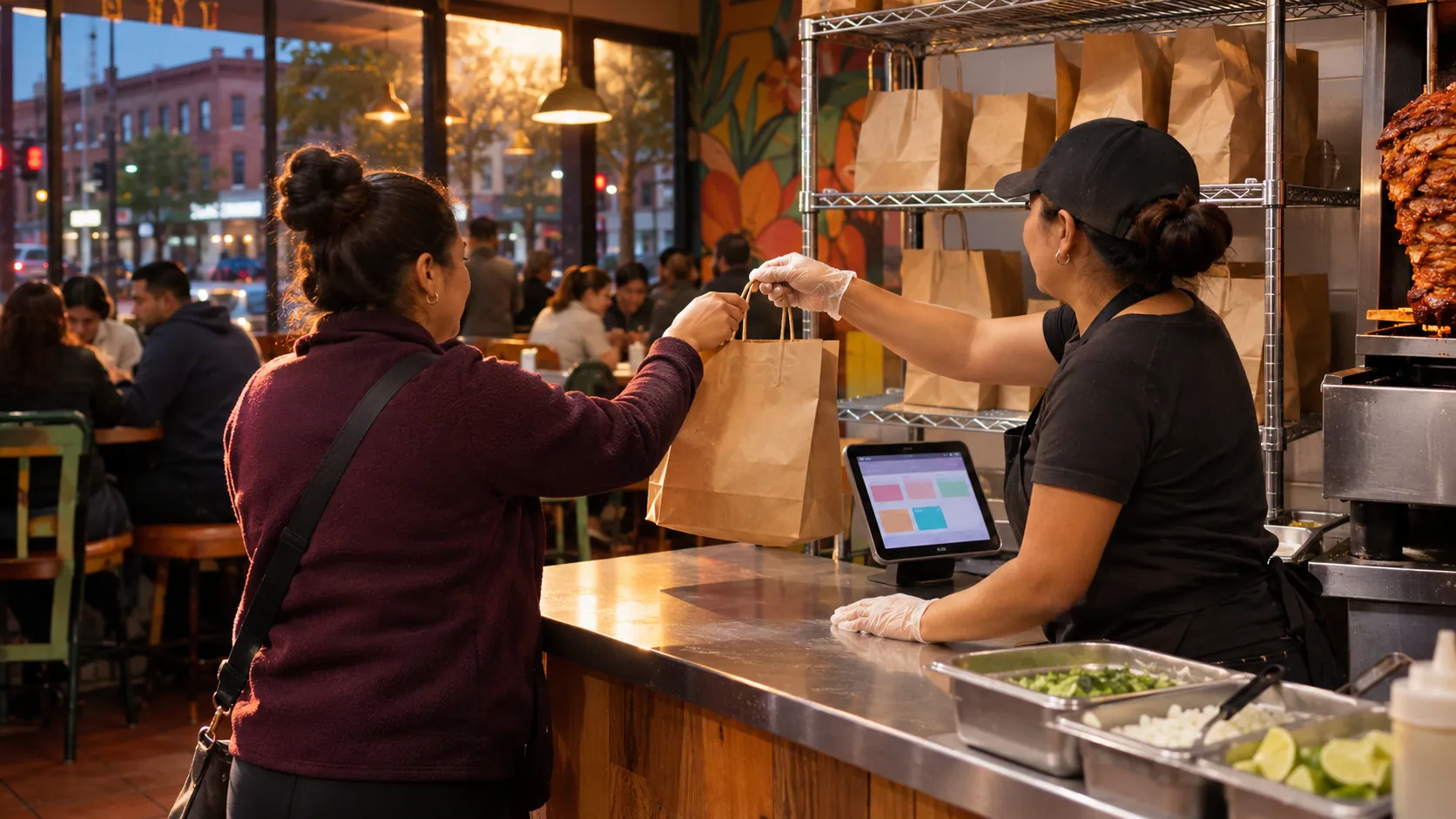
Your own website and app
Online ordering under your restaurant's name, with no commission per order, synced with the POS.
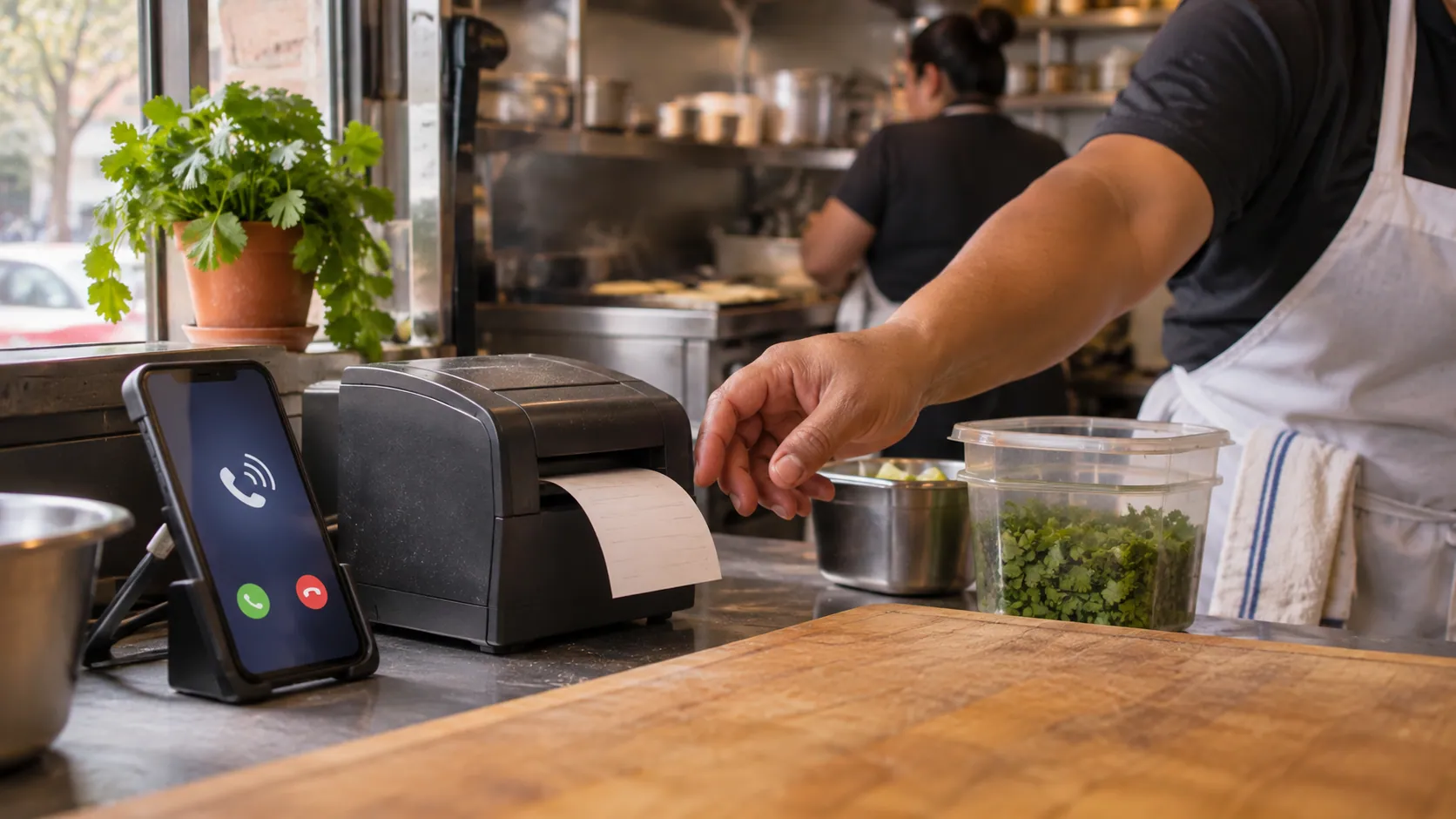
Phone orders while you cook
AI phone answering picks up in Spanish or English, texts the caller a link to pay, and sends the paid order to the kitchen.
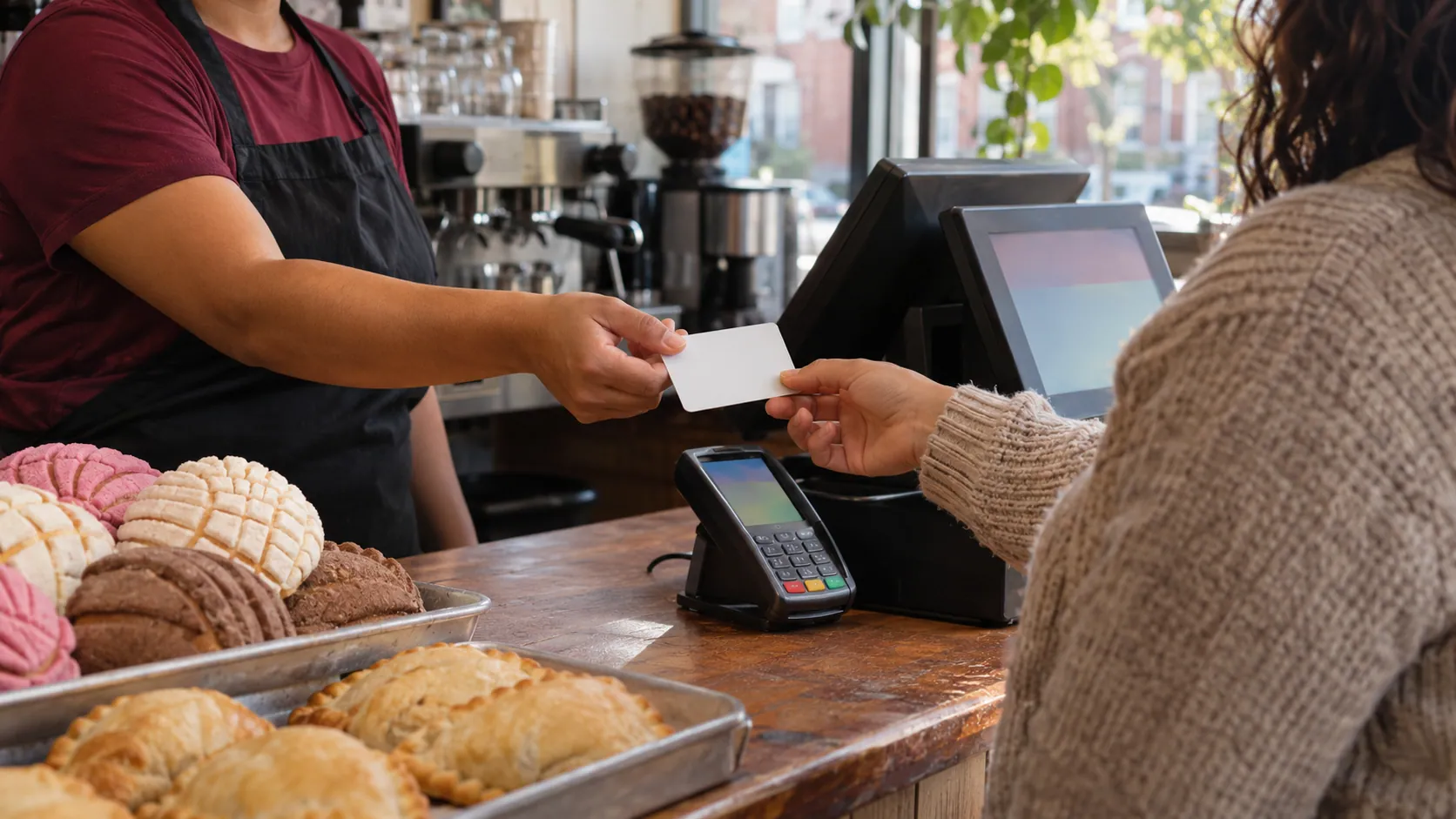
Loyalty, gift cards and texts in Spanish
Points, rewards, gift cards and text campaigns that bring regulars back on slow nights.
Every part of the restaurant system
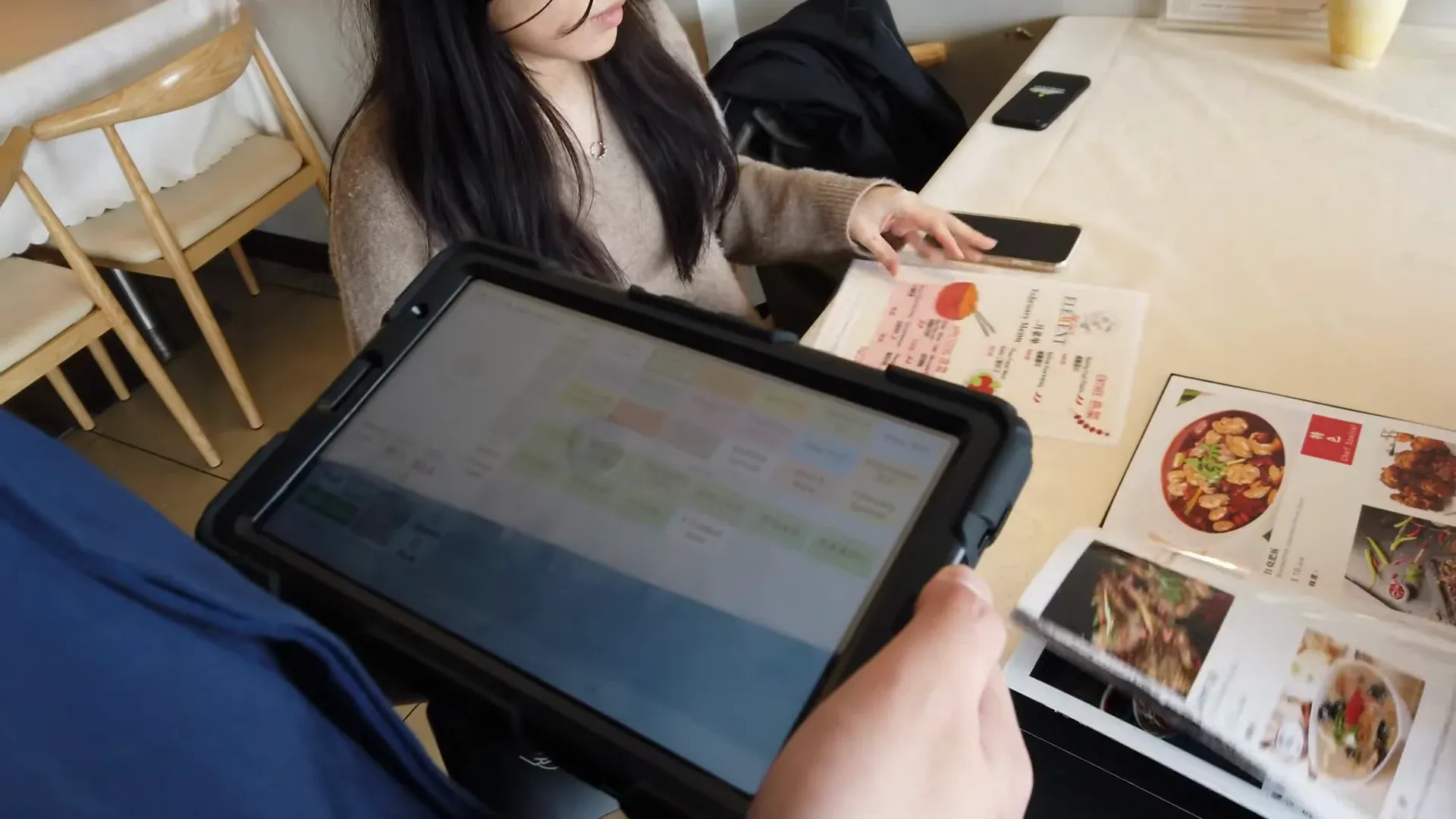
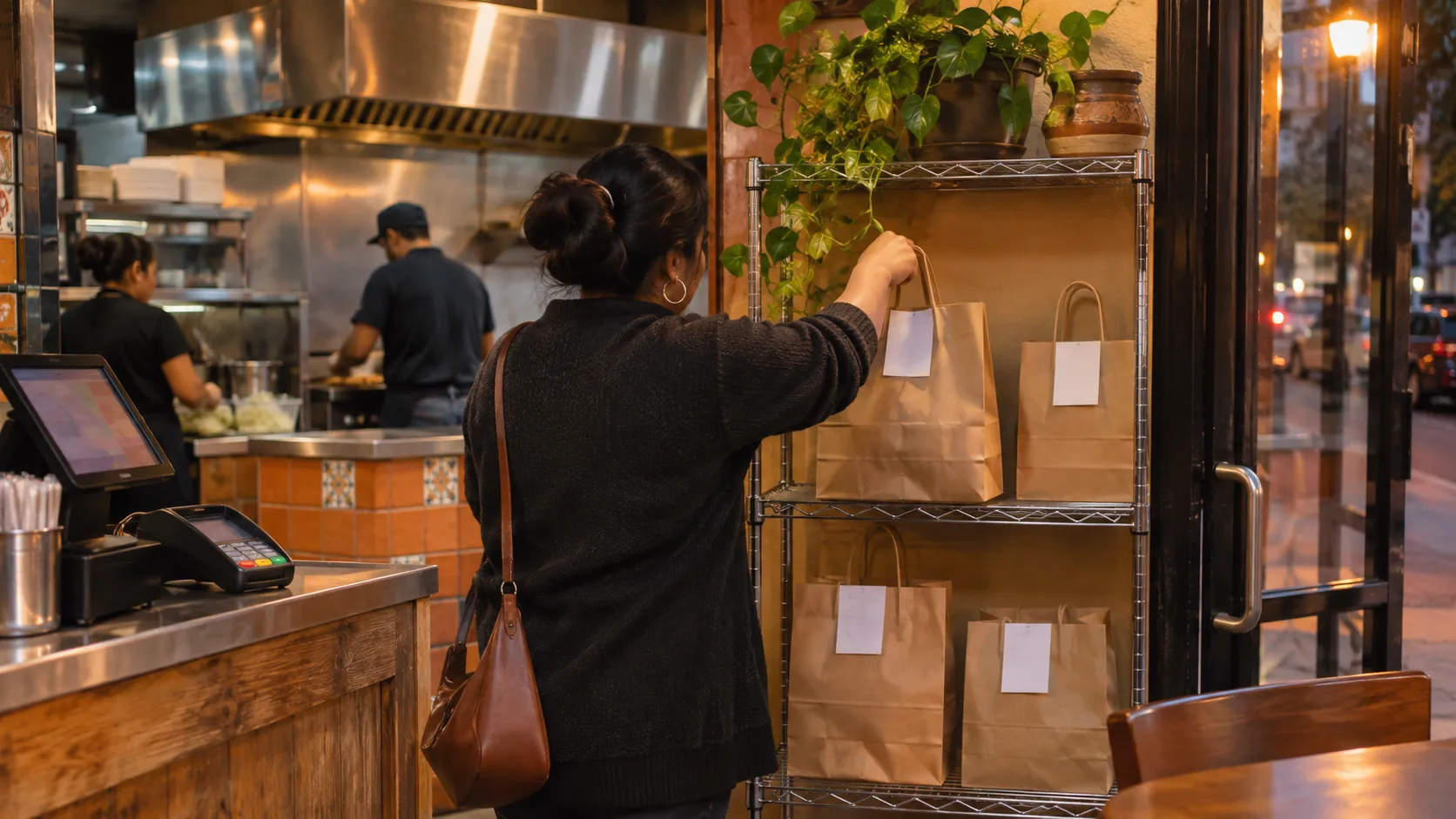
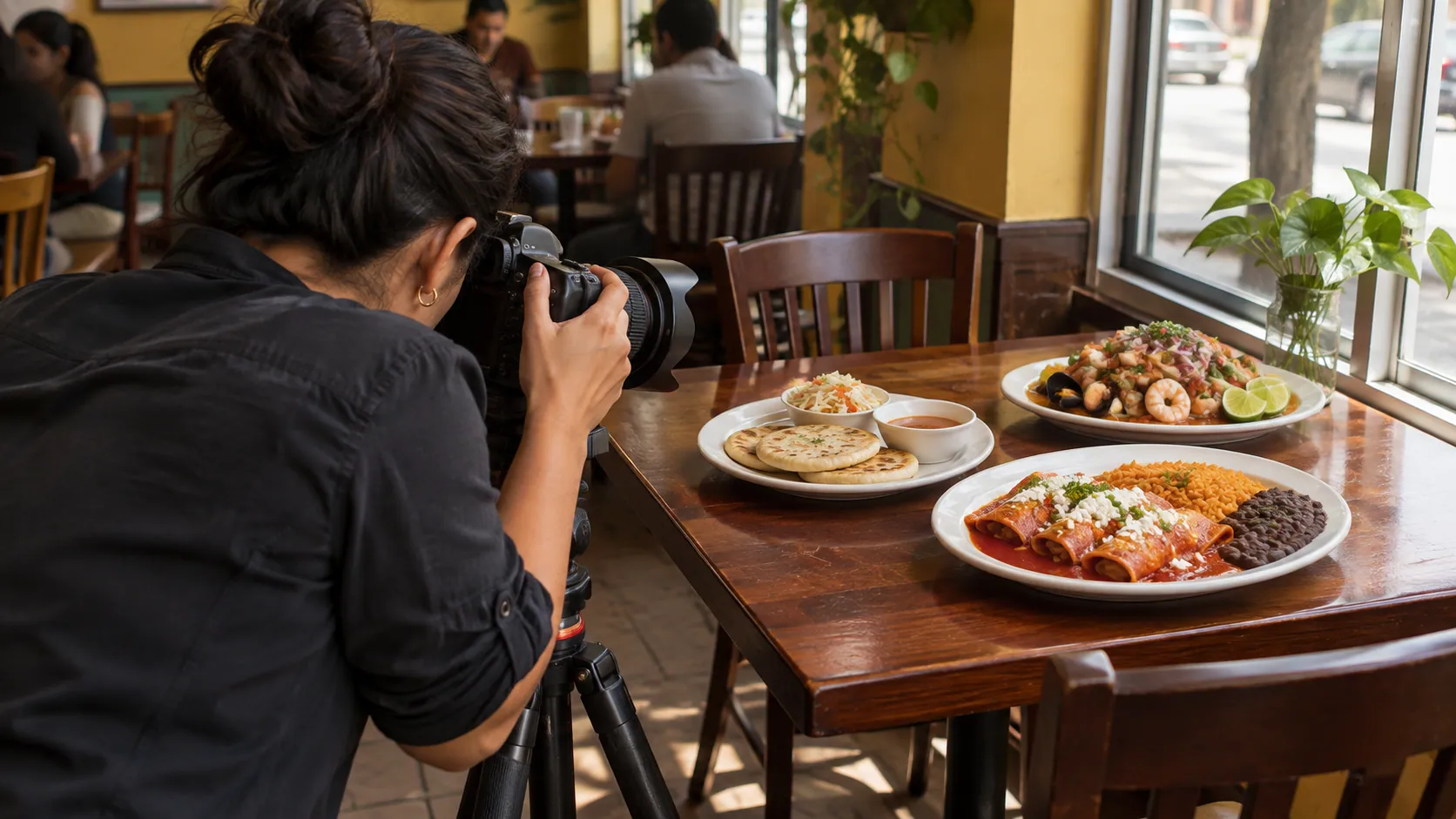
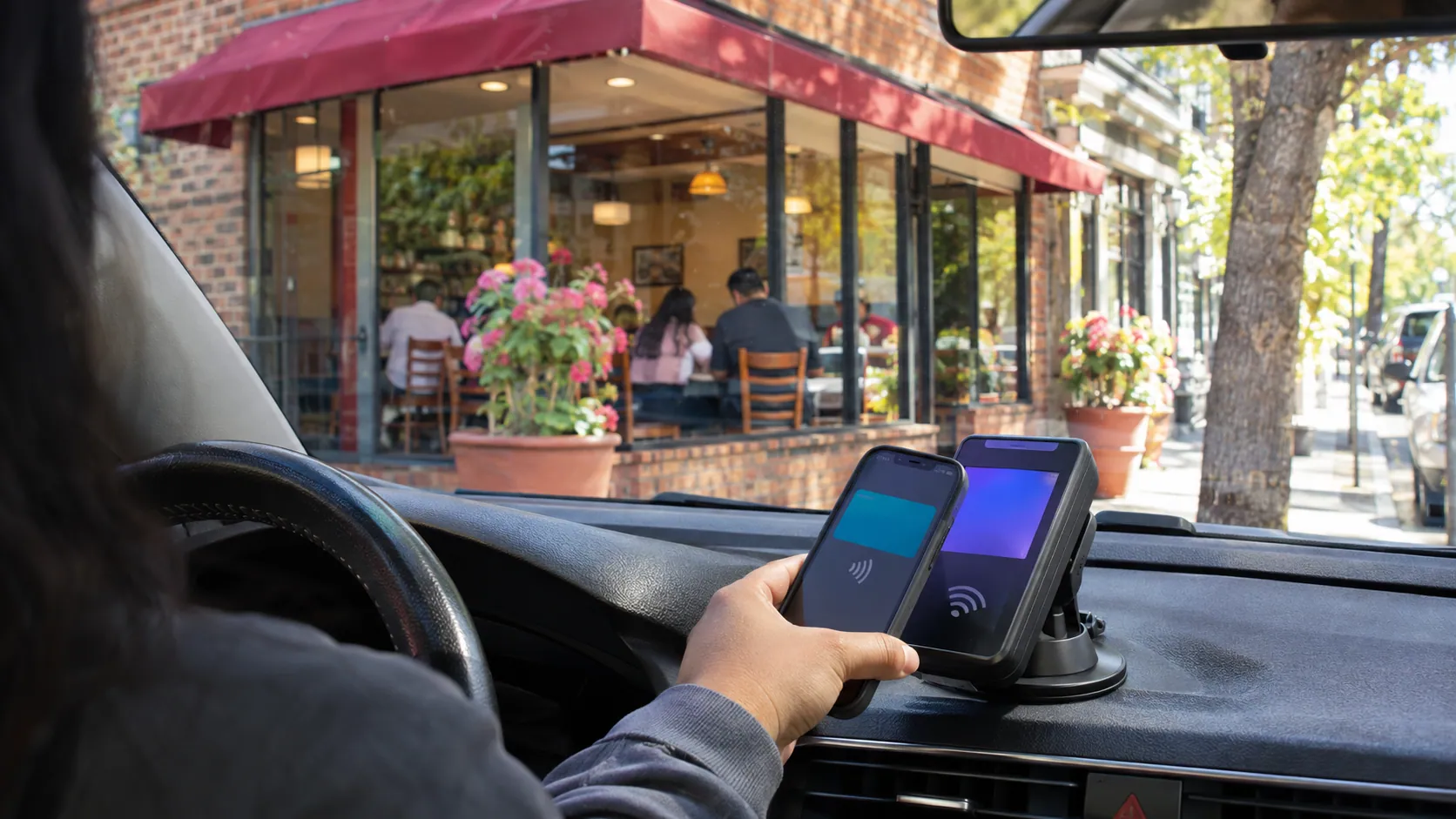
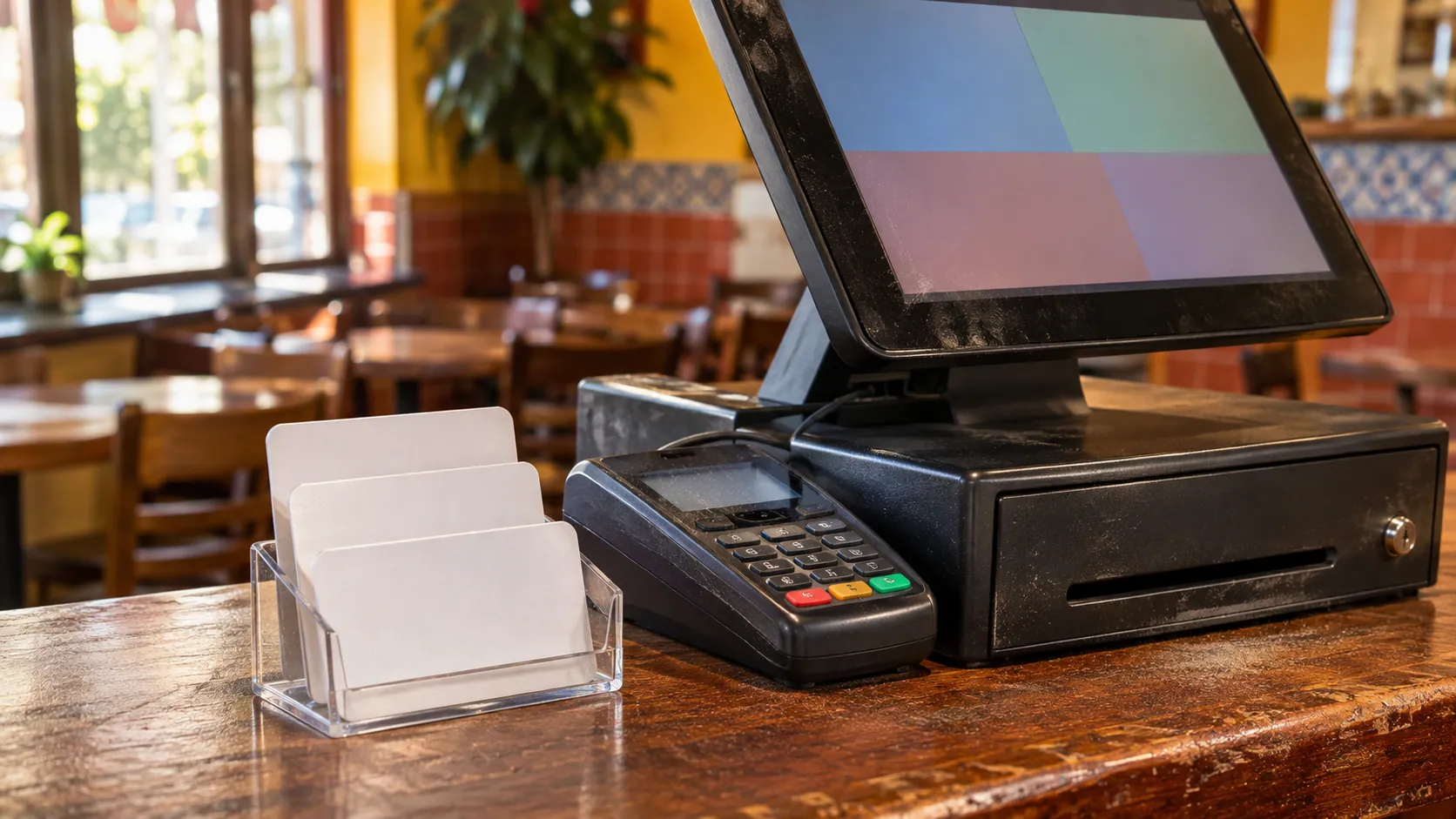
Restaurant POS hardware
Start with how customers order and pay, and add a device only when it saves your team steps.
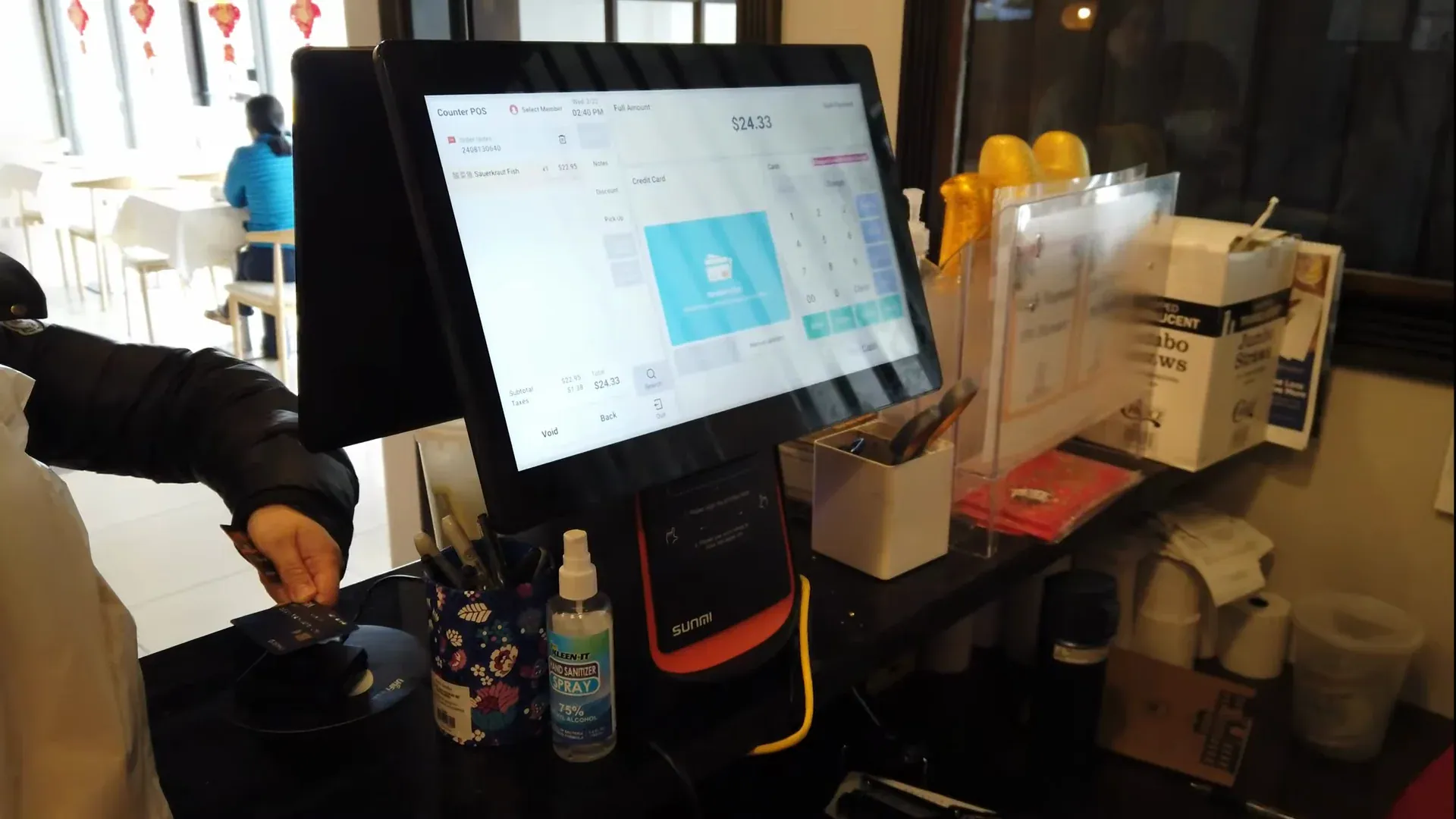
Countertop POS
- ■Single or dual screen, so the customer sees the order
- ■Orders, payments, cash drawer and reports
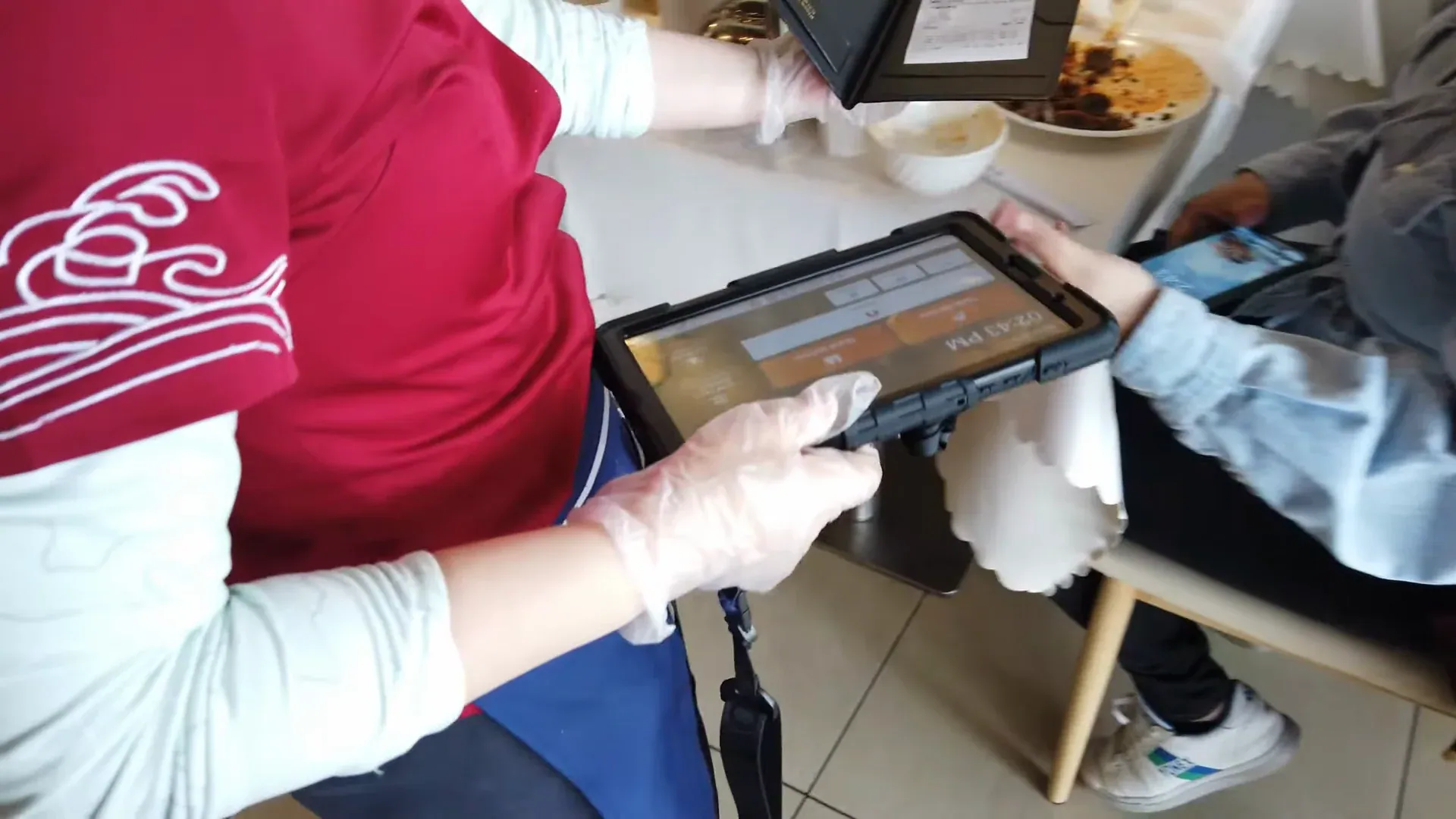
Handheld POS
- ■Order and pay at the table or in the line
- ■Tips added on the device
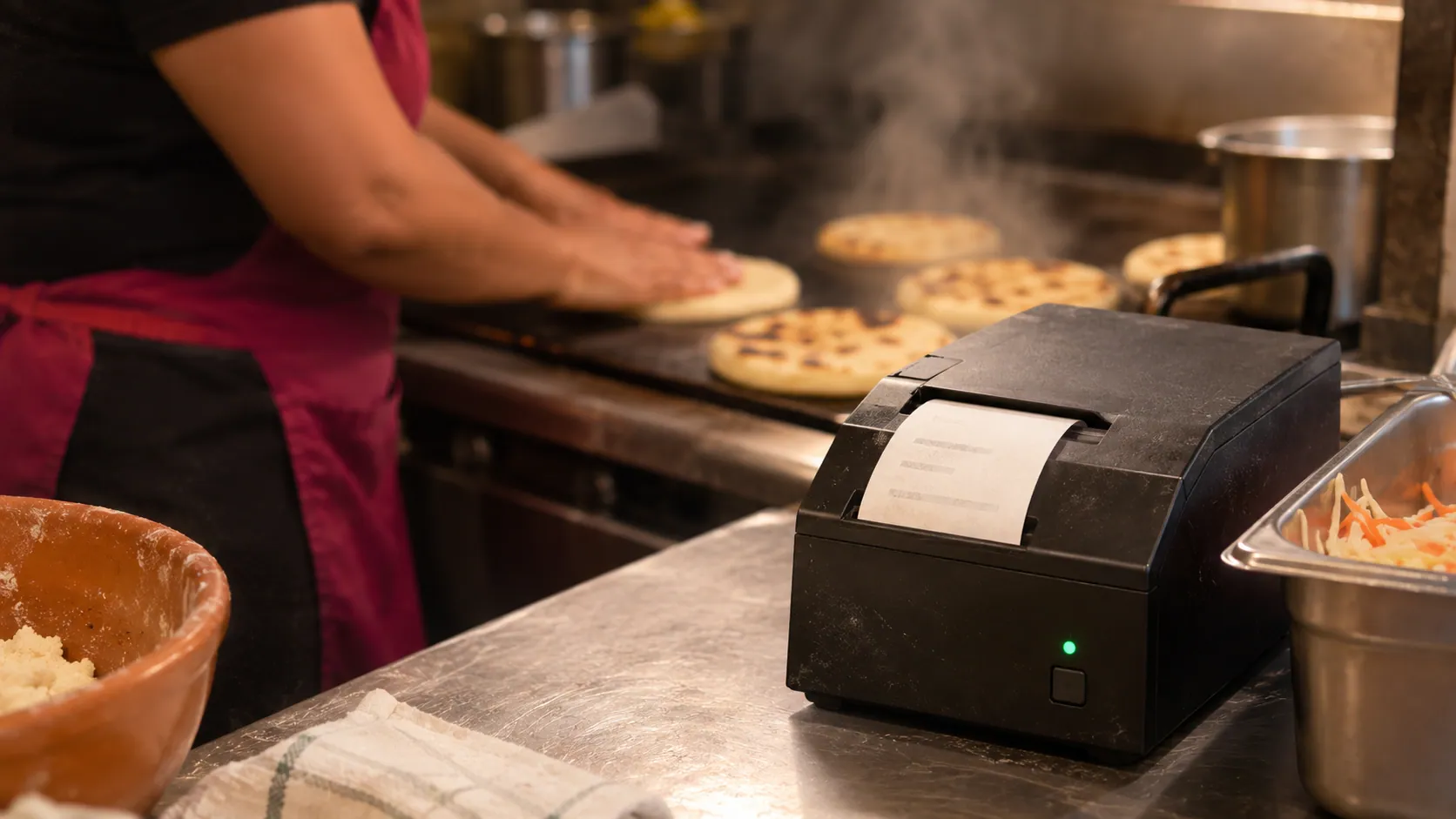
Kitchen printer
- ■Tickets with item names in Spanish
- ■Works alongside a kitchen display
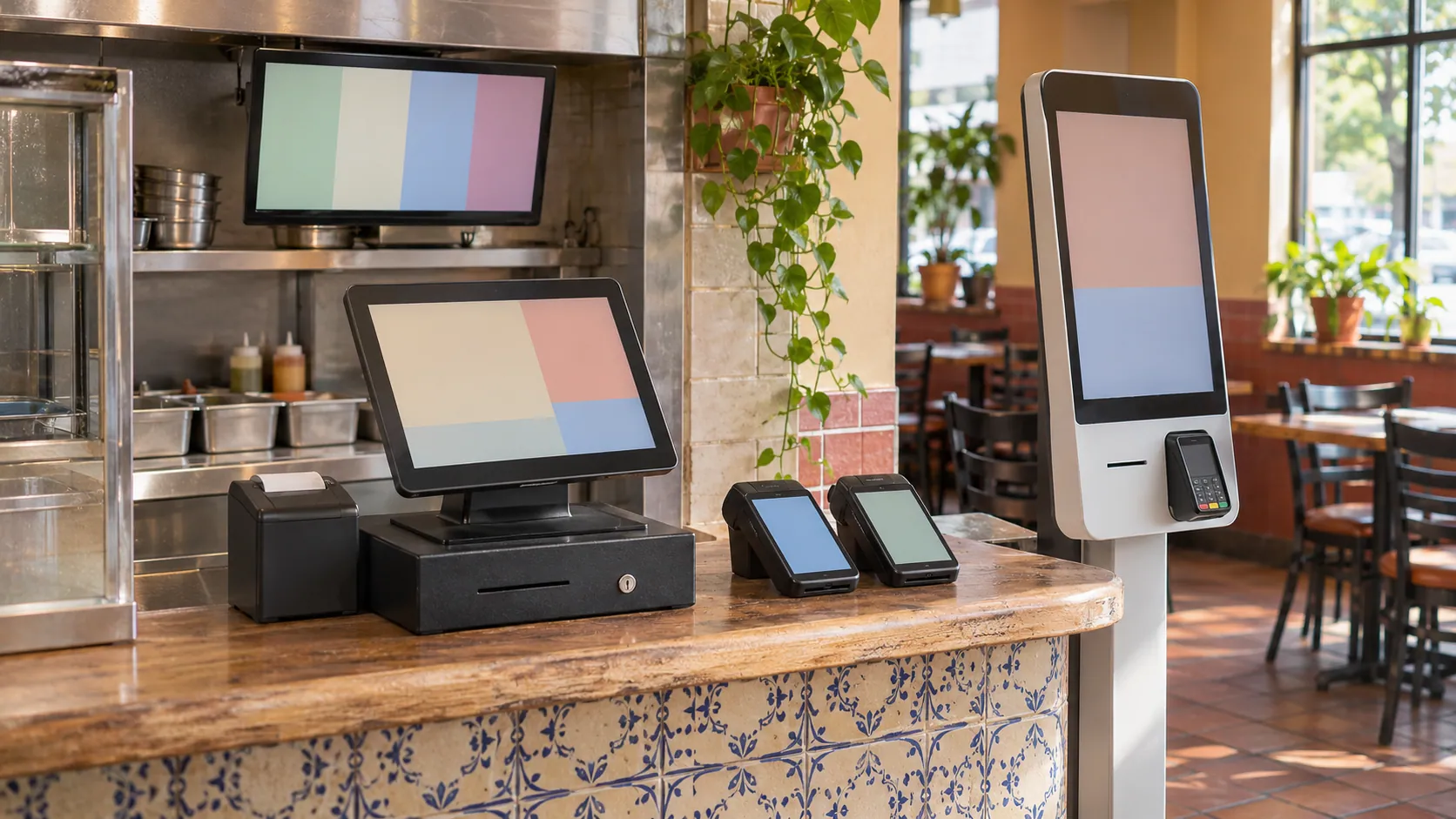
The full setup
- ■Countertop, handhelds, kiosk and kitchen display
- ■One menu across every device
Restaurant POS problems Truvana Tech fixes
What changes a restaurant's month is rarely the screen. It is who pays the commission, who answers the phone and whether a contract ties you down.
Truvana Tech
Built for Spanish-speaking teams
If your kitchen works in Spanish, your POS should too. Truvana Tech fixes that on site in DC, Maryland and Northern Virginia and stays your local contact.
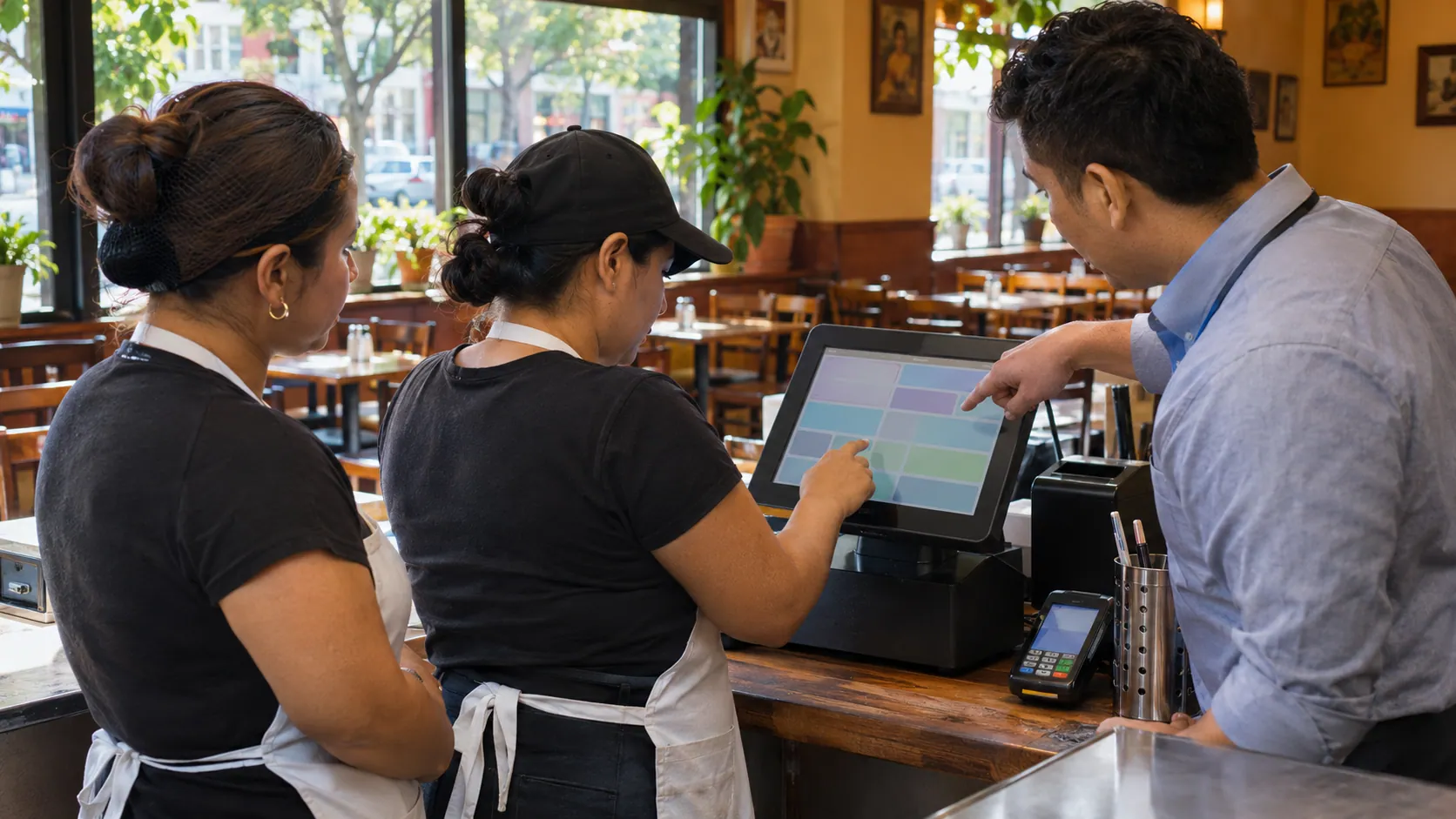
In Spanish
Screens and tickets in your team's language
The POS, the self-order kiosk and the kitchen tickets work in Spanish. The cook reads "pupusa revuelta" the way the customer said it, and a new cashier learns the screens in the language they think in.
- Spanish item names on kitchen tickets
- The kiosk in Spanish or English
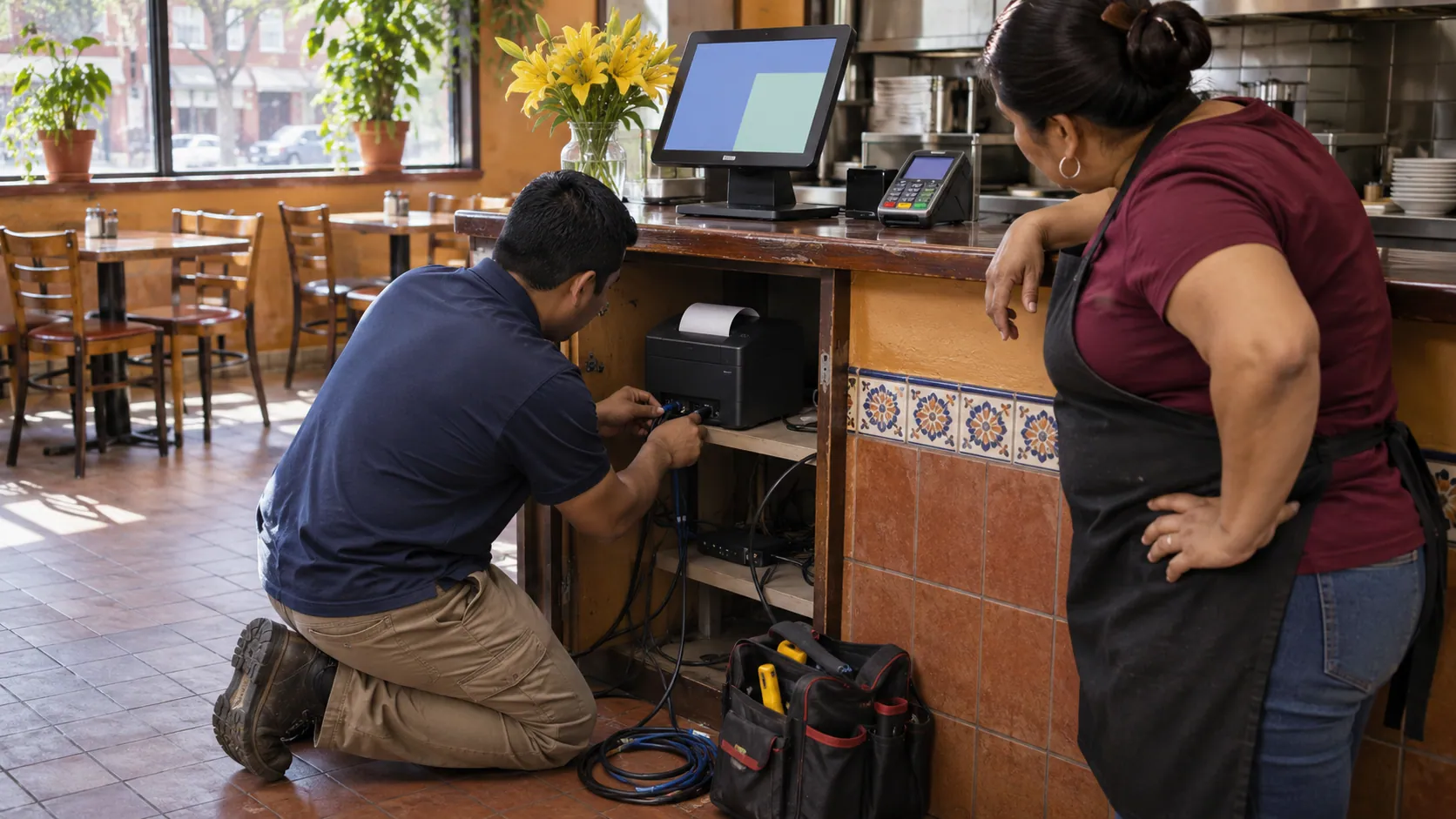
Quote and setup
Explained before you sign, installed at your place
Before you start, Truvana Tech goes through the quote with you, line by line, in English or Spanish. There is no contract. Then a local team installs the system at your restaurant and loads your menu.
- Free hardware when you process with us
- No contract and no equipment lease
Training and support
Your team learns the system in their language
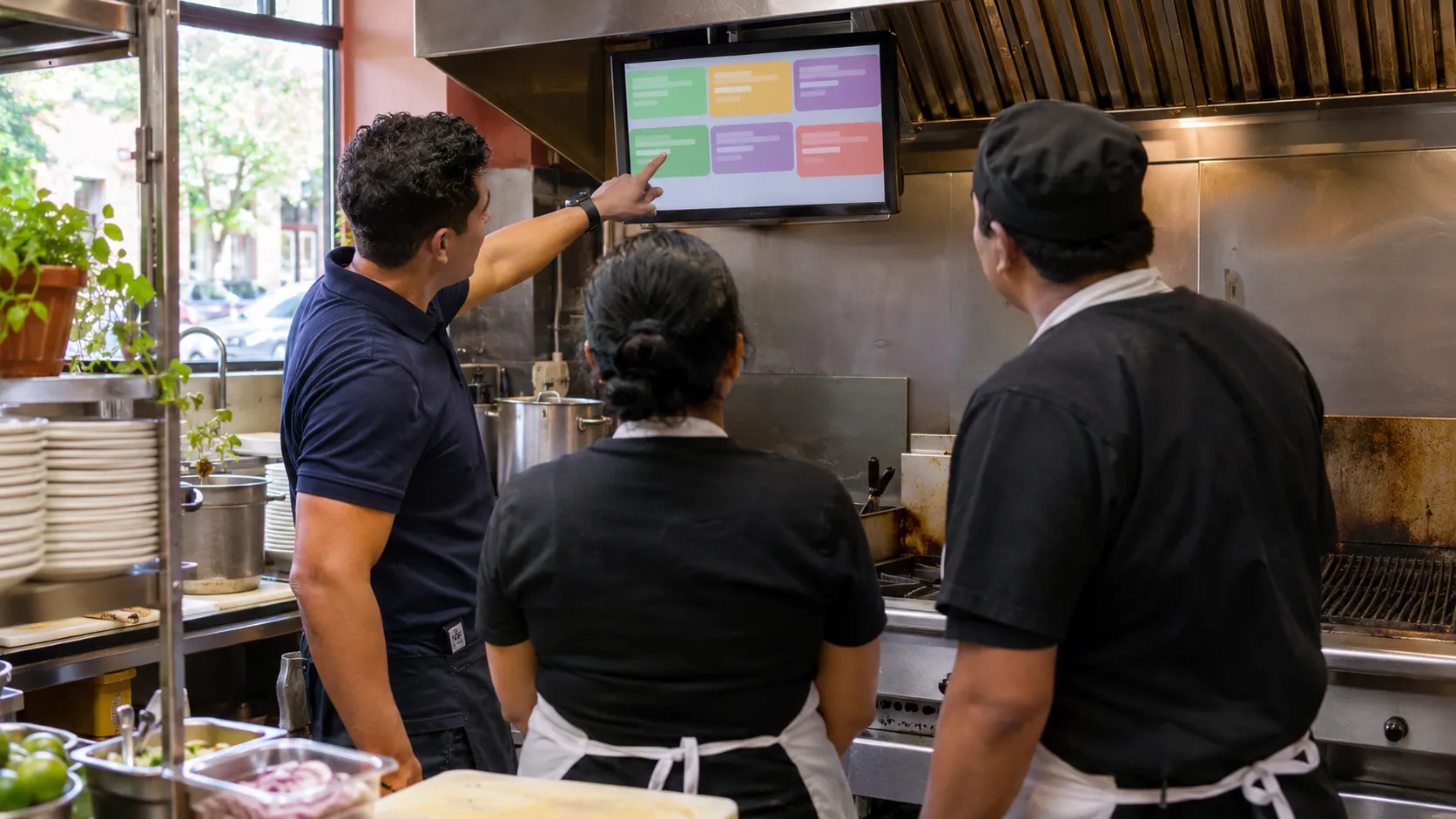
We train your cashiers, servers and cooks on site, on your own menu. When something breaks, you call a local team that answers in English or Spanish and comes to your place, and support in Spanish is there 24/7.
- Training on site
- A local contact after the install
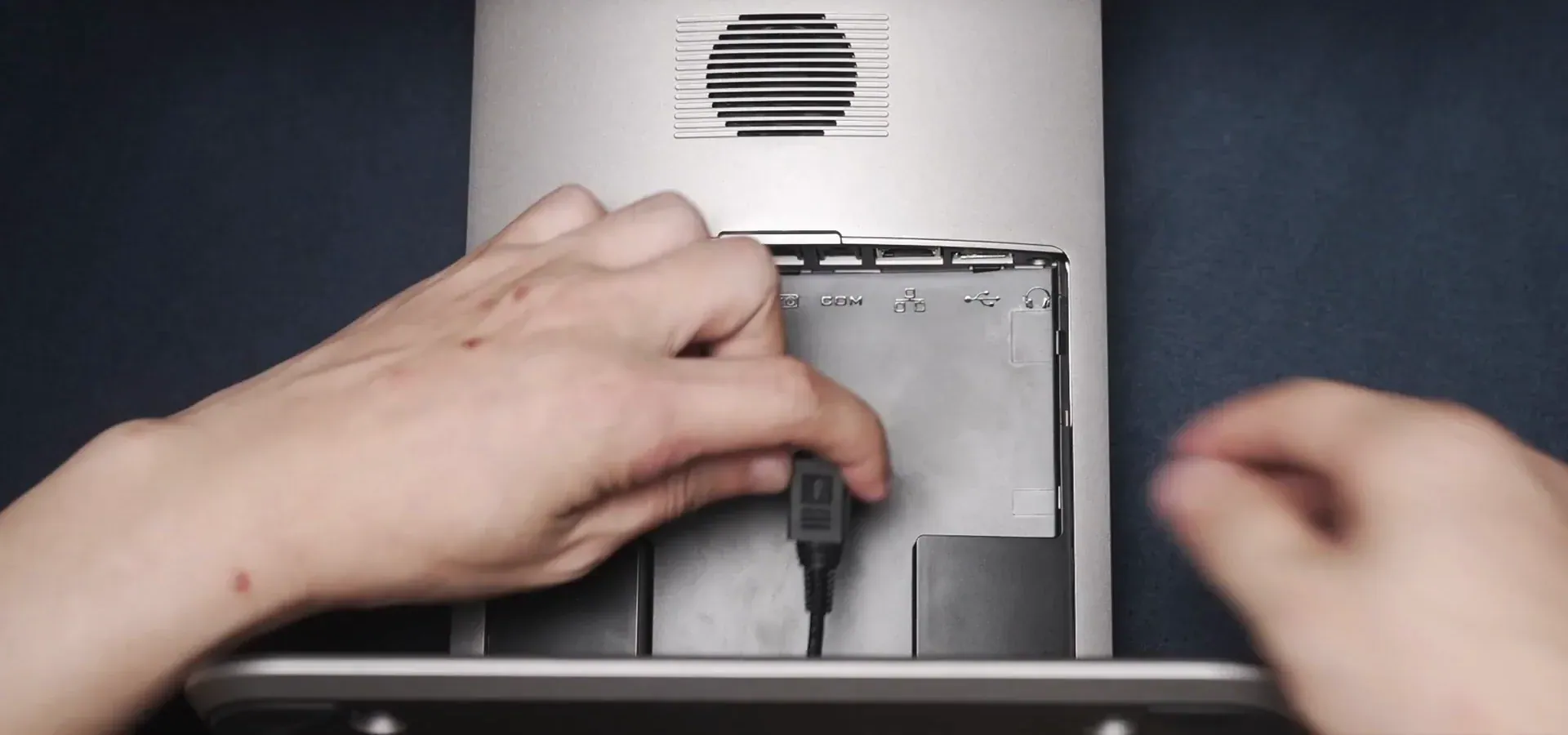
How a restaurant POS setup works, step by step
Most of the work happens before opening day, so your first busy night runs on a system your team already knows.
- 01
Tell us how you serve
Counter, tables, kiosk, phone or online, and one recent card statement.
- 02
Get a written quote
Devices, card rate and any monthly fee, explained in your language. No contract.
- 04
Train your team
Cashiers, servers and cooks learn the system on site, in English or Spanish.
What is a restaurant POS system?
A restaurant POS (point of sale) system is the screens, devices and software that take each order, send it to the kitchen, take the payment and record the sale.
Cloud-based POS
A cloud-based restaurant POS keeps your menu, orders and sales online, so a price you change once updates every screen.
Sales on your phone
With everything online, you can check the day's sales from your phone.
How much does a restaurant POS system cost?
A restaurant POS has three costs: a monthly plan, a fee on every card sale and the hardware. Card fees usually run 2.3% to 2.9% plus a few cents per sale.
| Cost | Examples (checked November 10, 2026) | What to watch |
|---|---|---|
| Monthly plan | Square $0, $49 or $149; Toast from $69; Clover $179 for 36 months | What is included and what costs extra |
| Card processing | Square 2.6% + 15¢ in person; Clover 2.3% + 10¢; Toast not published | Keyed-in and online sales cost more |
| Hardware | Bought, financed or free with processing | Avoid a separate lease you can't cancel |
| Delivery apps | Their own commission: in DC, many went back to about 30% after the city's 15% cap expired in 2023 (DCist) | Your own online ordering has no commission per order |
Sources: Square, Toast, Clover. Your price with us comes in a written quote; see how card fees work.
Which setup fits your restaurant
| Restaurant | A setup to start from |
|---|---|
| Taquería or pupusería | Countertop POS, Spanish kitchen tickets and online ordering |
| Pollería | Countertop POS, kiosk, online ordering and AI phone answering |
| Full service | Countertop POS, handhelds and a kitchen display |
| Café, bakery or panadería | Countertop POS, loyalty and gift cards |
| Food truck | A handheld or a wireless card machine |
Switching from another system? Read the switching checklist, or compare Square vs Clover.
Questions owners ask
How much does a kitchen display system cost?
A kitchen display has two costs: the screens and the software that runs them. Ask any provider for the price of each screen and any monthly fee for the kitchen display. Hardware is free when you process your card sales with us; your written quote shows the terms.
What is the cheapest POS system for a restaurant?
Square's restaurant plan starts at $0 per month and charges 2.6% + 15¢ per in-person sale (checked November 10, 2026). The plan is the small part: 2.6% of $30,000.00 a month in card sales is $780.00. Compare plan, card fees and hardware on your own sales, or send us a statement.
Is it hard to learn a POS system?
Not when it's set up for your menu and taught in your team's language. We load your menu and train your staff on site, in English or Spanish.
What is a KDS in a restaurant?
KDS stands for kitchen display system: a screen in the kitchen that replaces paper tickets or works alongside them. Orders from the counter, the tables, the kiosk, the phone and online appear in order, and cooks mark each dish done.
What should I look for in a restaurant POS system?
Start with how you serve: counter, tables, kiosk, phone or online. Get the monthly cost, card rate, contract term, renewal and exit fee in writing, and check that the screens and tickets work in your team's language. Avoid an equipment lease you can't cancel.
Get a quote for your restaurant
Tell us how many registers, tables and kitchen screens you have. A person replies in English or Spanish.
Tell us about your business
Your name and email are enough to start. Write in English or Spanish.