KITCHEN DISPLAY SYSTEM
A kitchen display system (KDS) your cooks can read in Spanish
Counter, table, kiosk, phone and online orders land on one kitchen screen, with modifiers like "sin cebolla" under each dish. Truvana Tech solves lost paper tickets for restaurants in DC, Maryland and Northern Virginia, with training in Spanish.
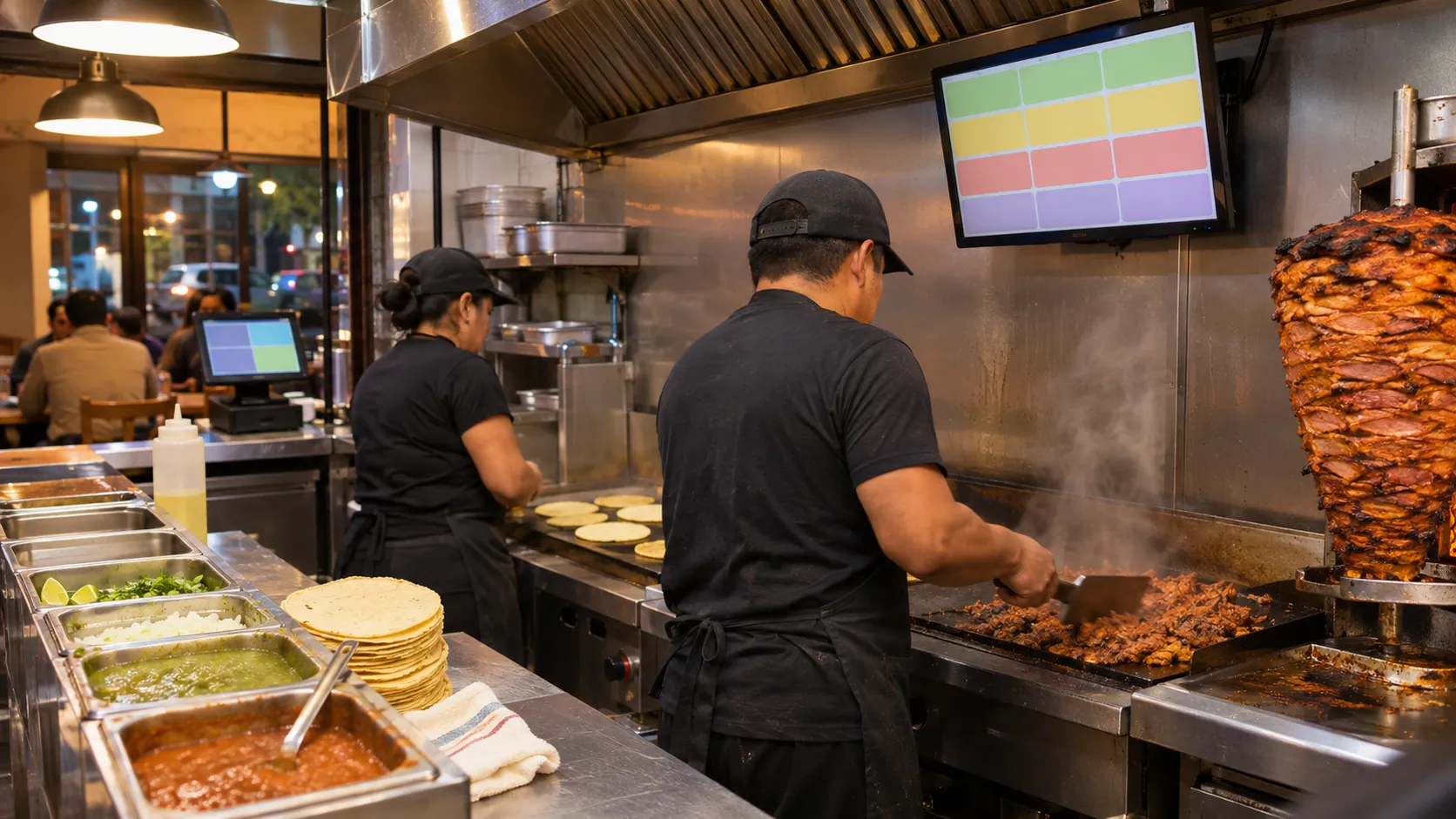
- Kitchen screen in Spanish or English
- Every order on one screen
- Installed and taught on site




Kitchen display system features built for Latino restaurants
Cooks shouldn't translate tickets in the rush. The screen shows each order the way your kitchen says it.
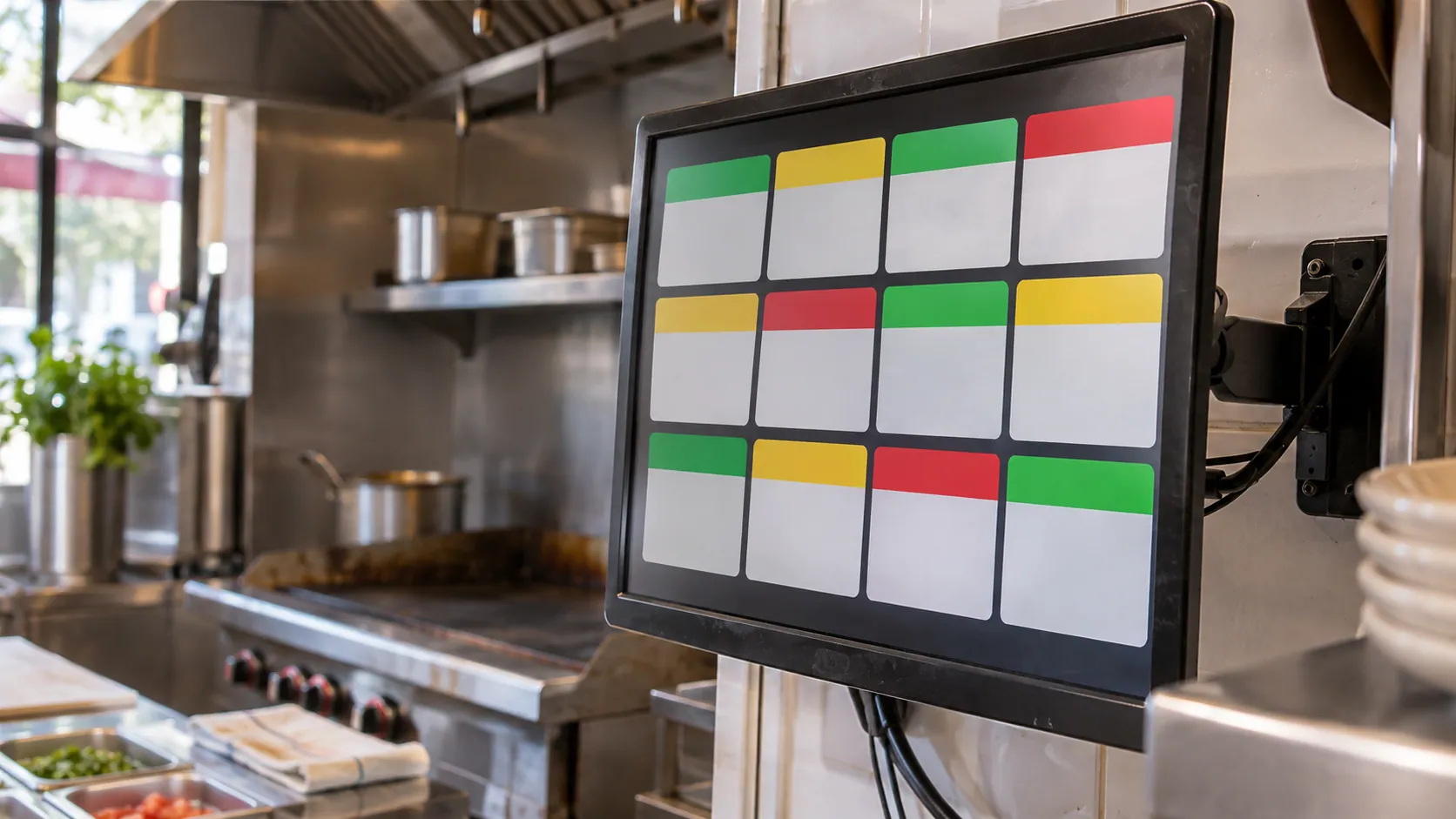
A kitchen screen in Spanish
Cooks read every order in Spanish, with the dish names your kitchen already uses.
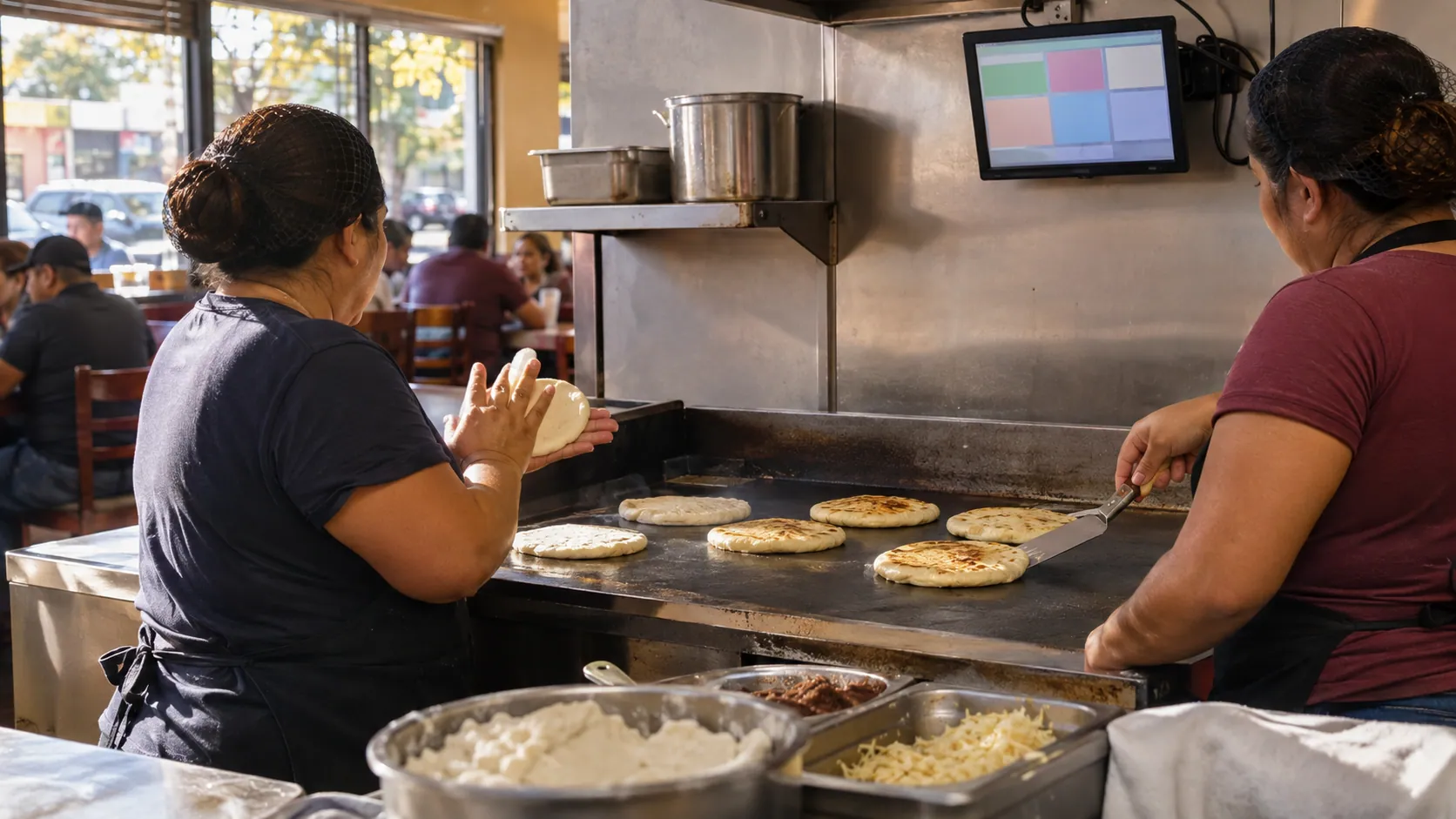
Modifiers the way you say them
"Sin cebolla", "revuelta" or "extra curtido" shows under the dish, with the customer's notes.
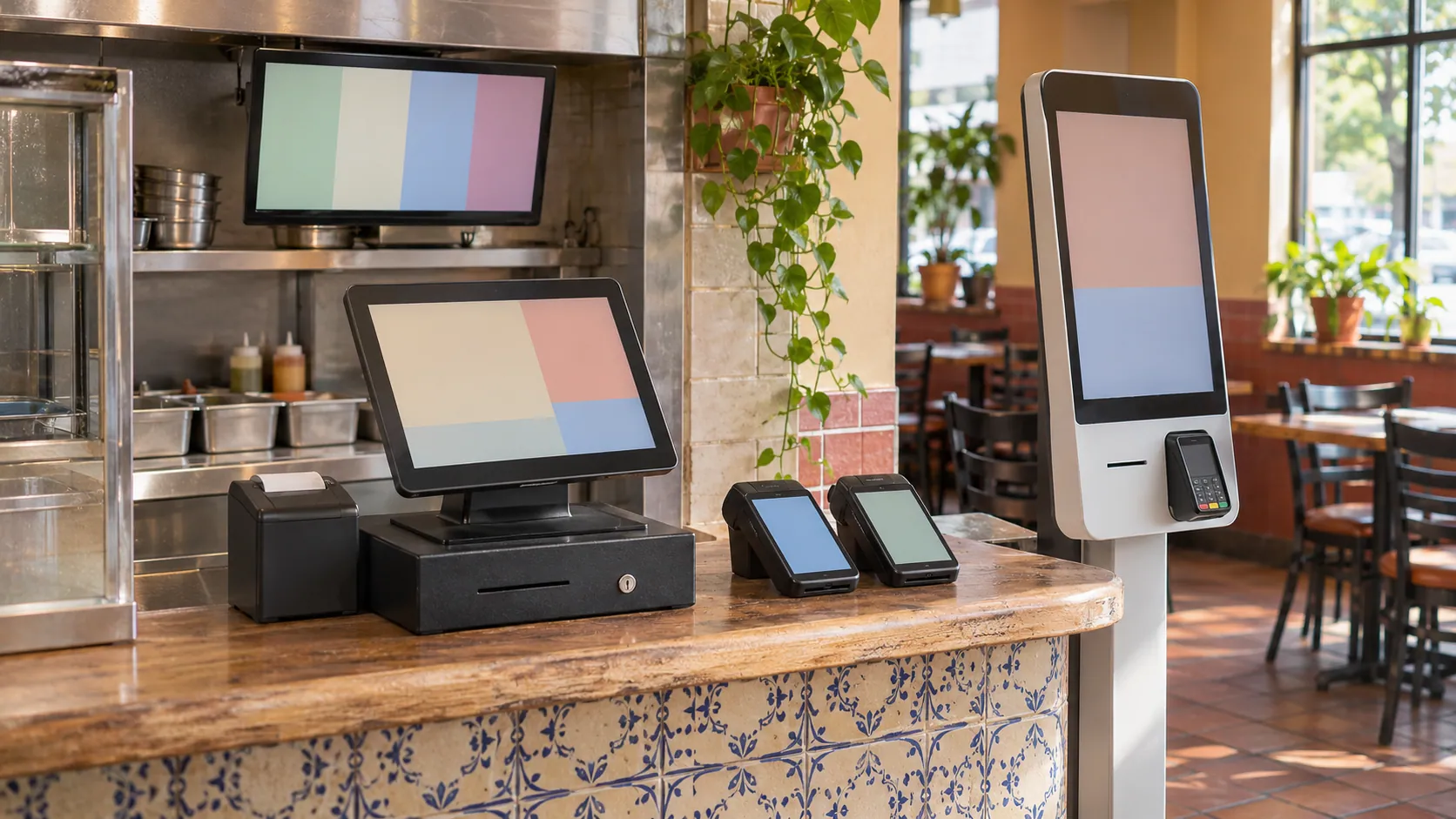
Every channel, one screen
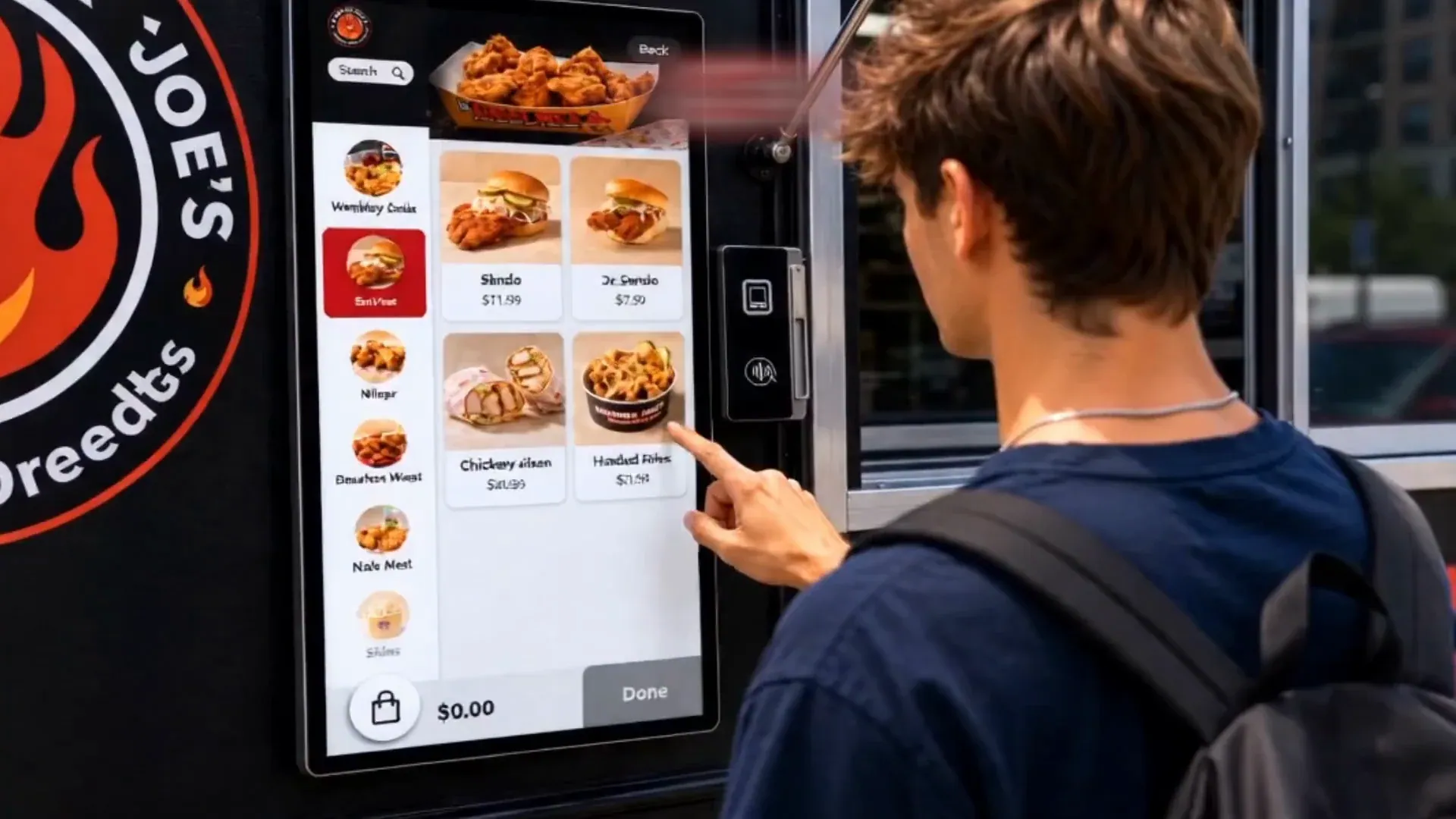
Counter, kiosk, website, app and phone orders land in one line, marked by order type.
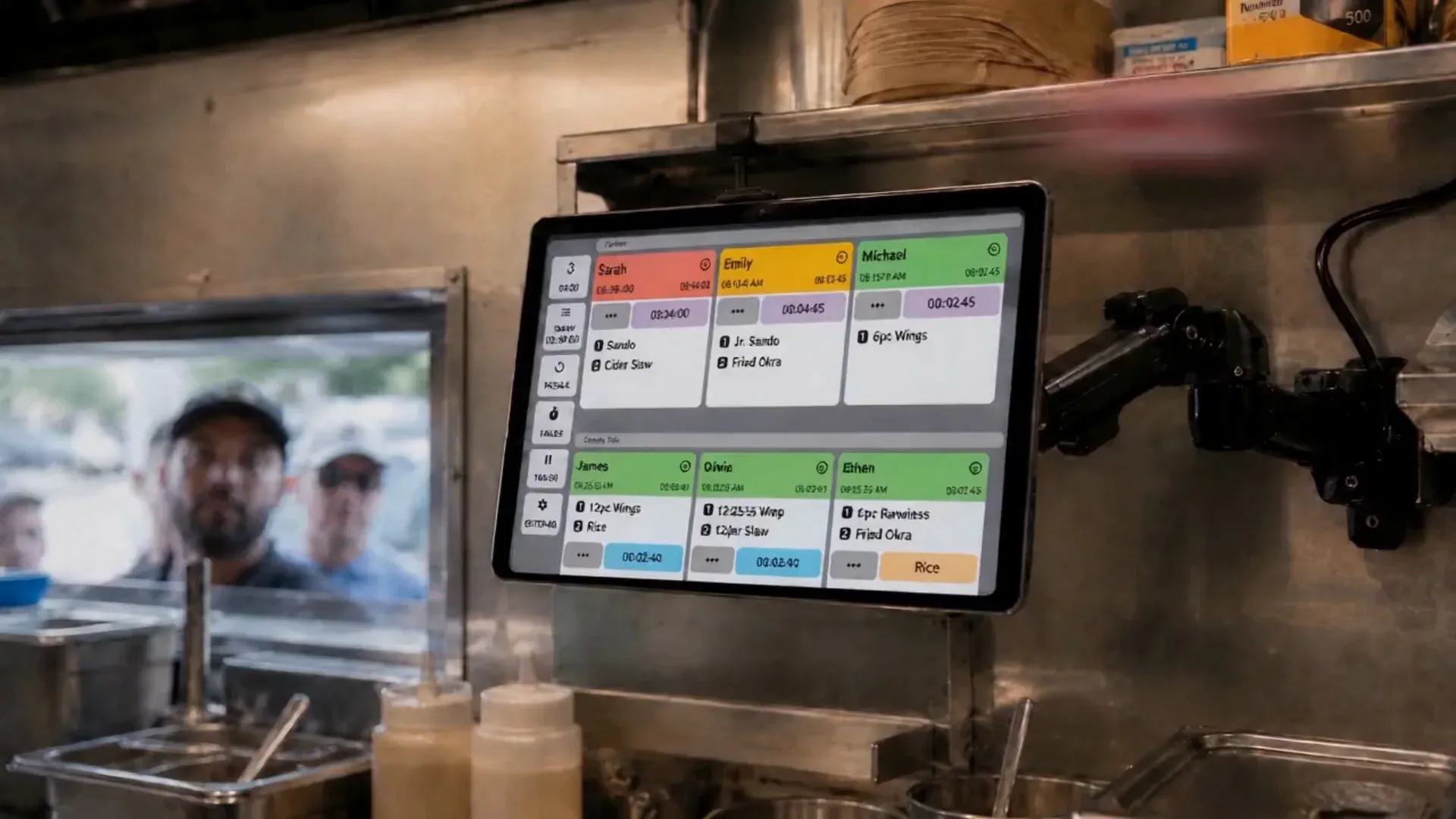
Sorted by priority and time
Orders sort by priority, type and time, and colours show what has to go first.
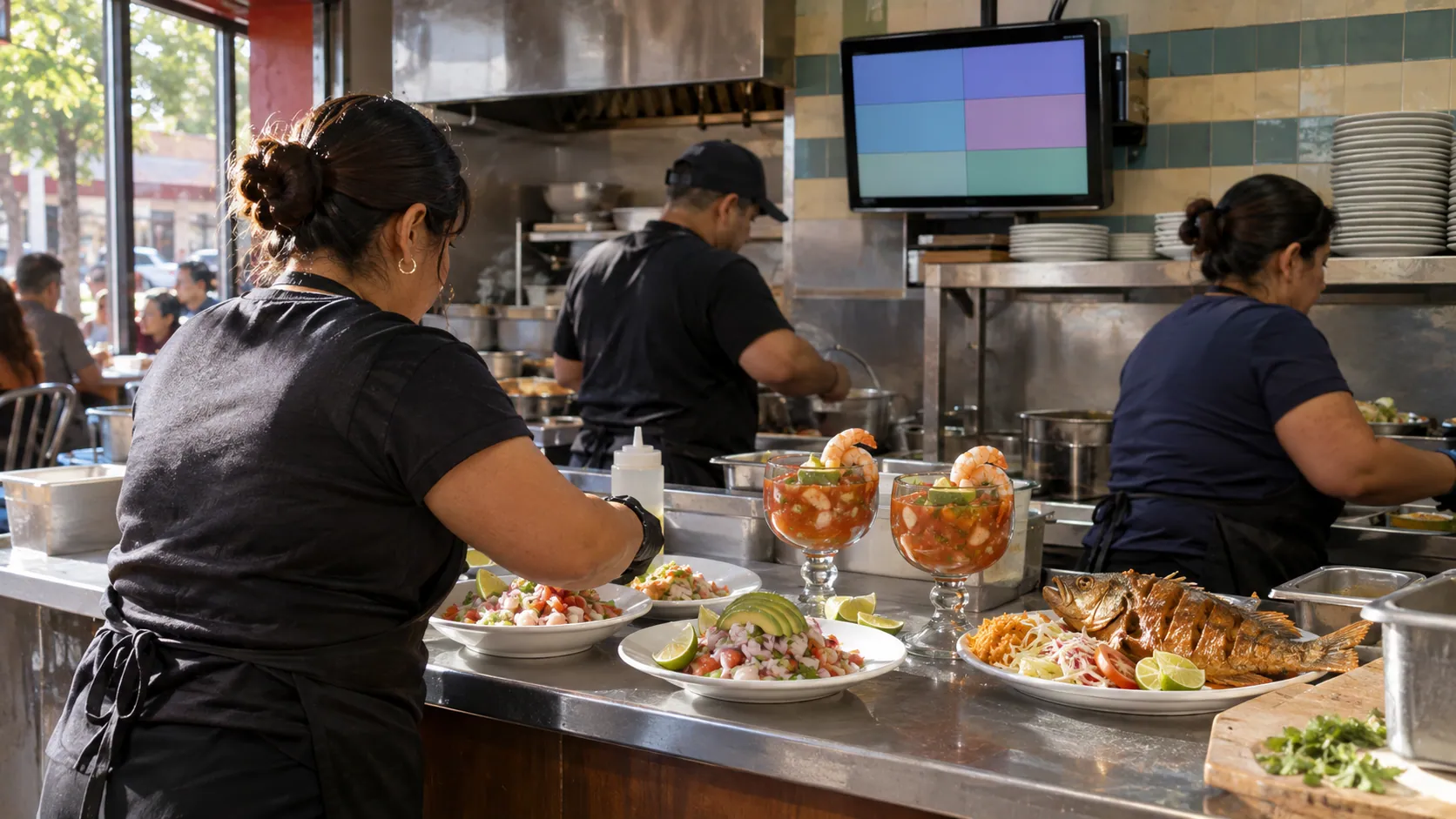
A prep time for each dish
A quick taco and a whole fried fish each get their own prep time.
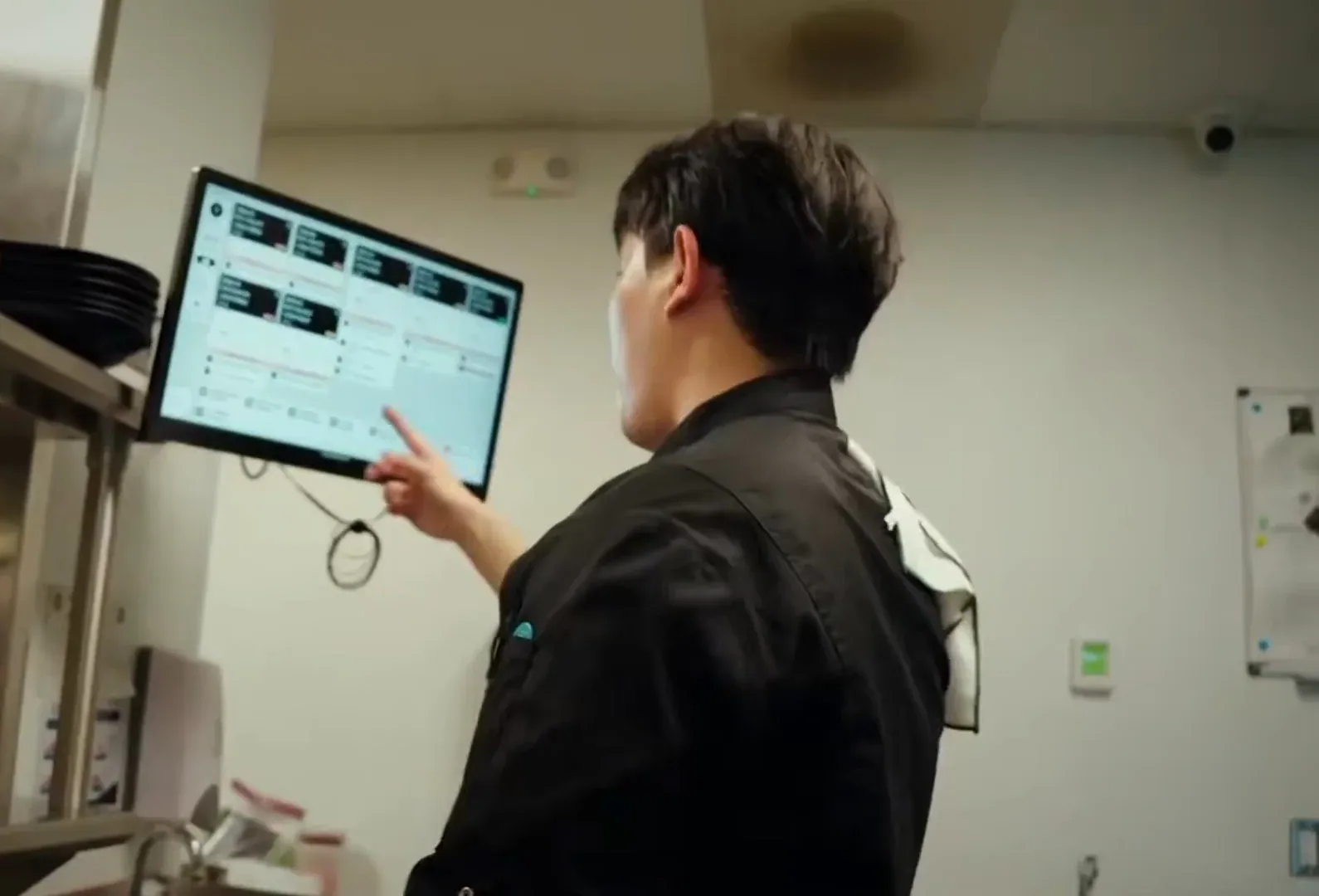
No paper tickets to lose
The screen replaces paper tickets, so no order slips behind the plancha.
One kitchen display screen for every order
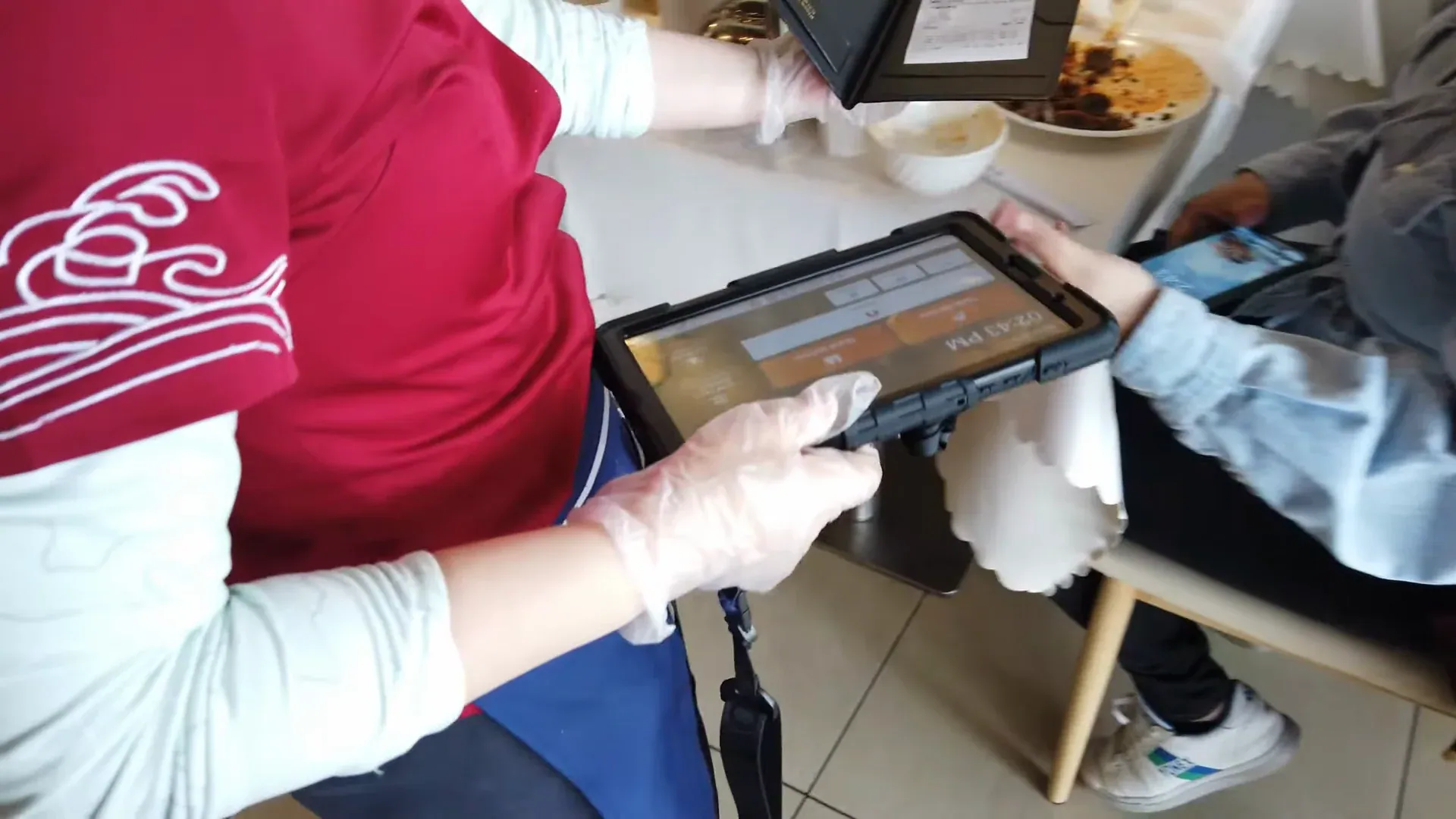
The KDS is part of the restaurant POS, so a new way to order never means another tablet on the counter.
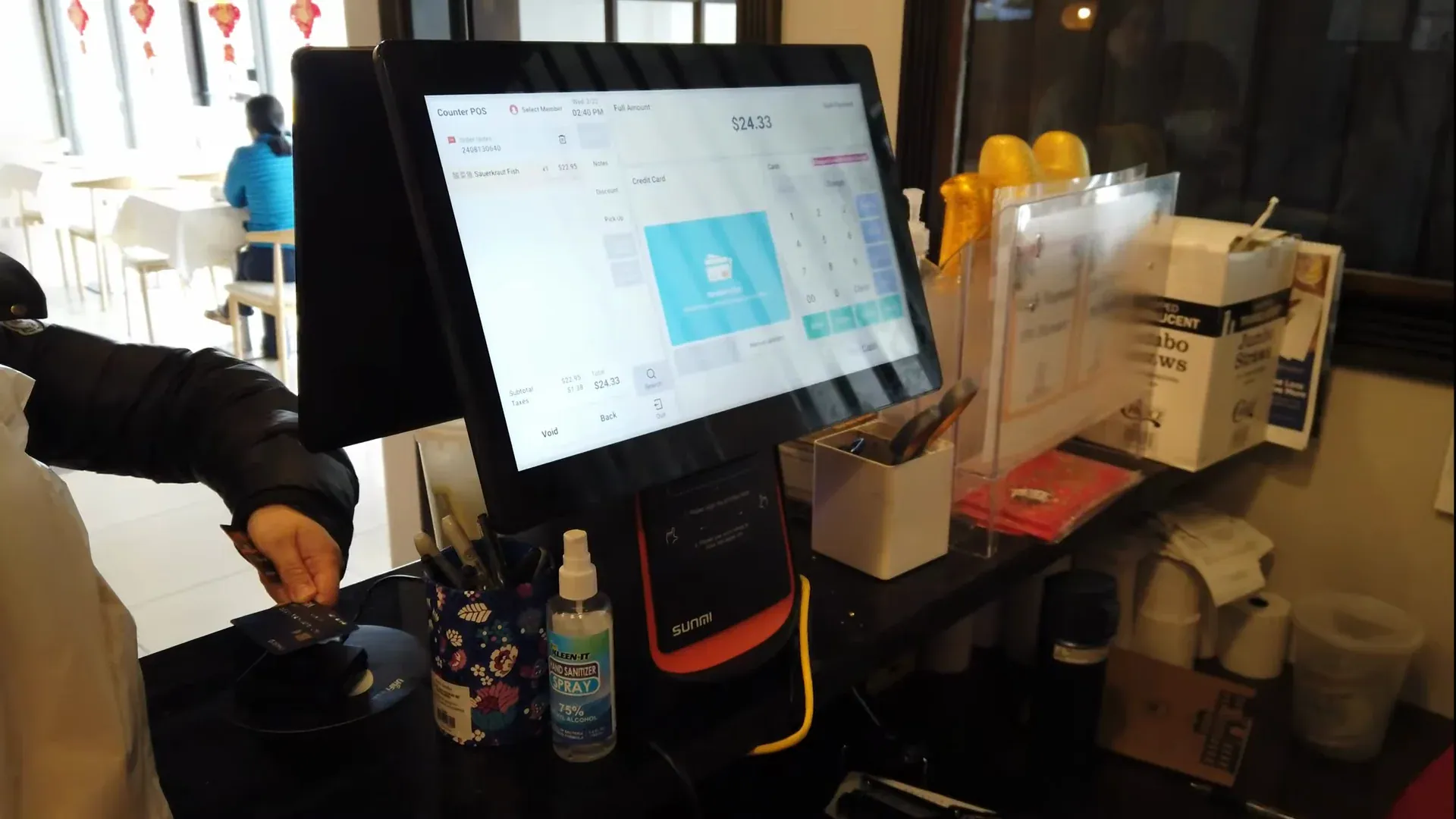
Kitchen display problems Truvana Tech fixes
Most kitchen screens show orders. What matters is whether your cooks can read them.
Truvana Tech
A kitchen display system for restaurants that cook in Spanish
When cooks work in Spanish and tickets print in English, orders get missed. Truvana Tech sets up kitchen display systems for restaurants in DC, Maryland and Northern Virginia, in English or Spanish.
Your menu, your words
Dish names your cooks already use
We load your menu the way your kitchen talks: pupusa revuelta, salteña de pollo, cuarto de pollo, coctel de camarón. The screen and the printed tickets show the same Spanish names, so nobody translates.
- Spanish item names on screens and tickets
- Modifiers and notes under each dish
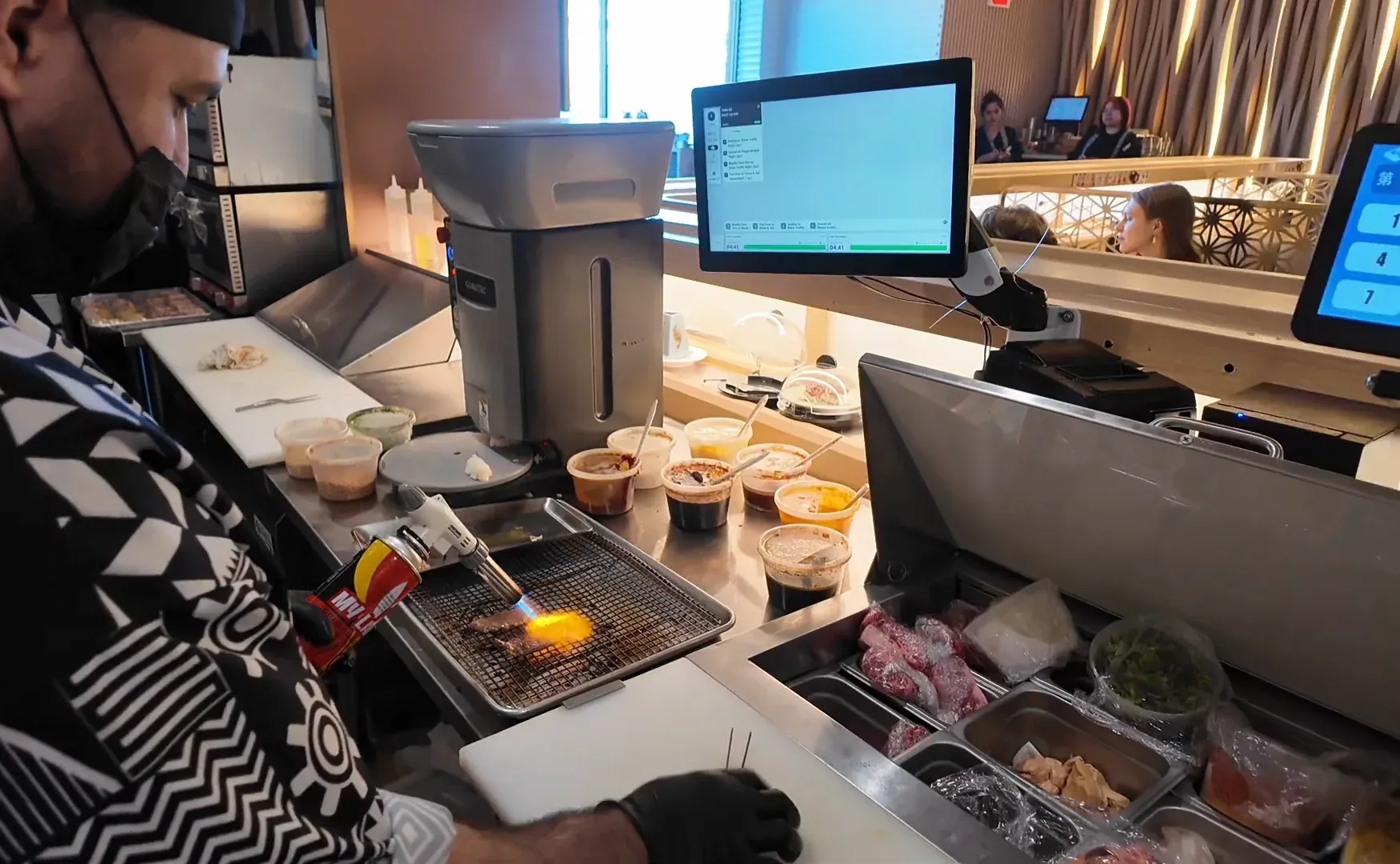
Installed on site
Set up where every cook can see it
Our local team installs the screens in your kitchen, connects them to your POS, kiosk and online orders, and sends a test order from every channel before your first service.
- Test orders from every channel
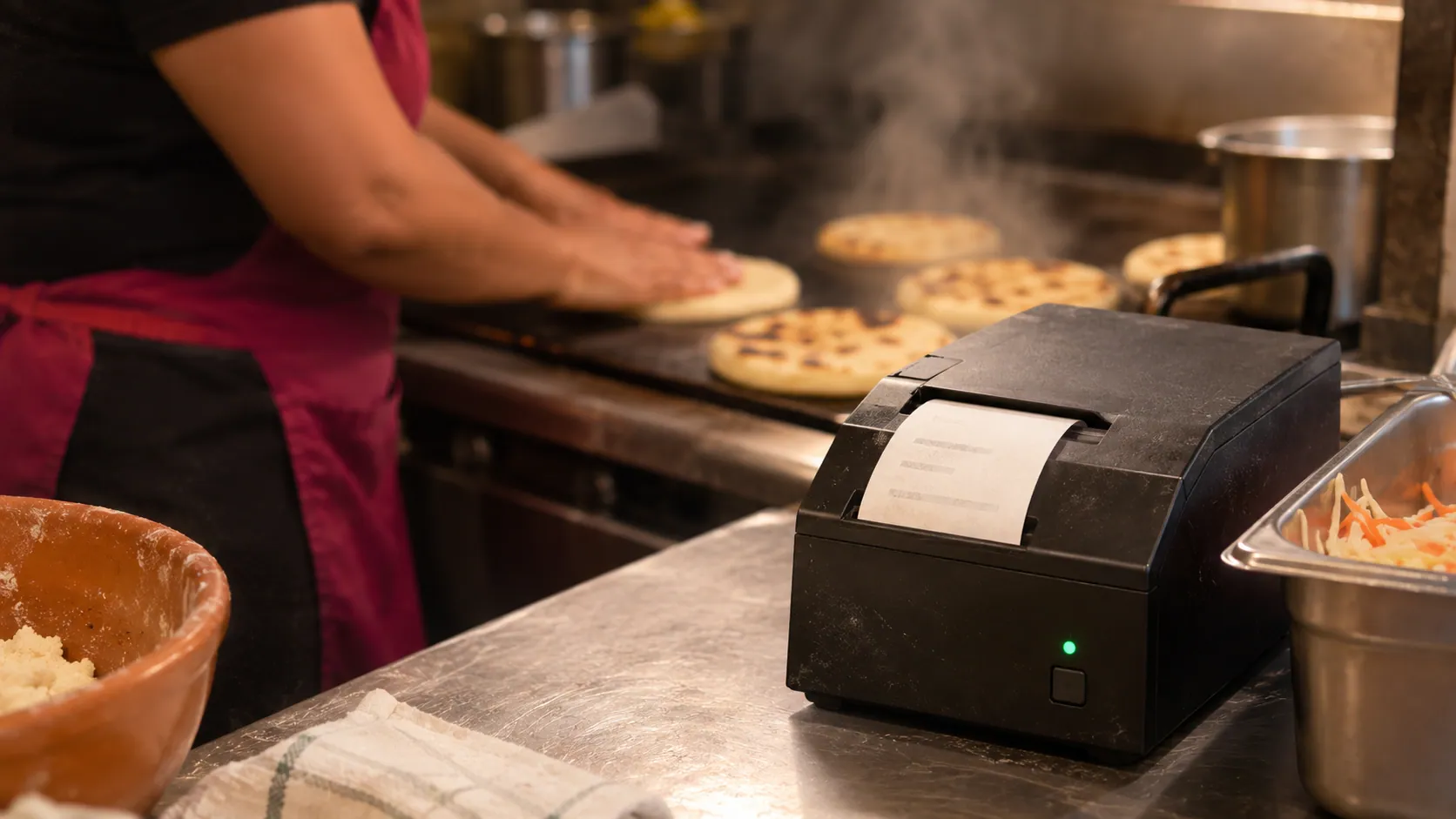
- Works alongside a kitchen printer
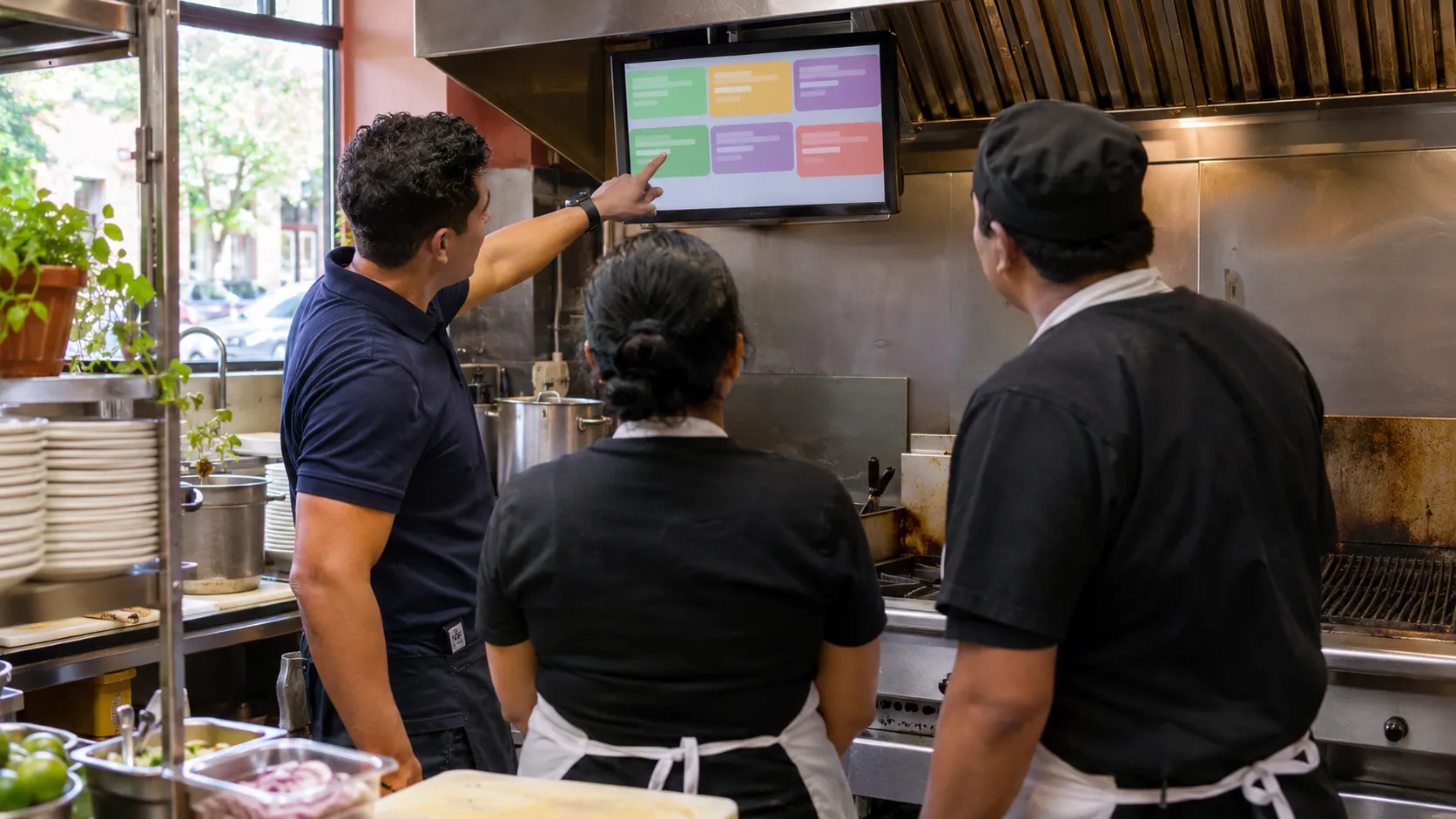
Training in Spanish
Cooks learn the screen in their language
We train your cooks on site, on your own menu: how orders arrive, what the colours mean and how to mark an order done. The POS has a training mode for practice.
- Training on site, on your menu
- A local contact after the install
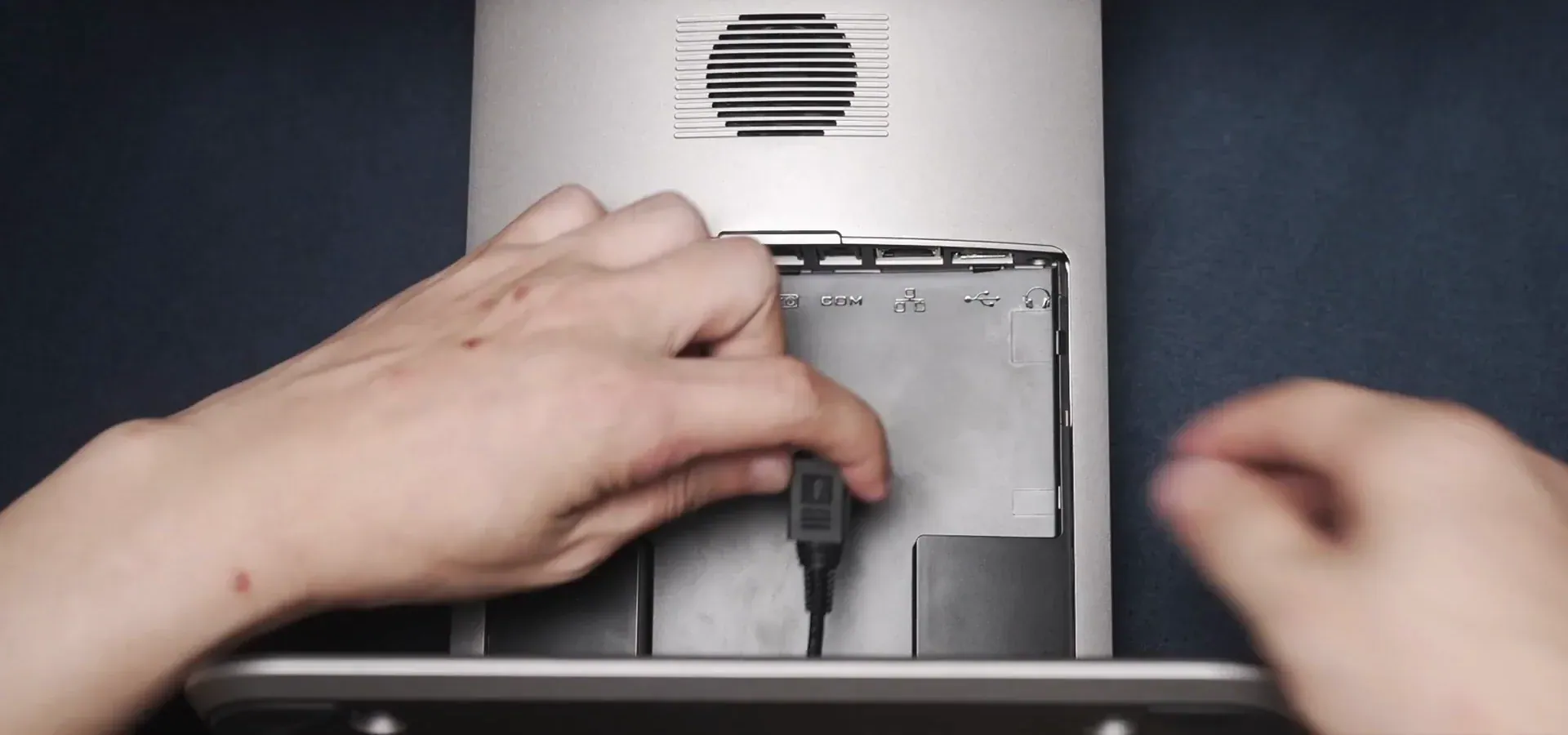
How a kitchen display system setup works
The screens go up before opening day, so your cooks already know them on the first busy night.
- 01
Tell us how your kitchen runs
Your stations, where your orders come from, and one recent card statement.
- 02
Get a written quote
Screens, card rate and any monthly fee, explained in your language. No contract.
- 03
Install and load your menu
We put up the screens, load your dishes and modifiers, and test every order source.
- 04
Train your cooks
Cooks learn the screen on site, in Spanish or English, before a real service.
What is a kitchen display system (KDS)?
A kitchen display system (KDS) is a screen in the kitchen that shows each order as soon as it's placed, instead of a paper ticket.
How much does a kitchen display system cost?
A KDS has three costs: the software, the screens and the POS plan it runs on.
| Cost | Square (checked November 10, 2026) | With Truvana Tech |
|---|---|---|
| KDS software | $30 per screen per month on Plus; $20 on Premium | On your written quote |
| POS plan | $49 or $149 per month | On your written quote |
| Screens | Bought separately | Free when you process your card sales with us |
Source: Square, checked November 10, 2026. Compare Square vs Clover and Toast vs Clover.
How to choose a KDS for your restaurant
Pick a KDS that every order reaches, then ask:
- Is the screen in Spanish?
- Do modifiers show under each dish?
- Who installs it and trains your cooks?
- Is it a fee per screen, a purchase or a lease you can't cancel?
Kitchen display system questions owners ask
What is a KDS in a restaurant?
KDS stands for kitchen display system: a screen in the kitchen, also called a KDS screen, that replaces paper tickets. Orders from every channel appear in one line with their modifiers, and the cooks mark each order done.
How much does a kitchen display system cost?
You pay for the software, the screens and the POS plan. Square charges $30 or $20 per screen per month on top of its $49 or $149 plan, so two screens on Plus come to $109 per month before hardware and card fees (checked November 10, 2026). Hardware is free when you process your card sales with us; your written quote shows the terms.
What is the difference between a POS and a KDS?
The POS takes the order and the payment. The KDS is the screen in the kitchen that shows what to cook. They work as one system: the order you ring up appears on the kitchen screen.
Is a KDS worth it for a small restaurant?
A KDS helps most when orders come from several places, like the counter, a kiosk, the phone and delivery apps. A small counter with one cook may do fine with a kitchen printer. Tell us how you serve and we'll suggest a setup.
Can I keep a kitchen printer with a KDS?
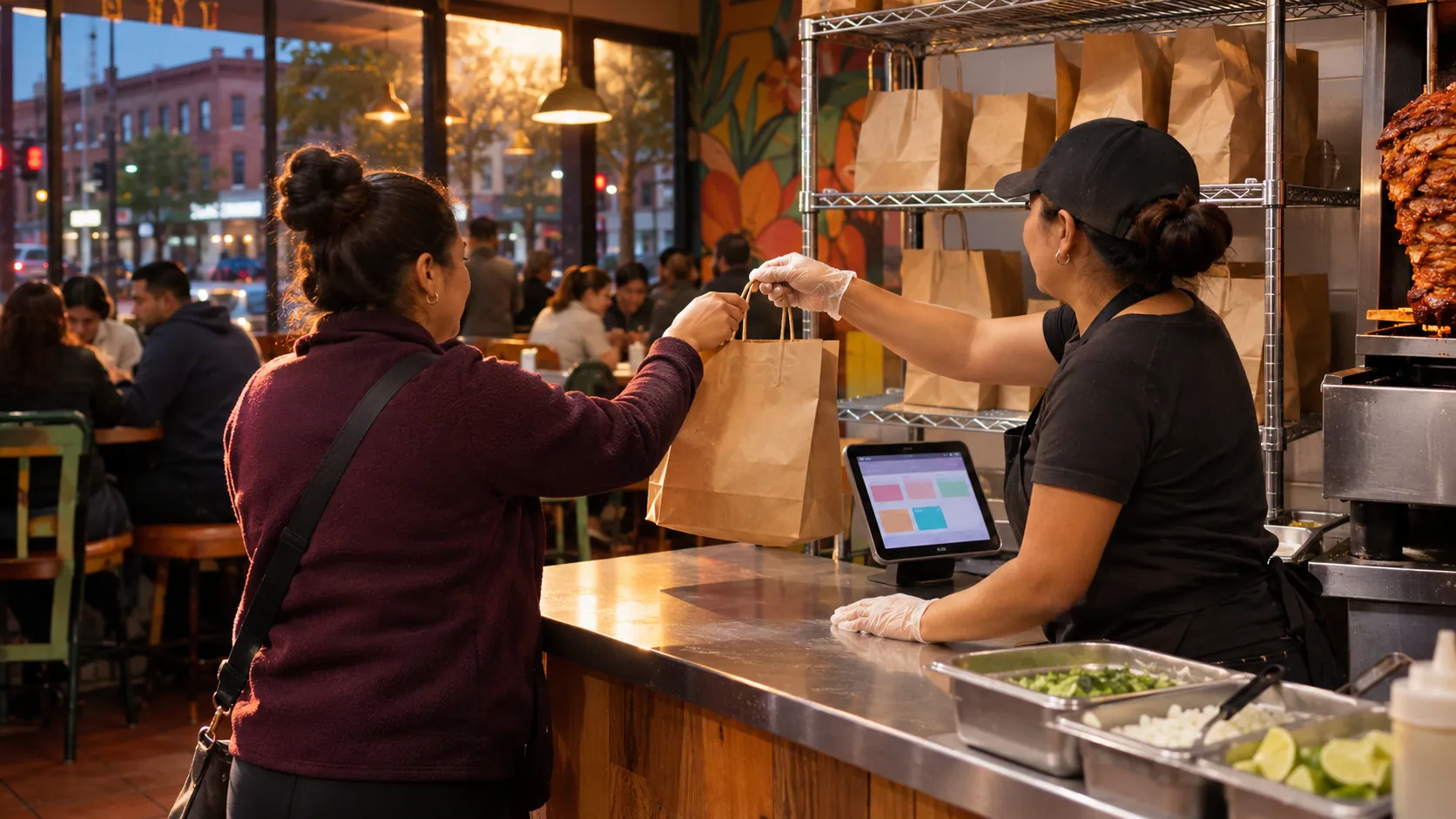
Yes. Many kitchens keep a printer for the to-go bags next to the kitchen screen. Ours prints item names in Spanish.
Can the kitchen screen show orders in Spanish?
Yes. The screen works in Spanish and shows your dish names and modifiers, like "pupusa revuelta, extra curtido". We load your menu and train your cooks on site in DC, Maryland and Northern Virginia.
Get a quote for your kitchen display
Tell us how many cooks, stations and order channels you have. A person replies in English or Spanish.
Tell us about your business
Your name and email are enough to start. Write in English or Spanish.